
Microsoft Teams Channel Meetings Explained: Why They Email Everybody (or Miss Personal Outlook & iPhone Calendars)
Adding a Microsoft Teams channel to a meeting posts the join banner in the channel and places the event on the underlying Microsoft 365 Group calendar—but whether all 150 channel members receive personal inbox invites and see the meeting on their iPhone calendars depends on two hidden rules.
How Teams meeting types deliver invites and block personal calendars
| How you schedule it | Posts in channel feed & recordings? | Emails every channel member? | Lands on personal Outlook & iPhone calendar? |
|---|---|---|---|
| Standard Teams meeting (no channel, Required attendees listed) | No — private meeting chat only | Only listed attendees | Yes, for every listed attendee |
| Channel meeting (no individual Required attendees; Group subscription OFF) | Yes — channel post, shared notes & recording | No personal inbox invite sent! | No — stays on the Group/Channel calendar unless a member manually clicks Add to calendar |
| Channel meeting (Group "Send copies to members’ inboxes" ON) | Yes — channel post & recording | Yes — emails every member of the Team! | Yes — lands in every member’s inbox and personal calendar |
| Channel meeting + 5 specific Required attendees added | Yes — visible to all channel members to join | Guaranteed personal invite to the 5 named attendees (+ subscribed group members) | Guaranteed on those 5 personal calendars |
What most people assume
Scheduling a meeting inside a Microsoft Teams channel automatically puts it on every channel member’s personal Outlook and iPhone calendar without emailing the whole group.
Why Two Teams in the Same Company Behave Completely Differently
Every standard Microsoft Team is backed by a Microsoft 365 Group mailbox. When that Group has Follow in inbox / Send copies of team emails and events to team members’ inboxes enabled (`AutoSubscribeNewMembers` in Exchange Online), scheduling any channel meeting blasts an `.ics` invitation to every member of the Team—even if the Team has 400 people.
Conversely, in larger Teams where IT or the Team owner disabled inbox copies to cut email noise, scheduling a channel meeting with the Required attendees line left blank posts quietly in the Teams channel and on the Channel calendar tab—meaning nobody receives an Outlook invite, and the meeting never syncs to anyone’s iPhone calendar unless they open the channel post and click Add to calendar.
How to Invite Only 6 People While Keeping Recording & Notes in the Channel
When a project sub-group wants the meeting recording, transcript, and collaborative notes saved automatically inside a Teams channel without requiring 80 bystanders to attend, check whether your Team broadcasts group events first. Add the 6 required speakers explicitly on the Required attendees line so it blocks their personal Outlook and iPhone schedules, and state "[Optional / Open Channel Sync]" in the title if your Team’s group subscription setting emails everyone.
Note that Private channels and Shared channels in Microsoft Teams do not currently have a full Microsoft 365 Group mailbox behind them, so scheduled channel meetings are supported only in Standard channels.
Sharing Optional Team Events Without Microsoft 365 Group Clutter
For cross-company town halls, community office hours, or client workshops where external participants are not members of your internal Teams tenant, publishing a Cloud Calendars Event RSVP page (/event/) or live `.ics` subscription feed lets anyone scan a QR code or click once to add the session—with automatic time-zone conversion and live rescheduling updates—directly to their iPhone, Google, or Outlook calendar.
What it looks like
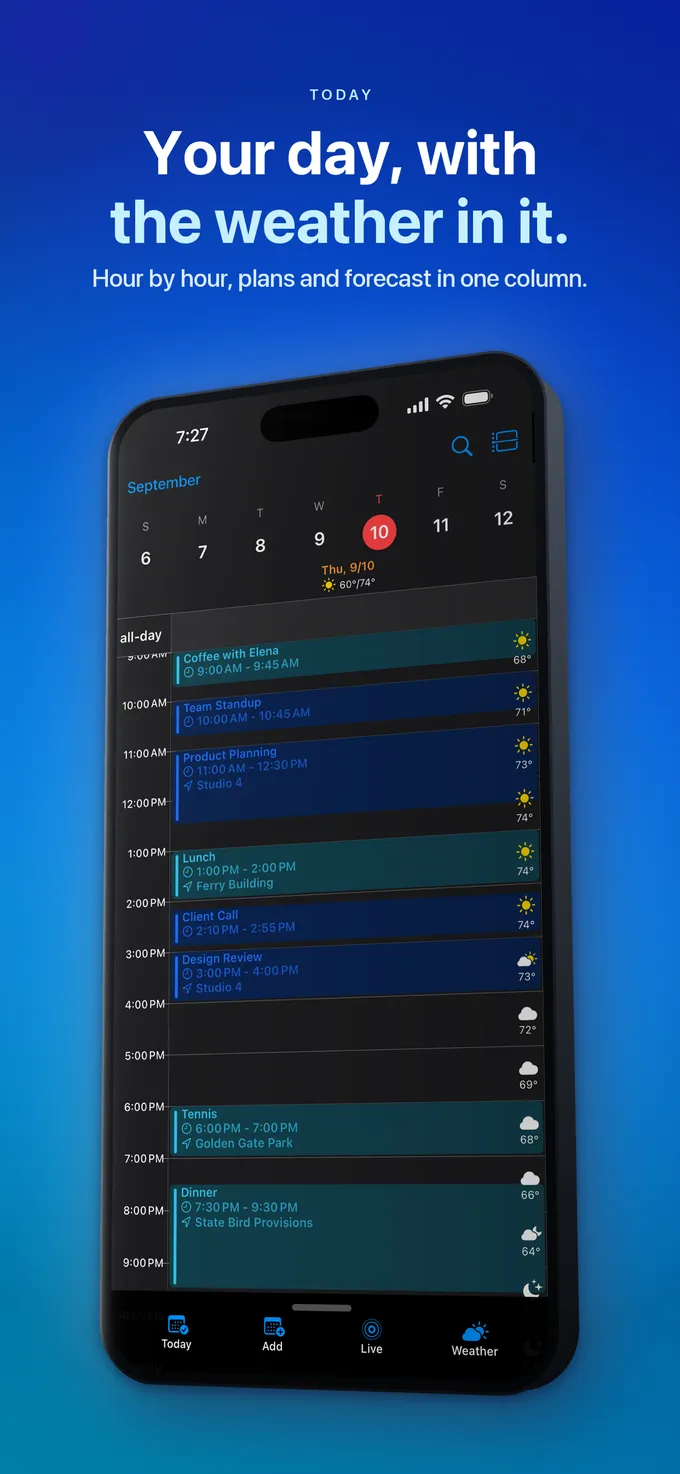
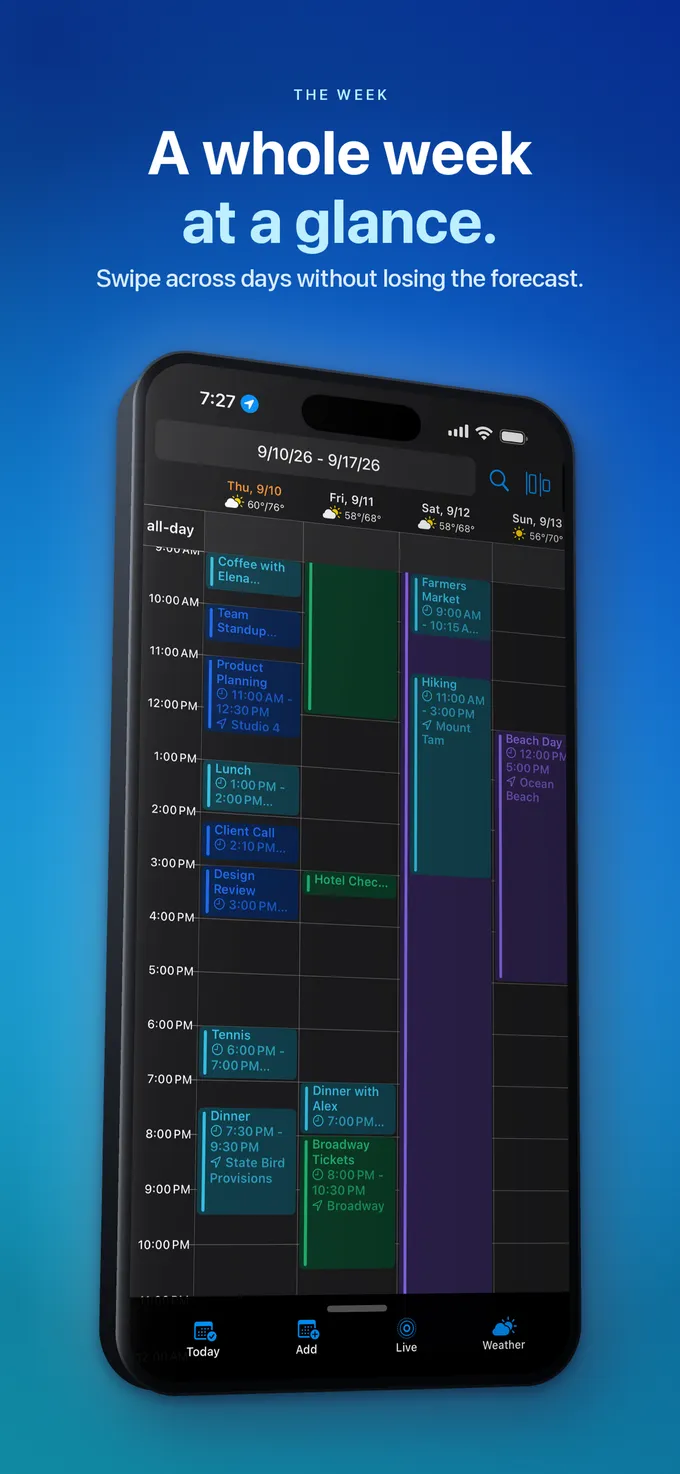
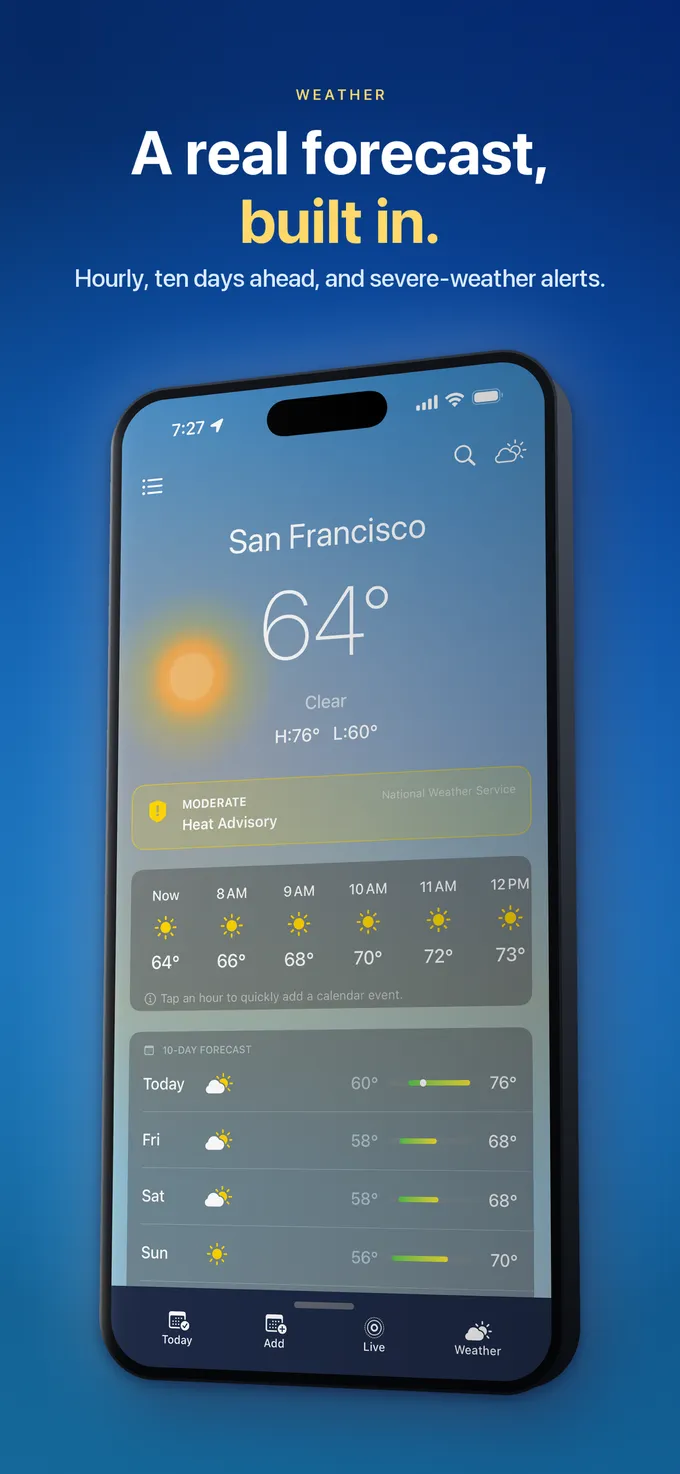
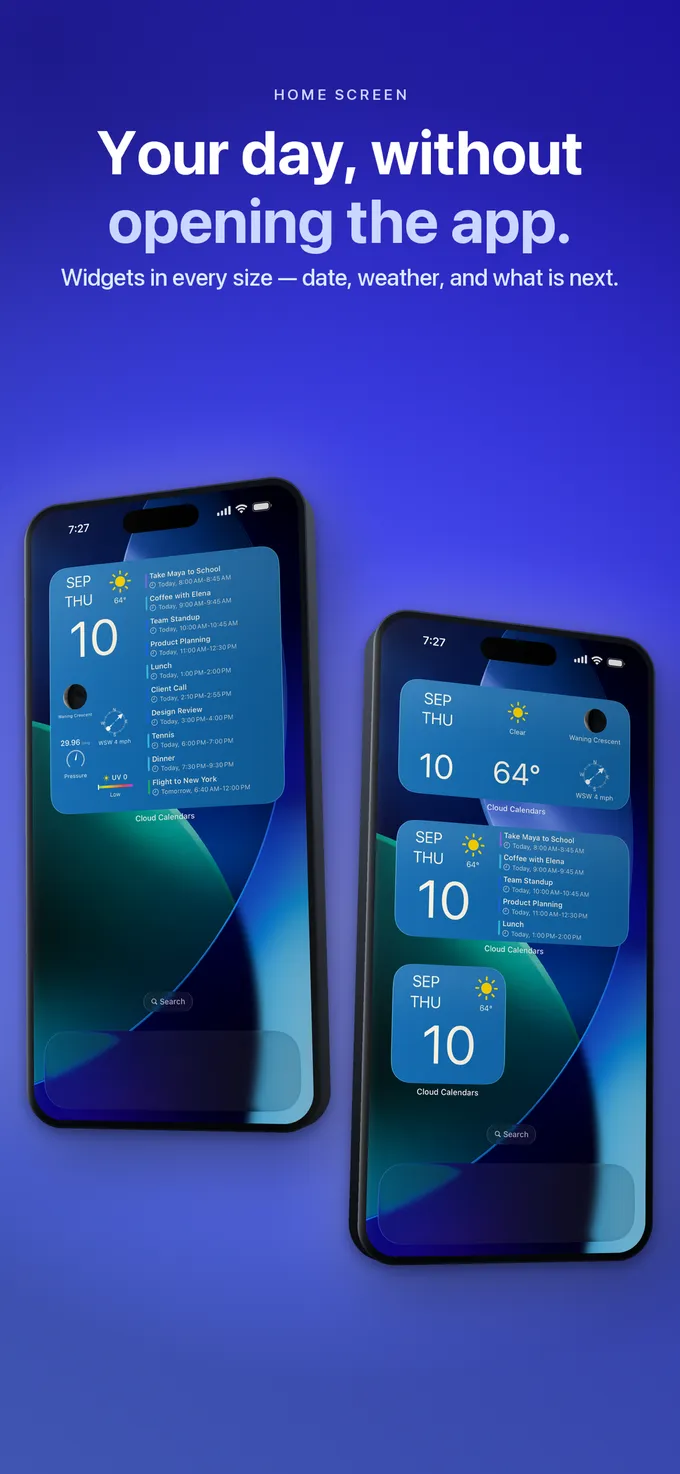
What to do
- Always add must-attend presenters and decision-makers explicitly to Required attendees on a Teams channel meeting so it is guaranteed to block their personal Outlook and iPhone calendars.
- Before scheduling in a 100+ person Team, check Outlook → Groups → Group Settings to see whether members are subscribed to receive all group events in their inbox.
- Add the Channel calendar tab inside key Teams channels so optional teammates can browse upcoming sessions and click Add to calendar on the ones they want.
- Remember that Private and Shared Teams channels do not support scheduled channel meetings—use a Standard channel or a regular attendee-list meeting instead.
Questions
- Why didn’t a Teams channel meeting show up on my iPhone calendar?
- iPhone calendar apps (including Cloud Calendars, Apple Calendar, and Outlook Mobile) sync your personal Exchange calendar by default—not unsubscribed Microsoft 365 Group calendars. Open the meeting post inside the Teams channel and tap Add to calendar so it copies onto your personal calendar.
- Can I add a Teams channel to an existing meeting after I already sent the invite?
- No. Microsoft Teams locks the channel field once a meeting is created. To move a private meeting into a channel, cancel the original invite and create a new meeting with the channel selected from the start.