
What is a cloud calendar? Accounts, apps and shared schedules explained
A cloud calendar stores a schedule with an online service so authorised devices and people can work with it. The service, the calendar inside it and the app used to view it are different parts of the setup. Arte Soft, the developer of the Cloud Calendars iPhone and iPad app, publishes this explanation.
Separate the account, calendar and app
The account identifies you to a service such as Google, iCloud or Outlook.com. Within an account you may have more than one calendar, such as personal appointments and a shared household schedule. A calendar app provides the interface for viewing and editing the calendars it supports.
For example, a family appointment may belong to a Google calendar while an iPhone app displays it beside an iCloud appointment. Seeing both together does not mean the records moved to one account. Check the calendar selected in the event editor when you need to know where a new appointment will be saved.
Understand what the online service adds
Apple describes iCloud Calendar as keeping calendars in the cloud and available across configured devices, with sharing for other iCloud users. Google’s getting-started guide describes using Google Calendar through a Google Account. These are examples of calendar services rather than just visual layouts.
An online account can provide a common source for supported devices, but it does not make every connection identical. A full account connection, a read-only subscription and an imported file have different update behaviour. Establish which route you used before expecting an edit to reach another device.
A cloud calendar is not automatically public
Storing a calendar online does not itself say who may see or edit it. Microsoft’s Outlook.com sharing guide distinguishes view and edit permissions and also describes publishing a calendar. Review the intended audience and access level in the service that owns the schedule.
Use a household calendar for household commitments and keep private work details out of it unless sharing them is appropriate and permitted. A convenient combined view on your own phone is different from giving another person continuing access. Verify access from the recipient’s account when that distinction matters.
Cloud storage and offline access are separate questions
A calendar app may keep previously loaded events available locally. That does not prove that every historical appointment, attachment or new change is available without internet. Before a trip, check the dates and details you will need while still connected.
Use a harmless appointment to test the actual app and account offline. If editing is allowed, confirm the result at the online source after reconnecting. Keep a separate record of essential travel details; do not sign out or remove a calendar account merely to simulate a lost connection.
Where the Cloud Calendars app fits
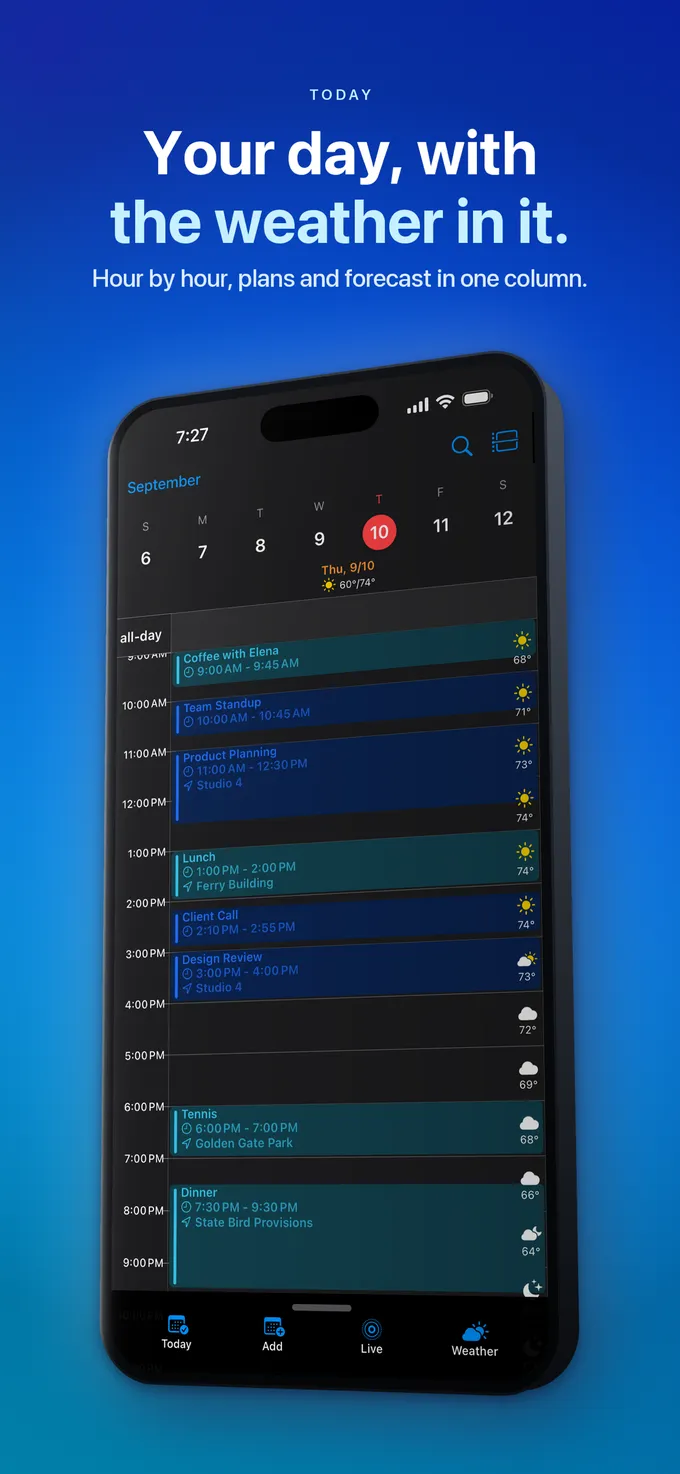
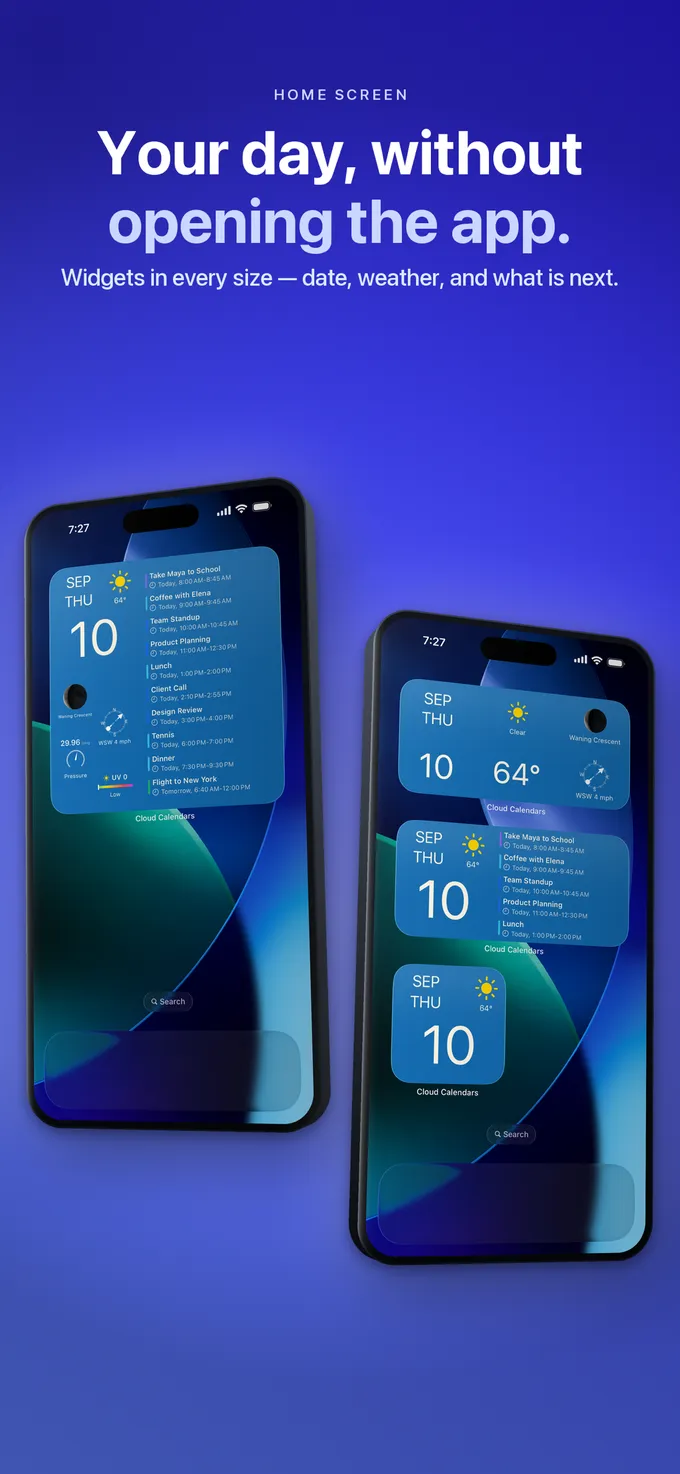
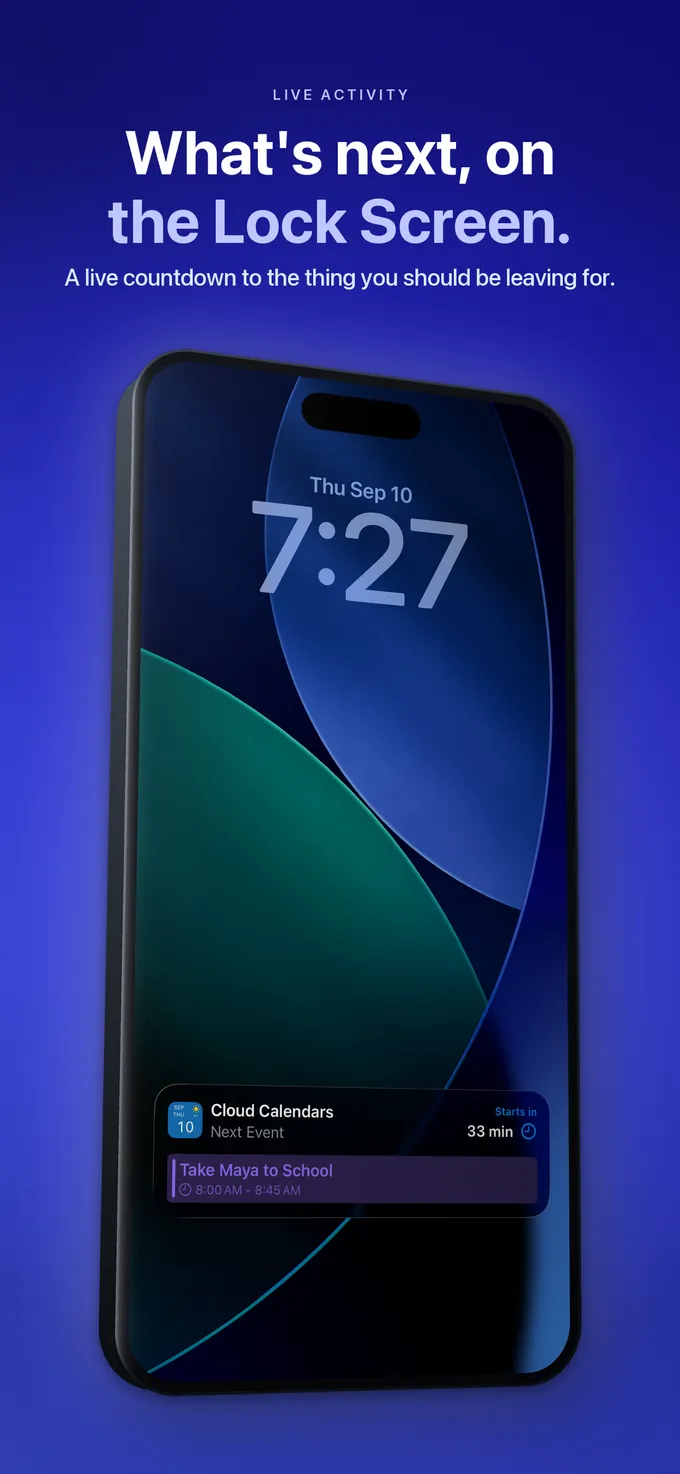
Cloud Calendars is the name of our iPhone and iPad planning app. It offers selected-calendar views, weather, widgets and calendar connections. Its name should not be read as a claim that every calendar service has the same features, or that installing it changes who owns an existing Google or iCloud calendar.
Choose the service for the accounts, sharing and organisational requirements you need. Then choose an app for the planning experience on your devices. If your aim is to compare several schedules at once, check supported connections and plan requirements rather than assuming you must migrate every appointment.
Confirm one appointment before migrating a schedule
Create a private test appointment in a calendar you own. Check its account, date, time and title at the provider, then inspect it on the second device. If the connection allows editing, change the test and check the original source again. This verifies the result you actually need rather than only a successful sign-in.
Keep originals until the required dates and changes have been checked. A synchronised calendar is also not automatically a separate backup: deleting an original may be reflected elsewhere. Review the provider’s recovery and export options before moving or deleting a real schedule.
What it looks like


What to do
- Identify the account that owns each calendar.
- Check the destination calendar before saving an event.
- Distinguish account sync, a feed subscription and a file import.
- Review sharing permissions separately from your combined view.
- Verify one harmless appointment on both devices before switching.
Questions
- Is iCloud Calendar the same thing as the Cloud Calendars app?
- No. iCloud Calendar is Apple’s calendar service. Cloud Calendars is an iPhone and iPad app developed by Arte Soft that can help you plan with selected calendars.
- Does cloud calendar mean everyone can see it?
- No. Access depends on sharing and publishing settings. Review who is invited, what they may see and whether they can edit.
- Can one app show several cloud calendars?
- An app that supports the relevant accounts or calendar connections can provide a combined view. That does not by itself merge ownership, copy availability between accounts or grant new sharing permissions.