
Booking link, event invitation or shared calendar: which should you send?
“Send me your calendar” can mean three different things: offer a choice of appointment times, invite someone to a meeting already arranged, or give continuing access to a schedule. Choosing the right link avoids both extra messages and unnecessary disclosure. Arte Soft, the developer of Cloud Calendars, publishes this guide.
Use a booking page when the time is still undecided
Suppose a client needs a thirty-minute call next week and should choose from your available slots. A booking service is designed for that decision. Set the meeting duration, availability and any required gap between calls before sharing its link. Review the actual slots as a visitor before sending it to a client.
Calendly documents links to an individual event type or to a landing page containing active event types. Those destinations serve different purposes: a specific consultation should not accidentally lead to every service you offer. Check the current plan for the controls you need rather than assuming all scheduling features are included.
Use an invitation when the meeting is already arranged
If you have agreed Tuesday at 14:00, create the event with the right time zone and participants, then send an invitation through the calendar’s supported workflow. The recipient is responding to a proposed event; they are not selecting a free slot from your week.
A meeting URL is another separate item. A video-call link explains where to join, while a calendar invitation carries scheduling details. Sending only a call link may leave the recipient without an appointment or a reminder. Check the saved event and the participant response before assuming the arrangement is complete.
Vimcal: availability sharing and delegate access are separate
Vimcal’s iOS page promotes sharing availability, checking time zones and booking links. Its setup documentation describes signing in with Google or Microsoft and obtaining the underlying provider’s delegate access before managing an executive’s calendar. A convenient combined view is not permission to act for someone else.
If scheduling for a colleague, confirm whose calendar receives the appointment, which calendars affect the proposed slots and which identity sends the invitation. Check the guest’s time zone as well as the organiser’s. These are selection criteria; this guide has not benchmarked Vimcal’s speed or tested its booking workflow.
Share a calendar for continuing coordination
A household coordinating pickups needs an ongoing schedule rather than a new booking page for each pickup. Decide whether the other person needs to view details, edit events or simply know that a time is occupied. Give the least access that accomplishes the task.
Cloud Calendars brings selected schedules into an iPhone and iPad planning view and supports calendar-sharing workflows. That does not make a shared-calendar URL an appointment-booking page. Use the sharing controls for the relevant calendar and a dedicated booking workflow when visitors need to choose a slot.
Inspect what a public booking link reveals
Google’s appointment-schedule documentation says its booking page is public and that people with its link can see the booking page, profile photo and account name. Hiding a calendar in your own list does not make that page private. Open the shared destination as a visitor and review the identity and service information it displays.
Avoid placing a private calendar-feed address in a public profile as a substitute for a booking link. Those links have different jobs and access implications. Share the intended booking-page URL, not an editing link or an account-management page copied from your own browser.
Check the result through the complete appointment lifecycle
Try an example with a colleague: choose a slot, verify the time zone shown to each person, inspect the confirmation and then test the documented cancellation or rescheduling route. Remove the test appointment afterwards through the normal organiser controls.
For your own setup, keep a short checklist: which calendars affect availability, where a booked event is saved, who receives a confirmation and how a change is communicated. Reading several calendars together does not establish that a booking service checks all of them. Confirm those settings in the service doing the booking.
What it looks like
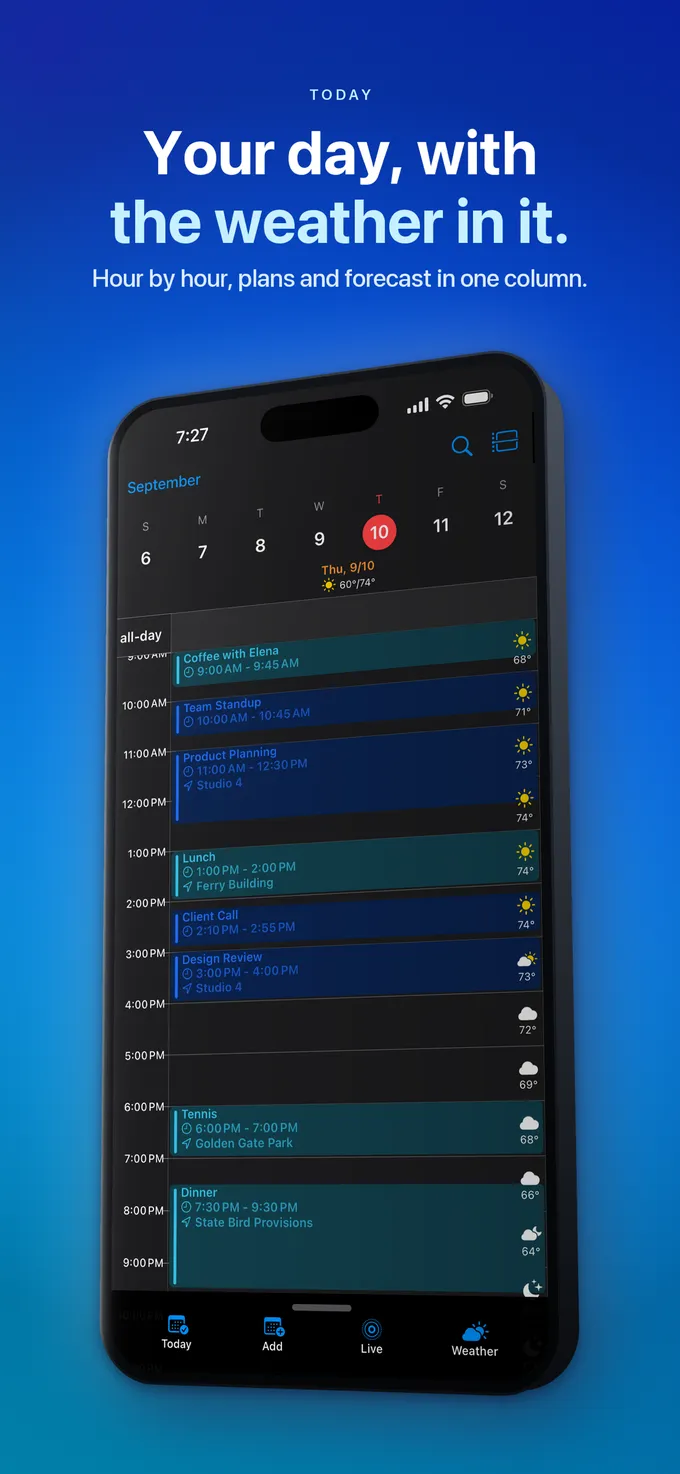



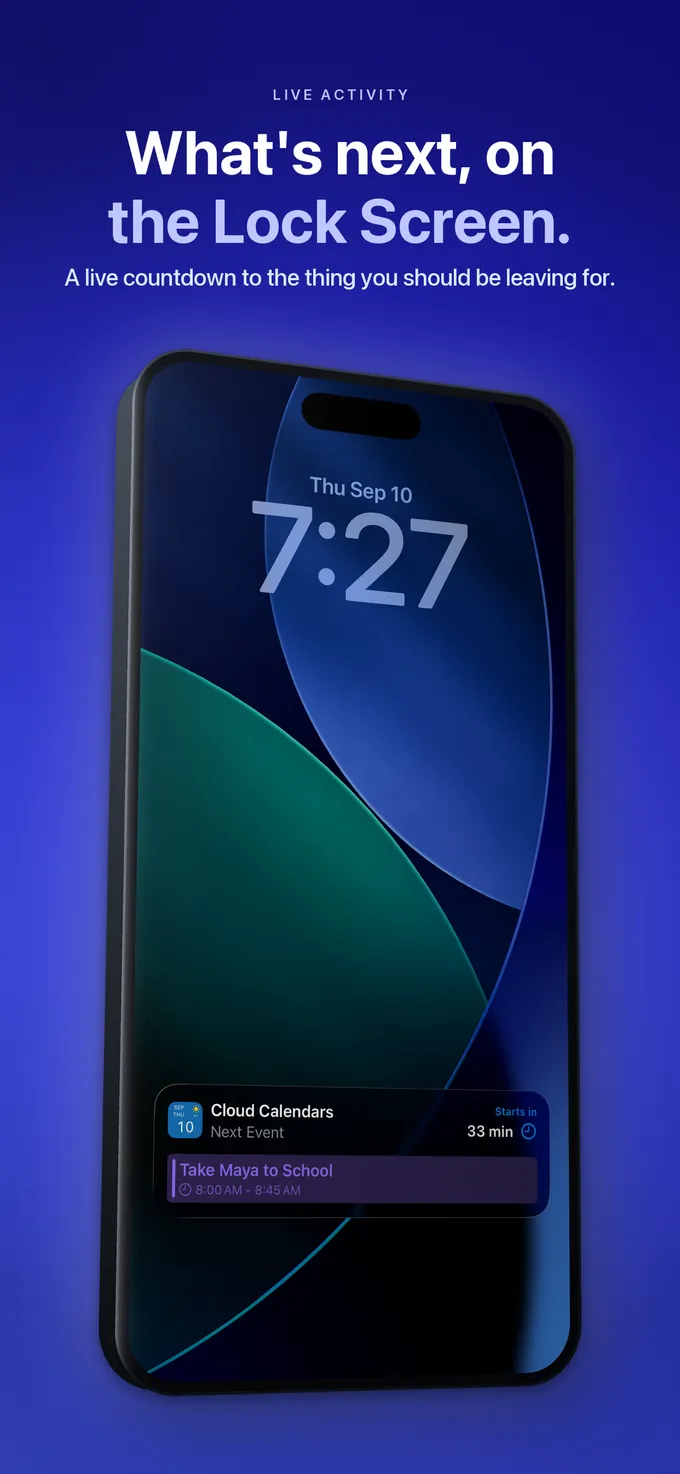
What to do
- Choose between slot selection, an existing-event invitation and ongoing calendar access.
- Share the specific destination intended for that task.
- Review the visitor view and any public identity details.
- Test time zones, confirmation and rescheduling with a harmless appointment.
- Check which connected calendars actually affect booking availability.
Questions
- Is a shared calendar a booking link?
- No. Calendar access lets someone view or manage a schedule under the permissions you grant. A booking page offers appointment choices through its own availability rules.
- Can I just send the video-call URL?
- That may explain how to join, but it does not by itself establish a saved calendar event, acceptance or reminder. Include the appropriate invitation for an arranged meeting.
- Does connecting a calendar automatically protect every busy time?
- Do not assume so. Check the booking service’s availability settings and test a conflicting appointment in each relevant calendar.