
Free Google Calendar sync on iPhone: what is included and where ads fit
Cloud Calendars is developed by Arte Soft, which also publishes this guide. Google Calendar sync is included in the free Base plan. The free app can display advertising; Advanced removes it. A subscription and permission to edit someone else’s calendar are separate things.
What most people assume
A free calendar connection is only a trial, or buying an ad-free plan automatically grants more permission to shared calendars.
Start with the connection you actually need
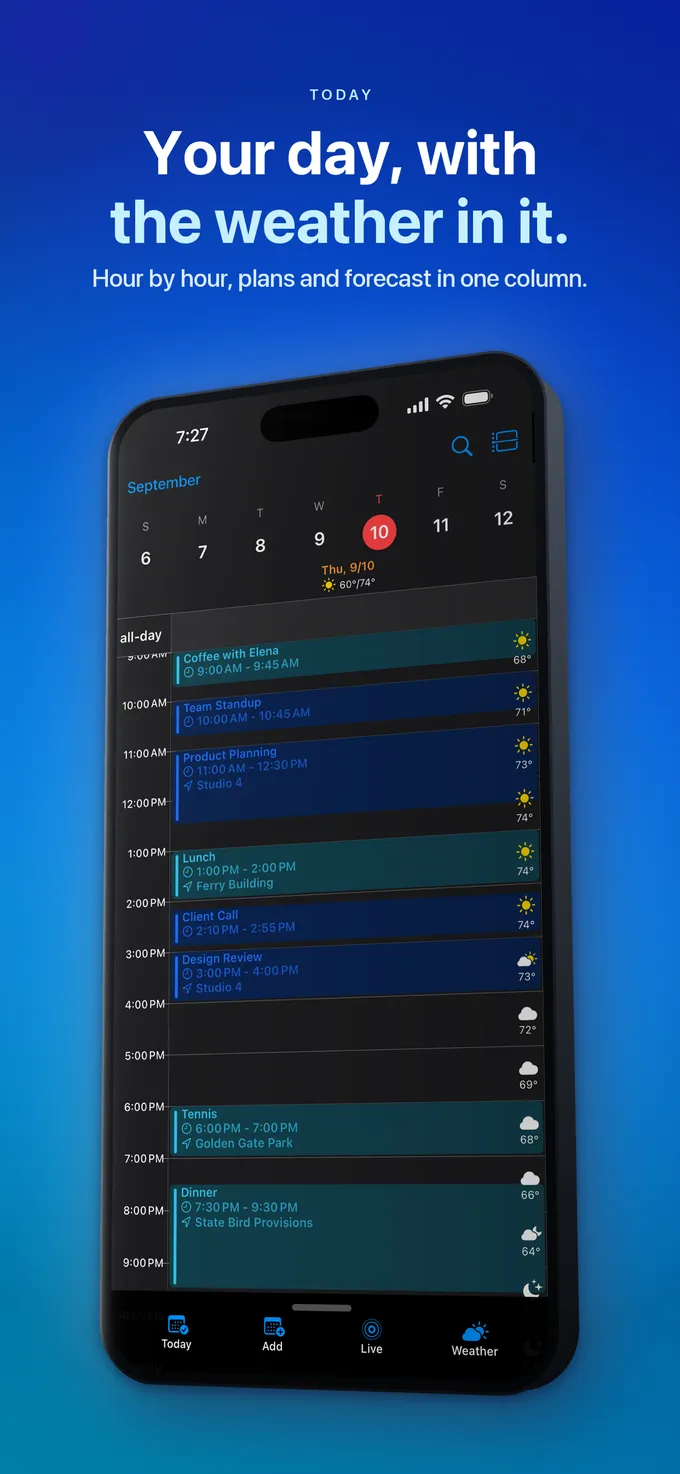
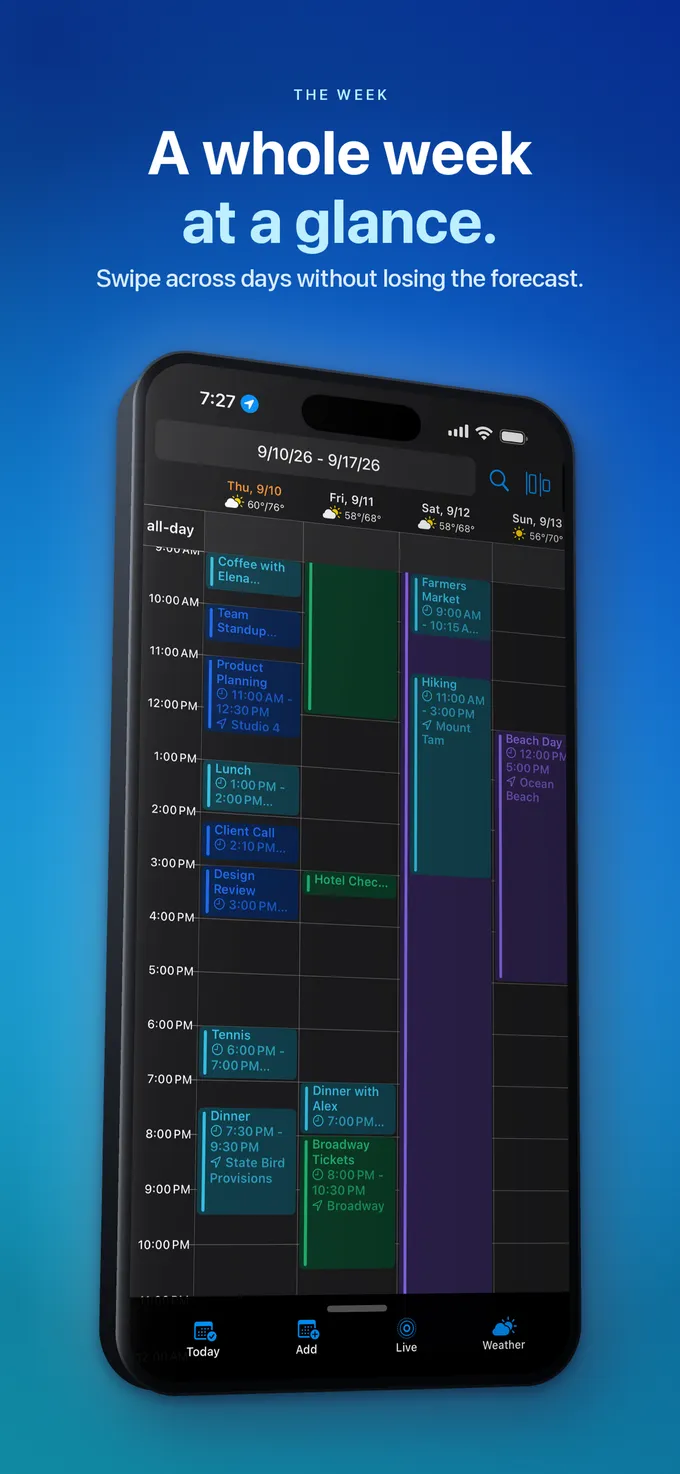
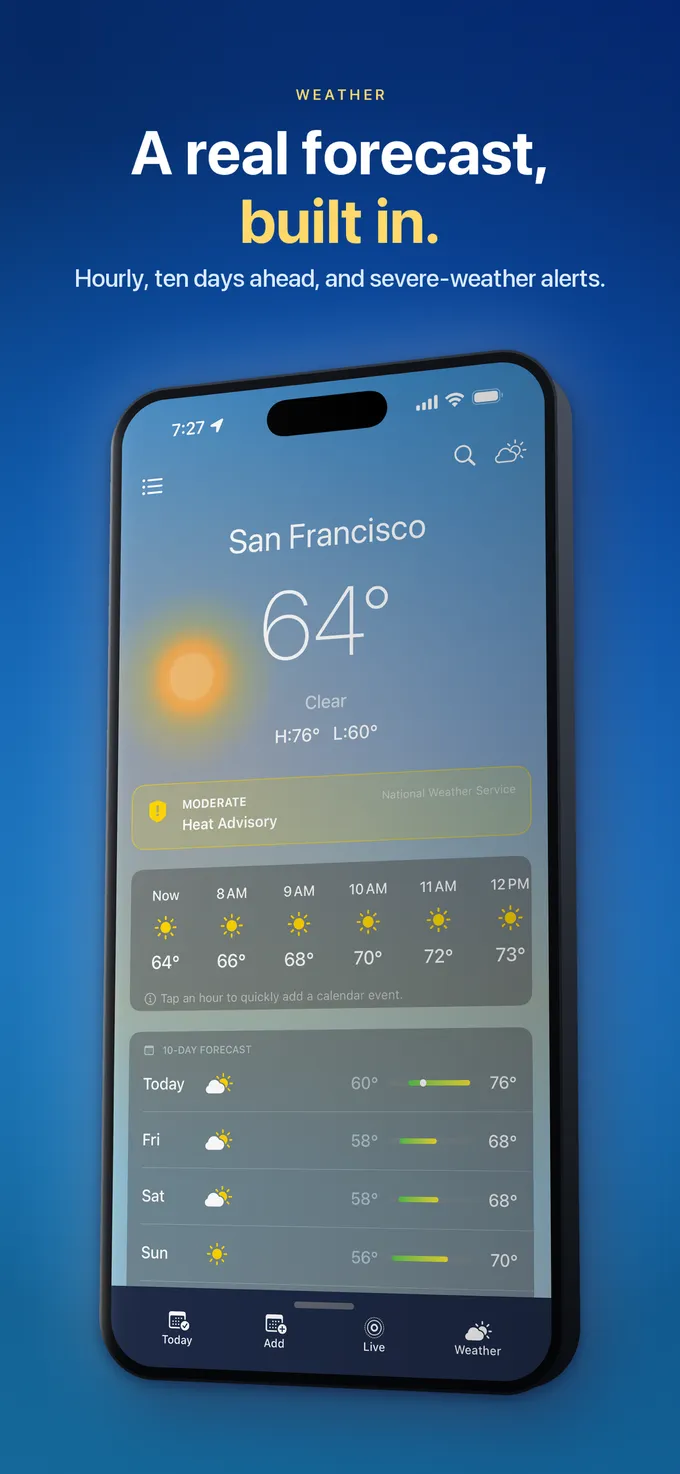
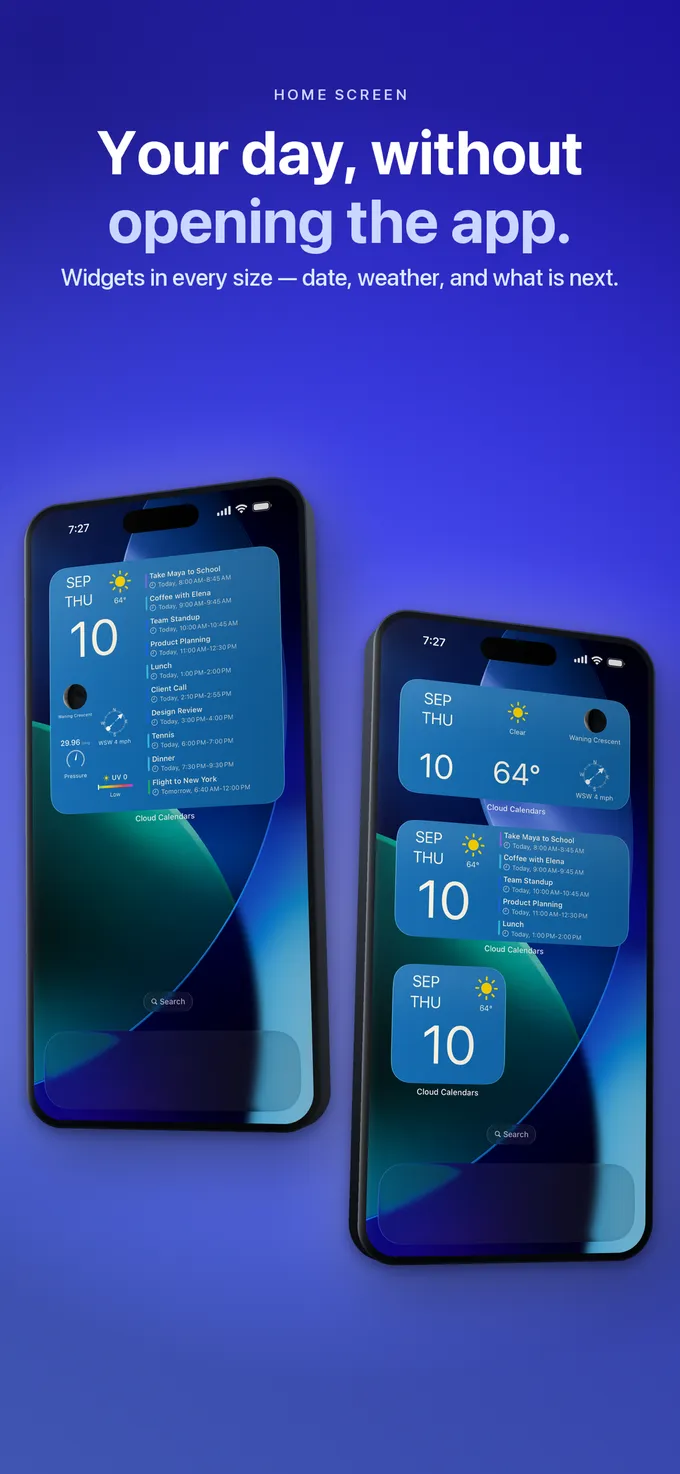
Base includes Google Calendar sync, Google Meet support, calendar views, weather and Home Screen widgets. You still need to connect the intended Google account and select the calendars you want to see. A calendar shared read-only remains read-only regardless of the app plan.
Local calendars can be used on the device without creating an app account. Connecting a provider and using sharing services may require sign-in. Do not confuse permission to read iPhone calendars with having connected every Google calendar you own.
What paying changes
Advanced contains the Base features and removes ads. It is not an extra charge to unlock Google sharing permissions, priority weather updates or cross-account editing: those should not be advertised as separate Advanced benefits.
Premium includes Advanced and adds Microsoft Calendar and Microsoft Teams support. If your organisation limits third-party connections, a purchase cannot override those rules. Verify the connection you need before relying on it for work.
Test one ordinary week before deciding
Select a small set of real calendars, check that the correct events appear and create a disposable event in a writable calendar. Confirm its destination rather than assuming that seeing two accounts means their events have merged.
Decide separately whether ads interrupt your use and whether Microsoft support is necessary. There is no need to buy a higher plan just because another user needs a different provider. Prices and billing periods are shown locally before purchase.
Manage the purchase through the right Apple Account
For a subscription billed by Apple, use Settings, your name, then Subscriptions to inspect the plan and cancellation options. Check the Apple Account on the receipt if the purchase is missing. Signing into a calendar provider is not the same as signing into the Apple Account that owns the subscription.
Removing the app is not the way to manage renewal. Before changing accounts or cleaning local data, make sure you know which calendars are local and which are stored with a provider.
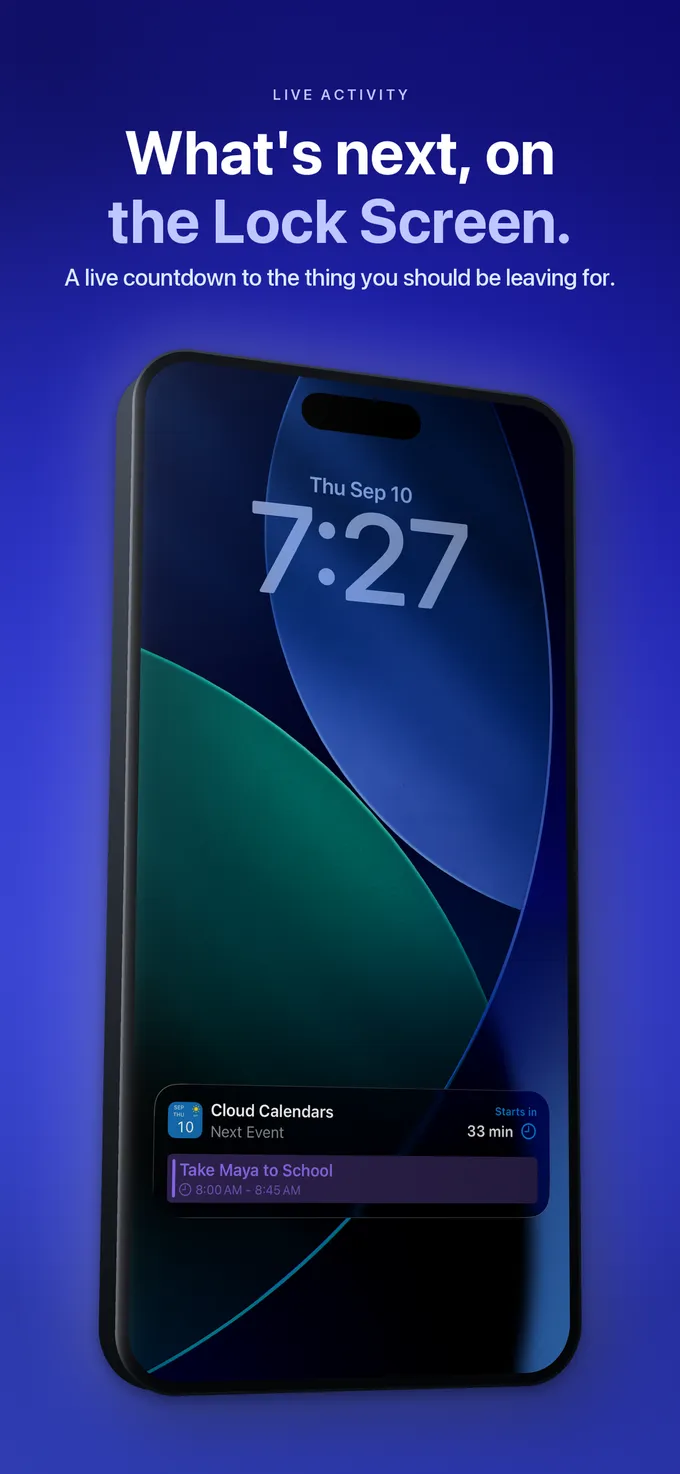
What it looks like
What to do
- Connect the intended Google account and check selected calendars.
- Confirm edit permission with one disposable event in the right destination.
- Use Base to assess the views, weather and widgets you need.
- Choose Advanced for ad removal; choose Premium when Microsoft Calendar or Teams support is required.
- Check local price, billing period and the Apple Account used for purchase.
Questions
- Do I need Advanced for Google Calendar sync?
- No. Google Calendar sync is included in Base. Advanced removes ads; Premium adds Microsoft Calendar and Teams support.
- Will paying let me edit a calendar shared read-only?
- No. Editing permission is controlled by the calendar owner and provider. An app subscription does not grant permission to someone else’s calendar.