
What Cloud Calendars includes free on iPhone and iPad
Cloud Calendars is developed by Arte Soft, which also publishes this guide. Base includes Google Calendar sync, calendar views, weather and Home Screen widgets. The app is free to download with advertising and optional subscriptions. Here is how to check whether Base covers your needs.
What most people assume
Every useful calendar action is behind a subscription, or free download means that every provider connection is free.
Included in Base
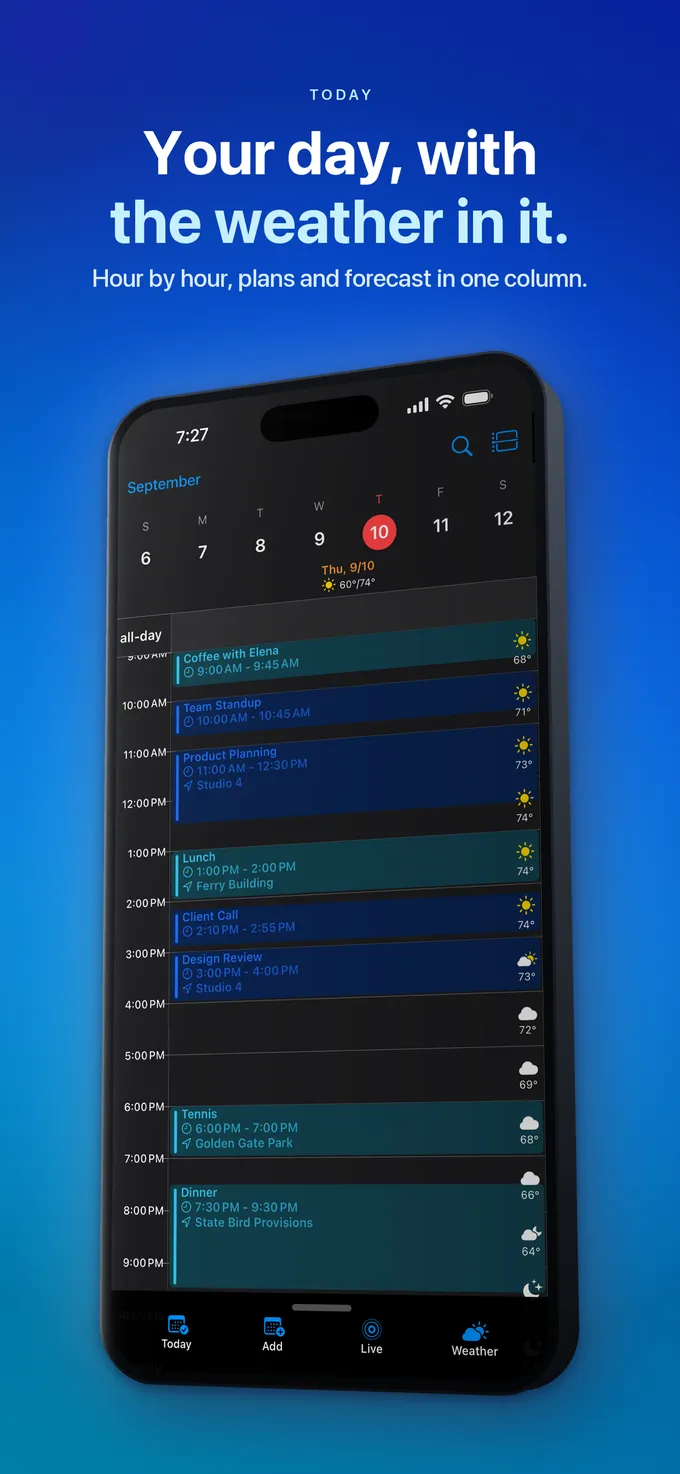
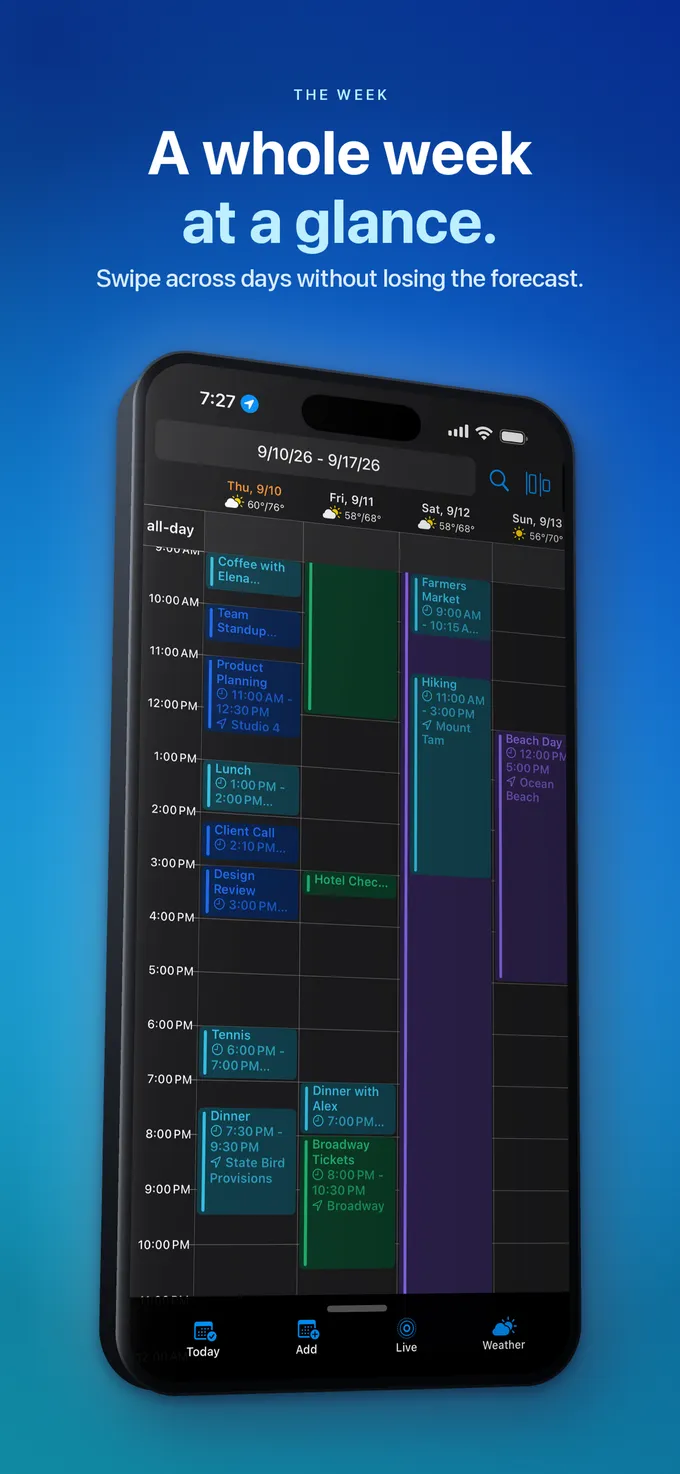
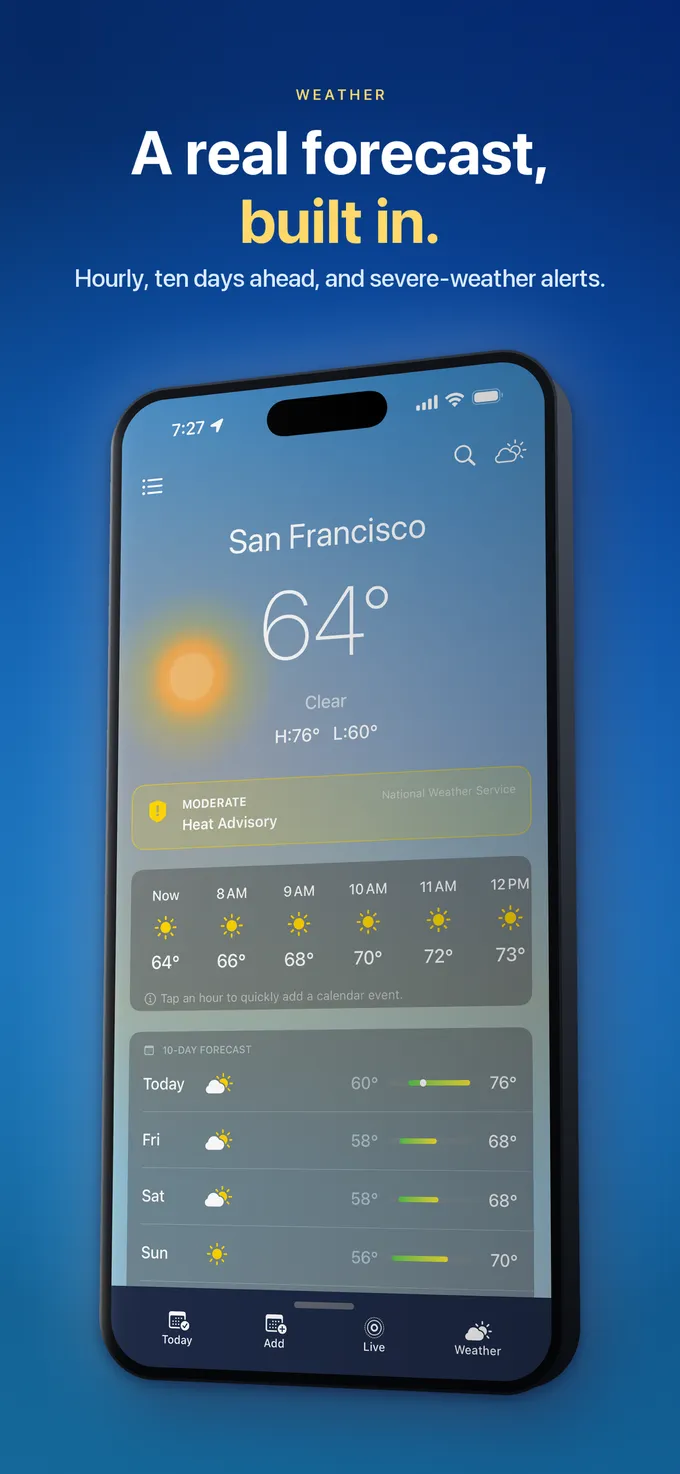
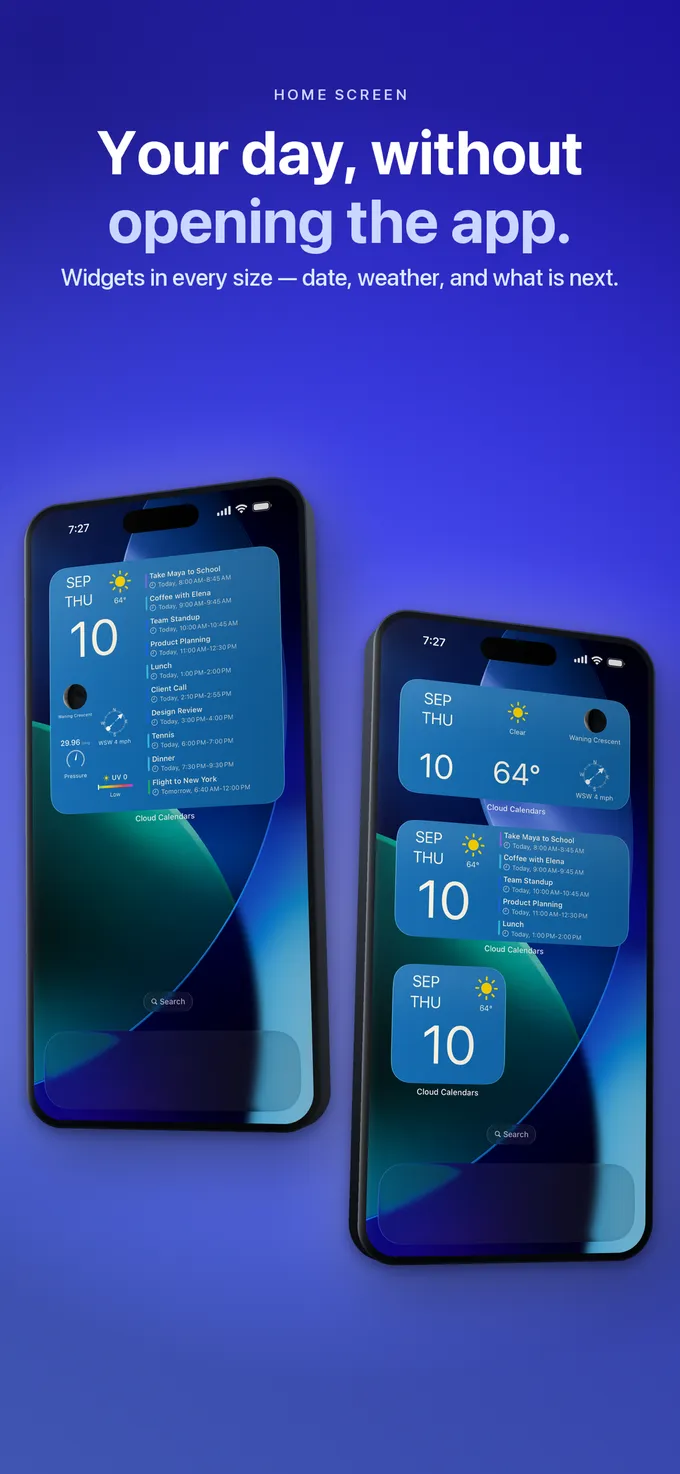
Use Day, Week, Month, Year and List views, Google Calendar sync, weather and Home Screen widgets. Google Meet support is also a Base feature. iCloud and local-calendar options are separate from a paid Microsoft connection.
A feature being included does not remove operating-system permissions, provider sign-in, connection requirements or the owner’s sharing restrictions. Check those requirements with the calendars you use.
What the optional subscriptions add
Advanced removes ads while retaining Base features. Premium adds Microsoft Calendar and Microsoft Teams support to the Advanced plan. Do not treat Google sharing, cross-calendar management or faster weather updates as separate Advanced-only features.
Choose on the connection and experience you need. Check the actual local price and billing period before accepting a subscription; a price quoted for another storefront may differ.
Start locally or connect an account
Local calendars let you start on the device without an app account. That does not mean every feature is anonymous or that every local event will appear on another device. Provider connections and sharing services may require sign-in.
If the main goal is one view of work and personal commitments, connect the appropriate sources and select them. Confirm which calendar receives a new event. A combined display does not merge ownership or make read-only calendars editable.
Check useful tasks rather than only the feature list
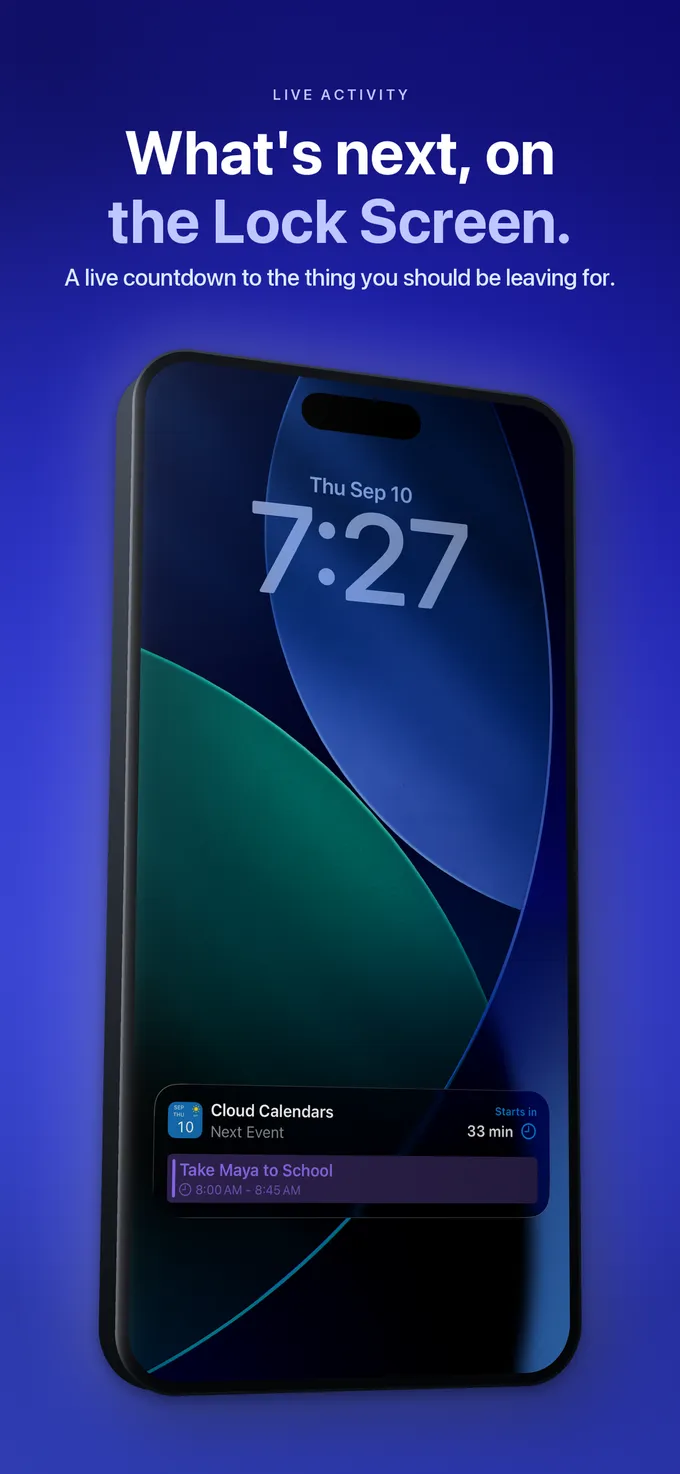
Try finding tomorrow’s events, changing a disposable appointment and locating the same appointment in its owning calendar. Inspect the Home Screen widget information you need and the available forecast for a real planning date.
If one task fails, identify whether the cause is the plan, permission, selected calendar or provider connection. Buying a subscription is not a general repair for missing access.
What it looks like
What to do
- Start with a local calendar or connect the provider you intend to use.
- Select a small set of calendars and inspect a test event’s destination.
- Try the views, weather and widget information you need.
- Use Advanced if you want ads removed.
- Check Premium if you need Microsoft Calendar or Teams support.
Questions
- Is Google Calendar sync included free?
- Yes. It is a Base feature, together with calendar views, weather, widgets and Google Meet support.
- Does the free download include Microsoft Calendar support?
- Microsoft Calendar and Microsoft Teams support are Premium features. Check connection requirements and current local pricing before subscribing.
- Can I use the app without an account?
- You can start with local calendars on the device. Provider connections and sharing may require sign-in; those requirements are different from the app being free to download.