
Shift work calendar on iPhone: plan a rotating schedule without losing changes
A rotating work pattern rarely fits neatly into a Monday-to-Friday calendar. The useful setup keeps the employer’s latest rota authoritative while letting you see work beside appointments and family plans. This guide is published by Arte Soft, the developer of Cloud Calendars.
Choose a shift planner or a calendar overview
A specialist rota app answers “which shift am I working?” A combined calendar answers “what else have I committed to that day?” You may need both. Supershift documents rotation entry, while MyShiftPlanner publishes setup guides for several shift patterns. Choose a specialist if generating a long repeating rota is the main task.
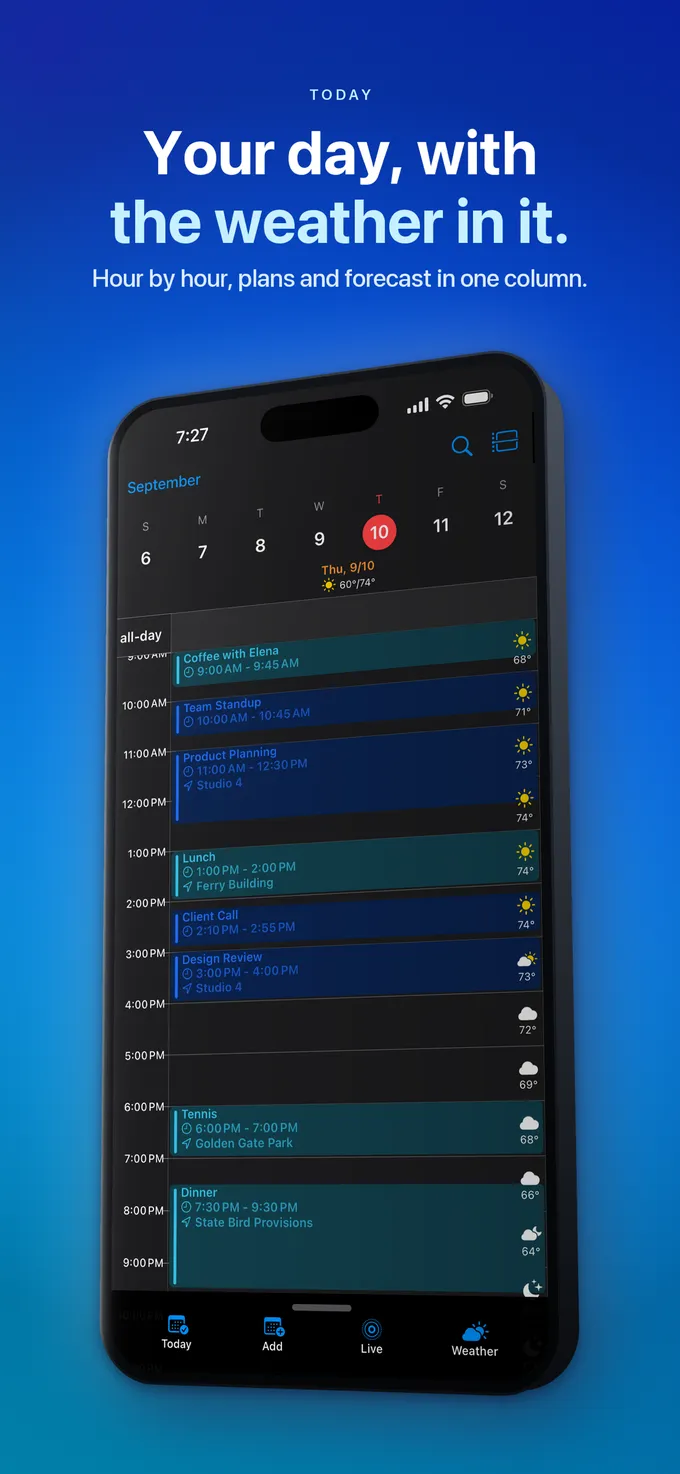
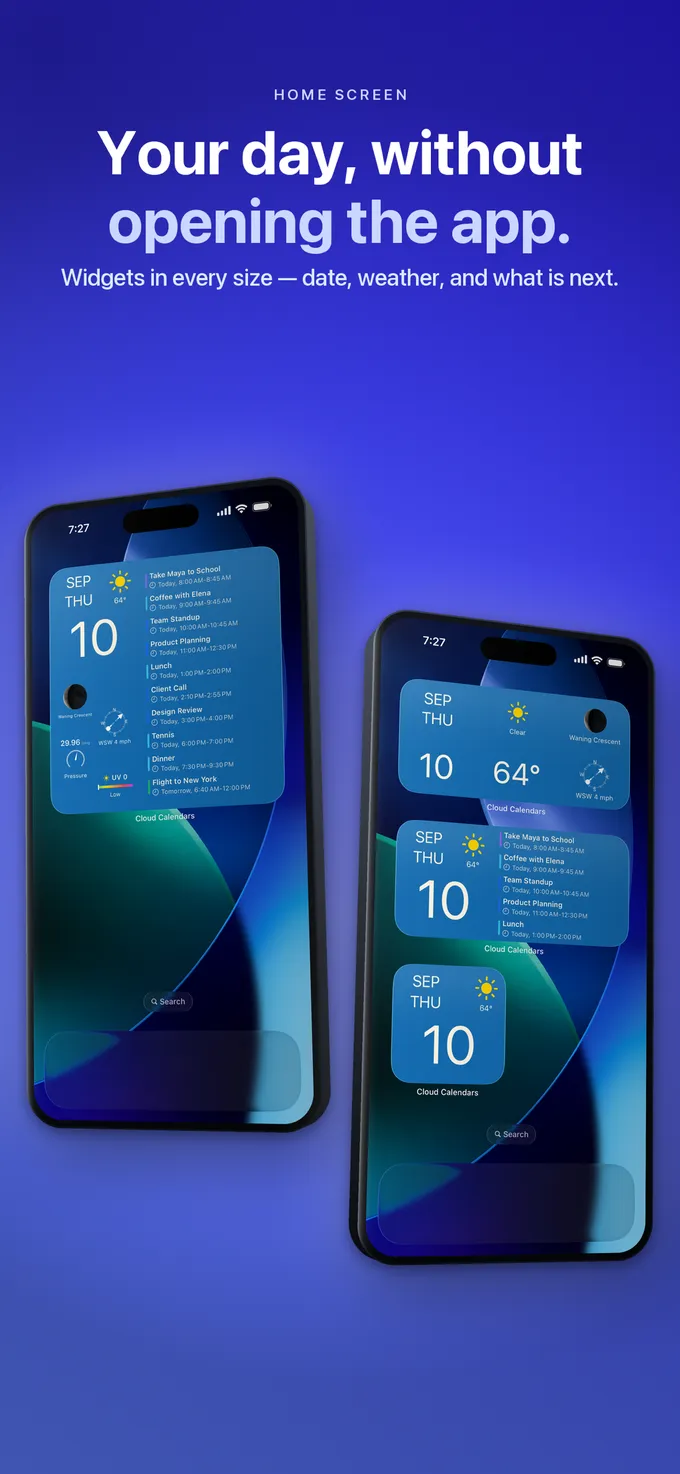
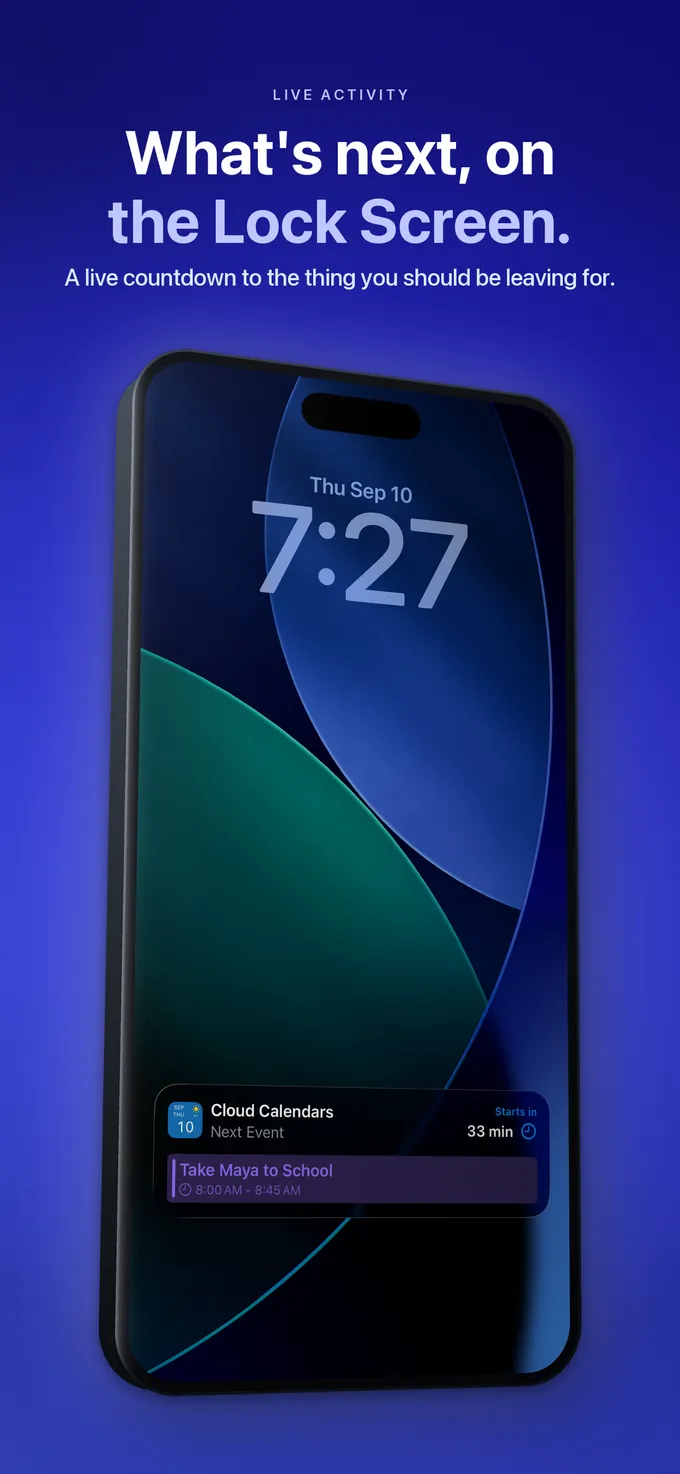
Cloud Calendars provides day, week, month, year and list views for selected calendars on iPhone and iPad. It can help you review work alongside personal plans. This guide does not present it as an employer rostering system, payroll calculator or automatic rotation generator.
Anchor the cycle to a known date
Consider an illustrative eight-day cycle: two day shifts, two night shifts and four days off. If the first day shift starts on Monday 2 November 2026, the next cycle begins on Tuesday 10 November. Repeating that first shift every Monday would move the pattern away from the intended cycle.
Write the cycle in order and match its first date against the published rota. Check the next two cycles, including weekends. A rota template is a starting pattern; leave, swaps and employer changes still need to be reflected. Do not extrapolate an unconfirmed pattern and treat it as an assigned shift.
Give overnight work an explicit end date
For a night shift starting at 20:00 on Thursday and ending at 08:00 on Friday, enter both dates. An all-day marker loses the working hours, and an end time entered on the wrong date can produce the wrong duration. Review the event in both day and week views.
Use a neutral title such as “Night shift” if a family member only needs to know availability. Keep workplace addresses, colleague details and confidential notes out of a shared calendar unless they are necessary and appropriate to share. Add commuting or recovery time as separate personal planning blocks where useful.
Distinguish display, export and a subscribed feed
Supershift’s external-calendar guide says operating-system calendar accounts can be selected for display or export. It also warns that enabling export on several devices can create duplicates. Follow the source app’s instructions and choose one export device for that workflow.
Before connecting your main work schedule, use a disposable example in a separate calendar. Change its time in the source and inspect the destination. Record whether a later edit updates an existing entry, adds a second one or needs another export. A one-time file import should not be assumed to behave like an ongoing subscription.
Make changes visible to the people who depend on them
After a swap, check the original rota first, then the personal calendar and any shared availability. A screenshot sent last week will not update itself. Agree who maintains the family-facing calendar and how an urgent change is confirmed.
For a practical weekly review, compare the next shift, the next overnight finish and the next personal appointment. Check alert settings in the app that is responsible for the reminder. Keep the employer’s published schedule accessible; a personal calendar is a planning aid, not confirmation that a shift change was approved.
What it looks like


What to do
- Choose whether you need rotation generation, a combined overview or both.
- Anchor the cycle to a confirmed date and check two complete cycles.
- Check the following-day end date of every overnight shift.
- Test one source edit before relying on an export or feed.
- Review swaps and shared availability against the employer’s current rota.
Questions
- Can I repeat a rotating shift every week?
- Only if the real pattern repeats weekly. An eight-day cycle moves across weekdays. Use a suitable rotation tool or explicitly verified entries rather than a weekly shortcut.
- Does viewing shifts in another calendar update the original rota?
- Visibility alone does not establish editing or synchronisation. Check the connection type and verify a disposable change at both ends.
- Is Cloud Calendars a shift-management system?
- It is an iPhone and iPad calendar app for planning with selected calendars. For generating specialist shift patterns or administering a workforce, evaluate a dedicated rota tool.