
Weather calendar history on iPhone: save a diary or read a changing forecast?
Looking back at the weather during a past trip is a different task from checking next weekend’s forecast. A calendar can contain a saved record, a forecast that changes, or a note you typed yourself. Identify which one you have before relying on it. Arte Soft, the developer of Cloud Calendars, publishes this guide.
Choose the question before choosing an app
For a future picnic, you want the latest forecast for the venue and time. For a holiday journal, you want a record that remains associated with the day after the forecast has moved on. These needs can share a calendar interface while requiring different data handling.
A forecast captured on Monday for Friday is not the same thing as an observation made on Friday. If you save the earlier prediction, label it as a forecast and retain when it was captured. Do not silently turn a saved prediction into a claim about what actually happened.
What Dejal Weather Events documents
The publisher describes Weather Events as saving weather to all-day calendar entries with descriptions in event notes. Its product page documents a default location, the option to choose a different place for each day and editing a day’s forecast or custom values. Those are publisher-described capabilities, not a hands-on accuracy test.
For a trip with several stops, a location per day can be more useful than assuming the phone’s current city describes the entire journey. Dejal is the publisher of Weather Events; it is not a second weather-calendar product to compare separately.
A forecast display is not automatically an archive
Cloud Calendars shows weather for the current or selected place alongside calendar planning. That helps you inspect upcoming commitments. This guide does not claim it continuously writes a permanent history of daily weather to your calendar. Calendar navigation into a past month does not establish that historical weather data is available there.
A subscribed weather calendar also needs separate checking. Find out whether old entries remain, whether a provider changes or removes them, and whether you can export the information you need. Seeing an entry today does not prove it will remain accessible a year later.
Keep the record useful and honest
For an ordinary personal diary, record the place, local date, source, capture time and whether the entry is a forecast, observation or your own note. A neutral note such as “rain during the afternoon walk” describes your experience without pretending it is a measurement for the whole city.
Weather Events allows custom editing according to its publisher. That is useful for journalling, but an editable calendar entry is not independent evidence of a measured condition. For insurance, contractual or other consequential questions, obtain appropriate historical observations from the relevant authoritative provider instead of relying on a personal calendar note.
Test retention without risking your main schedule
Use a separate test calendar where the app supports choosing a destination. Inspect one day’s date, place and text, then check how the documented update behaviour affects it. If an export is available, open a test copy and confirm the notes and dates survived.
Check the destination calendar’s sharing before saving personal locations or trip details. A weather entry in a shared calendar can expose its title, notes and location under that calendar’s permissions. Keep a journal private when other people only need your availability.
What it looks like
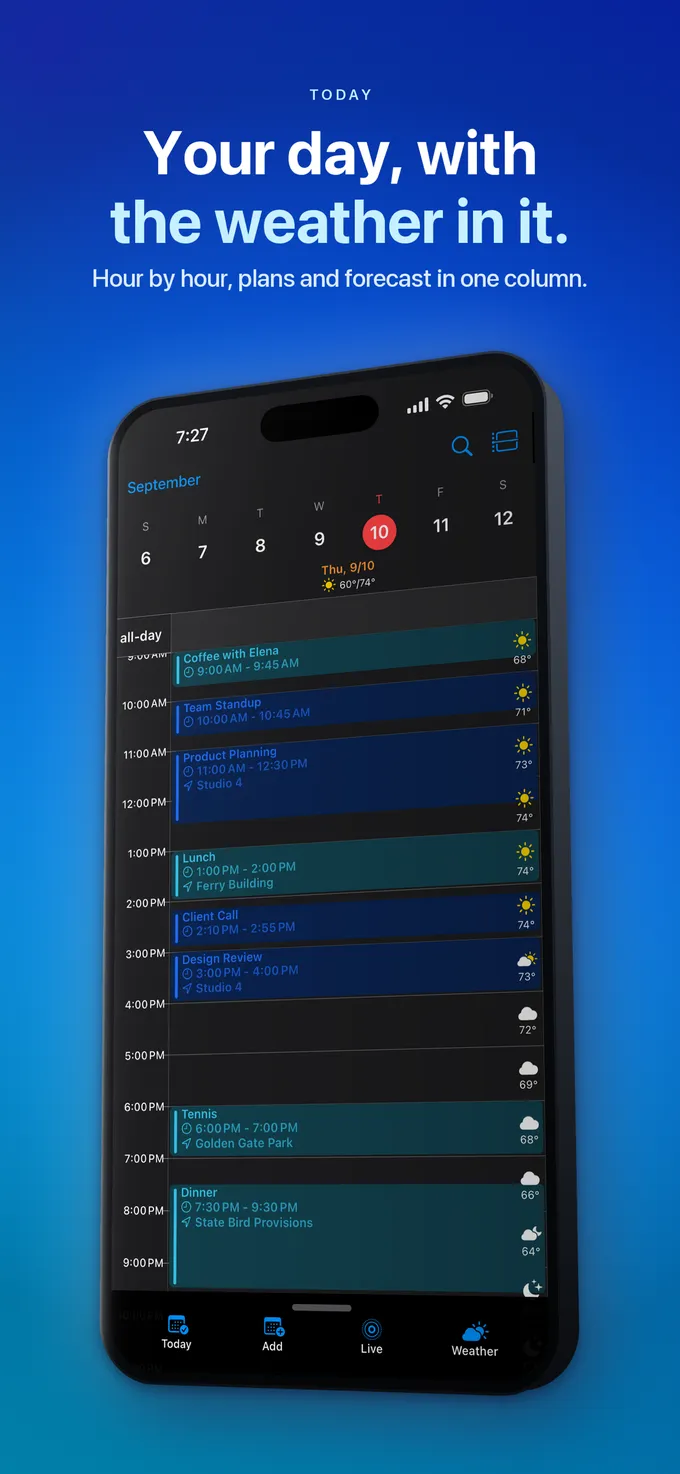


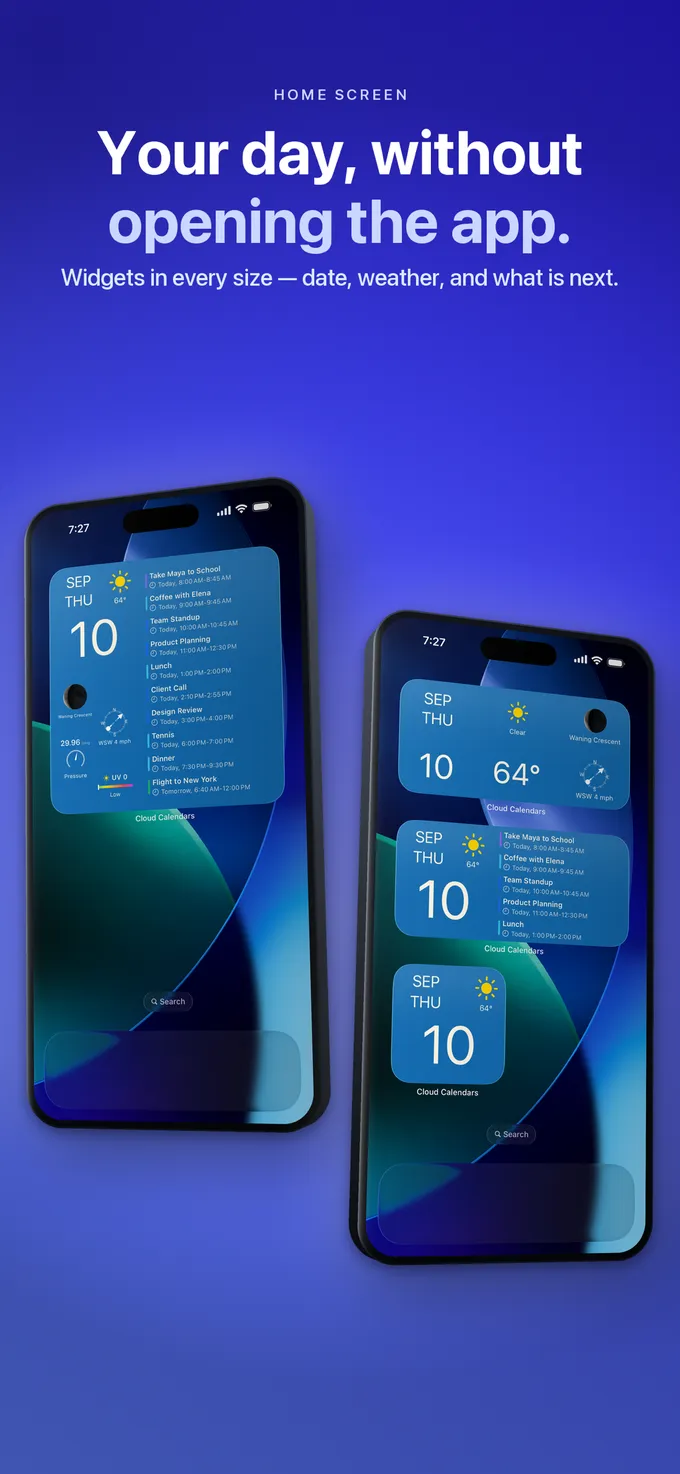
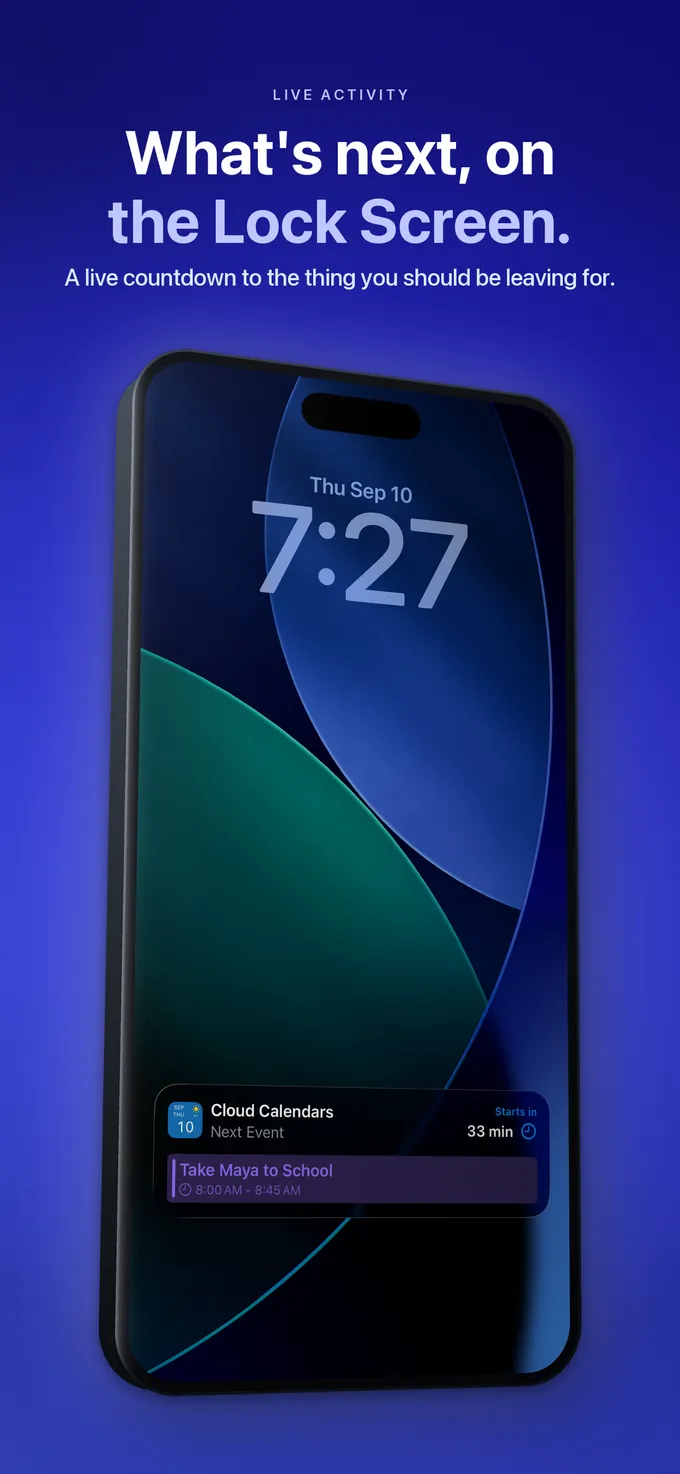
What to do
- Decide whether you need a future forecast or a retained diary.
- Label forecasts, observations and personal notes distinctly.
- Save the location, local date, source and capture time.
- Check retention and export with a disposable calendar entry.
- Review who can read the destination calendar.
Questions
- Does a weather symbol beside an old date prove historical weather is stored?
- No. Confirm the source and retention behaviour. A forecast display, saved prediction and observation are different records.
- Does Cloud Calendars automatically make a daily weather archive?
- That is not a capability established by this guide. Its weather view supports planning for the current or selected place.
- Is Dejal a separate alternative to Weather Events?
- Dejal is the publisher of Weather Events. Count it as one product when comparing options.