
Microsoft Bookings vs Outlook "Bookings with Me" vs Cloud Calendars: External Scheduling Compared
Microsoft 365 offers two confusingly named scheduling tools—shared Microsoft Bookings (built for multi-staff service desks and clinics, which creates a brand-new Exchange mailbox in your tenant) and personal "Bookings with Me" inside Outlook on the web. Neither checks your personal Google Calendar or iPhone schedule out of the box, leaving your evenings and personal appointments exposed to double-booking. Here is how both Microsoft tools compare with Cloud Calendars.
Microsoft Bookings vs Bookings with Me vs Cloud Calendars
| Dimension | Cloud Calendars (/book/ + iOS) | Microsoft Bookings (Shared) | Outlook "Bookings with Me" |
|---|---|---|---|
| Checks personal Google Calendar + Personal Cloud Calendar + M365 | Yes — combines Microsoft Outlook OAuth, Google OAuth, and 2-way Personal Cloud Calendar | Checks Exchange/M365 staff mailboxes only | Checks your single M365 Exchange mailbox only |
| Creates extra Exchange mailboxes or directory clutter? | Zero tenant clutter — runs outside Exchange directory | Yes — creates a new shared Exchange mailbox & Azure AD user per booking page | No — tied to your individual Outlook web profile |
| Works on personal Outlook.com / Hotmail accounts? | Yes — works with Microsoft personal, M365 work, Gmail, or standalone email | Requires paid Microsoft 365 Business / Enterprise license | Requires eligible Microsoft 365 Business / Education license (often disabled by IT) |
| Single-use invite tokens & QR Event RSVP pages | Both single-use /book/ links and fixed-date /event/ QR RSVP pages included | Multi-staff service catalog & Teams links; no fixed-date QR flyer RSVPs | Public or private link types on M365 |
Why Outlook "Bookings with Me" Double-Books Consultants Who Have Two Lives
If you carry a corporate Microsoft 365 account alongside a personal Gmail or iPhone calendar—or if you consult for two separate client tenants—"Bookings with Me" only inspects free/busy blocks inside that one Exchange mailbox. Unless you manually copy every dentist visit, school pickup, and second-client call onto your corporate calendar, external guests will book straight over them.
Cloud Calendars Web Studio (/calendar/) lets you connect Microsoft Outlook and Google Calendar side by side alongside your Personal Cloud Calendar (which syncs two-way with your iPhone). External invitees see one clean /book/ page that respects all of your busy commitments simultaneously without exposing private event titles.
When Shared Microsoft Bookings Is Still the Right Choice
If an IT helpdesk, university advising office, or clinic needs six staff members pooled behind one departmental calendar with automatic Microsoft Teams meeting creation inside a strict M365 tenant boundary, shared Microsoft Bookings is built for multi-staff dispatch.
What it looks like
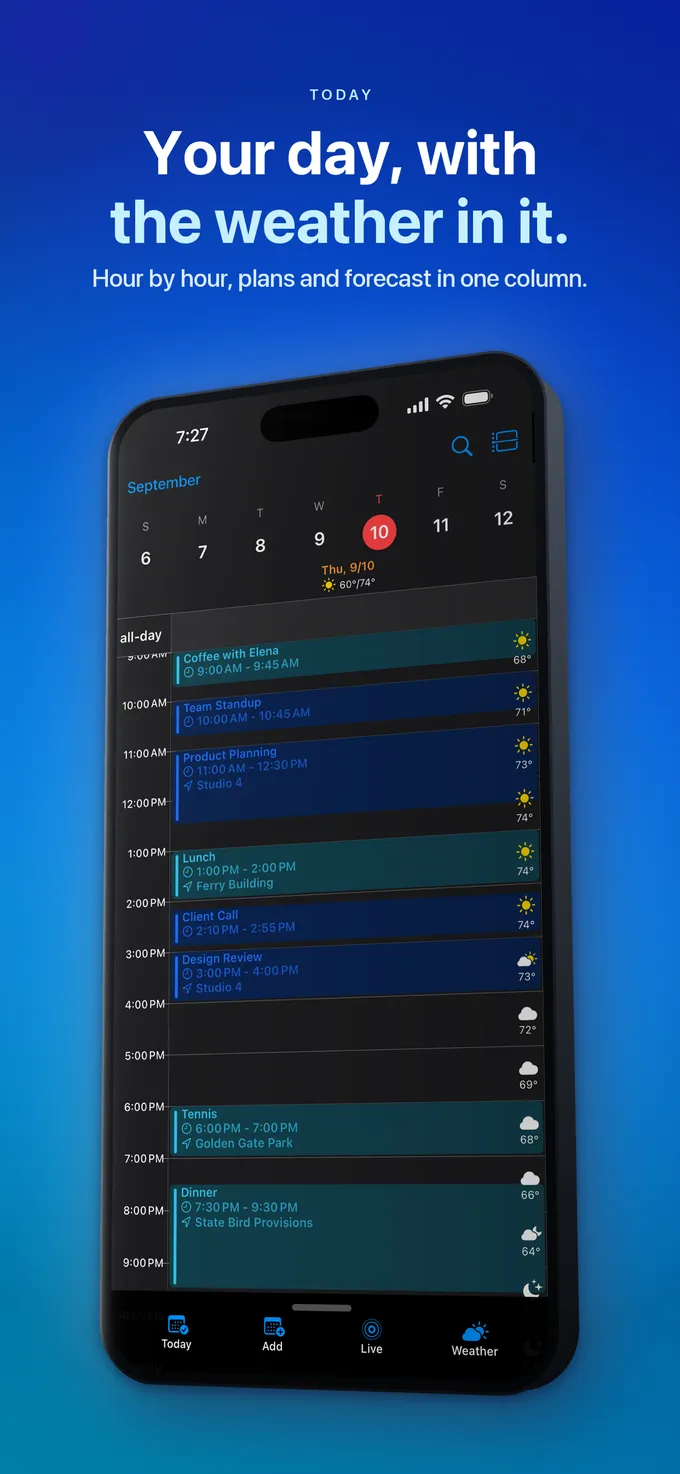
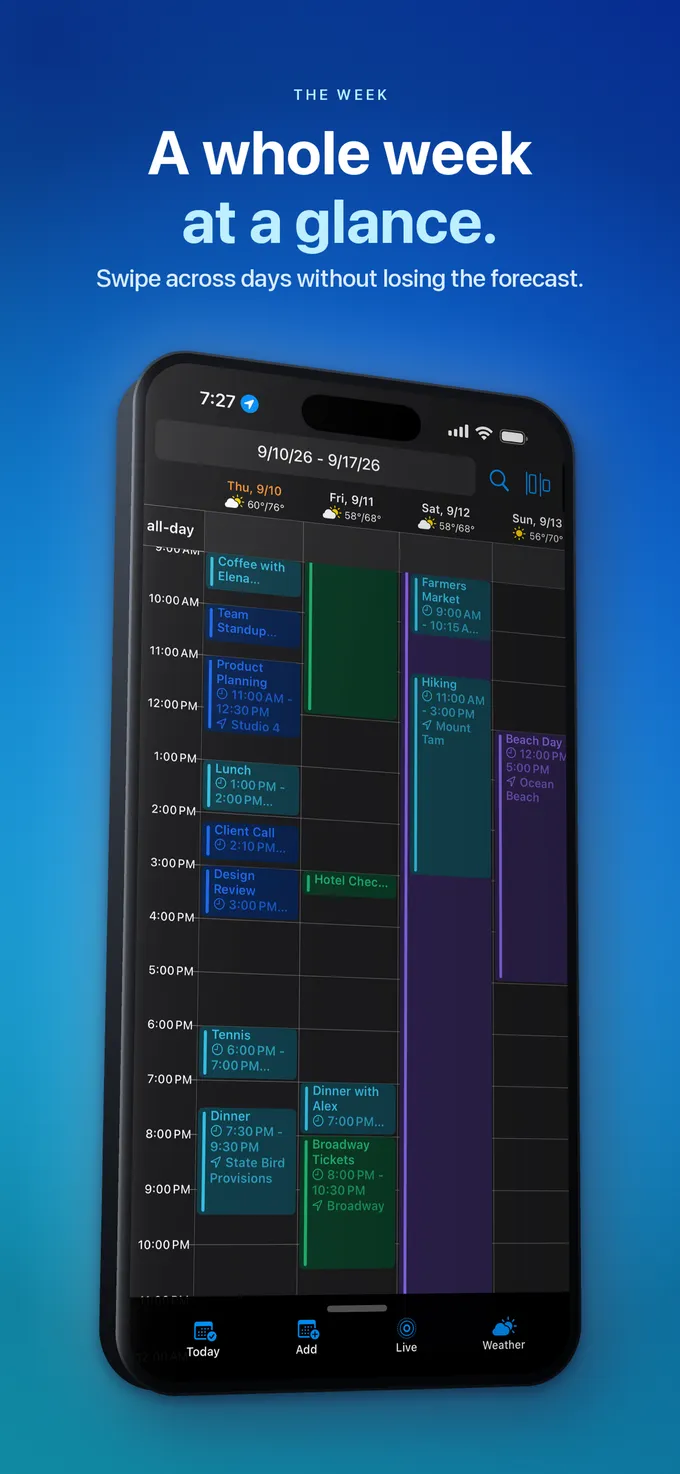
What to do
- Use shared Microsoft Bookings for multi-staff department queues inside a single Microsoft 365 tenant.
- Use Outlook "Bookings with Me" if 100% of your life lives inside one M365 work mailbox and your IT admin has enabled external sharing.
- Use Cloud Calendars when you need external booking links (/book/) or QR Event RSVPs (/event/) that check both Microsoft Outlook and personal Google/iPhone schedules—or when using a personal Outlook.com address.
Questions
- Why is "Bookings with Me" greyed out or missing in my Outlook?
- Personal Outlook.com accounts do not include it, and many Microsoft 365 tenant administrators disable EWS/Bookings external sharing via Organization Config or OWA mailbox policies.
- Does Cloud Calendars show my private Gmail event titles to Microsoft colleagues?
- Never. Public /book/ pages only expose anonymous open time slots after subtracting busy intervals across your connected calendars.