
Share and assign reminders on iPhone: lists are different from calendars
A shared appointment tells people when something happens. An assigned reminder identifies an action for a person. For household chores or preparation before a meeting, choose the tool that represents the responsibility clearly. Arte Soft, the developer of Cloud Calendars, publishes this guide.
Choose a shared list for actions, a calendar for commitments
Put an agreed collection time in the family calendar and put “pack the equipment” in an appropriate task list. Those records answer different questions. Seeing the collection time does not tell you whether the equipment has been packed.
For a practical household example, agree on the task owner, the required result and when it needs to be done. Keep the task short enough that the person marking it complete knows what completion means. If a handoff is urgent, confirm it directly rather than assuming a colour or assignment was noticed.
Check iCloud participation before sharing an Apple Reminders list
Apple’s collaboration guide requires the participants to use their Apple Accounts with Reminders enabled in iCloud. It notes that the described features use updated iCloud reminders and that some features are unavailable with other account types.
Open the intended list in Reminders and use its Share control. Check who will receive access before sending the invitation. These are Apple Reminders instructions; sharing a calendar in another app does not automatically share a Reminders list.
Assign the item after the list is shared
Apple documents assigning a reminder only after sharing its list. Select the reminder and choose the person using the assignment control. In the documented newer interface, the person selector or an @ mention can assign a list participant.
For a simple test, share a disposable list with a willing participant, add a harmless item and assign it. Ask them to check it on their device. Their acceptance of the list invitation and their understanding of a particular responsibility are separate checks.
Distinguish due alerts from shared-list activity
Apple’s support article says notification settings on your reminders are not shared with other people. Its separate shared-list controls can notify you when items are added or completed. Do not assume that setting an alert on your phone configures the same alert on every participant’s device.
Have the responsible person review their own notifications for a time-critical action. If a change affects a real appointment, update the authoritative calendar as well. Completing a task should not be treated as proof that a separate meeting time changed.
Review membership and test completion
Apple’s collaboration guide also describes controlling whether invited people can invite others. Review membership for a household or work list and keep private information out of lists shared with a wider group.
After completing the disposable item, inspect the shared list on both devices. In Cloud Calendars, continue to use the calendar for event planning; this guide does not promise Apple Reminders sharing or assignment controls inside our app. A combined planning routine can use separate tools without pretending they are one data system.
What it looks like
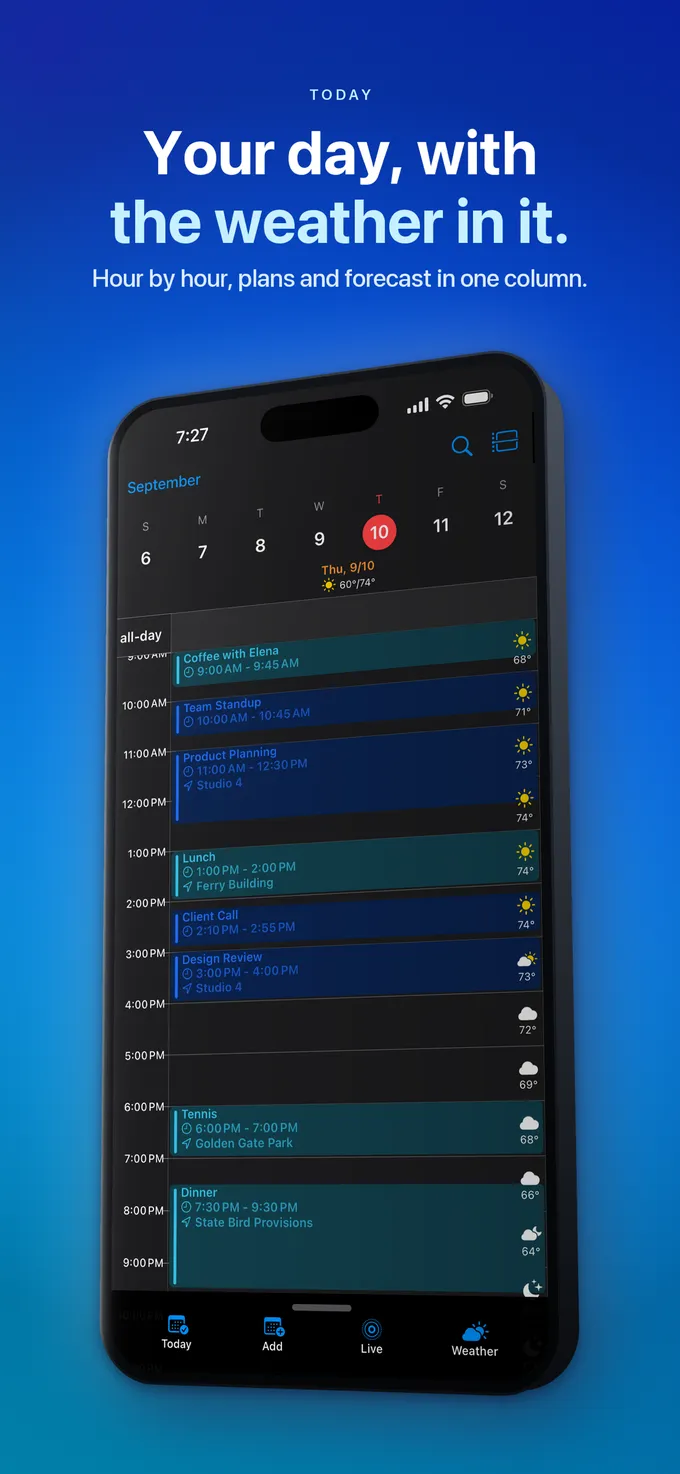


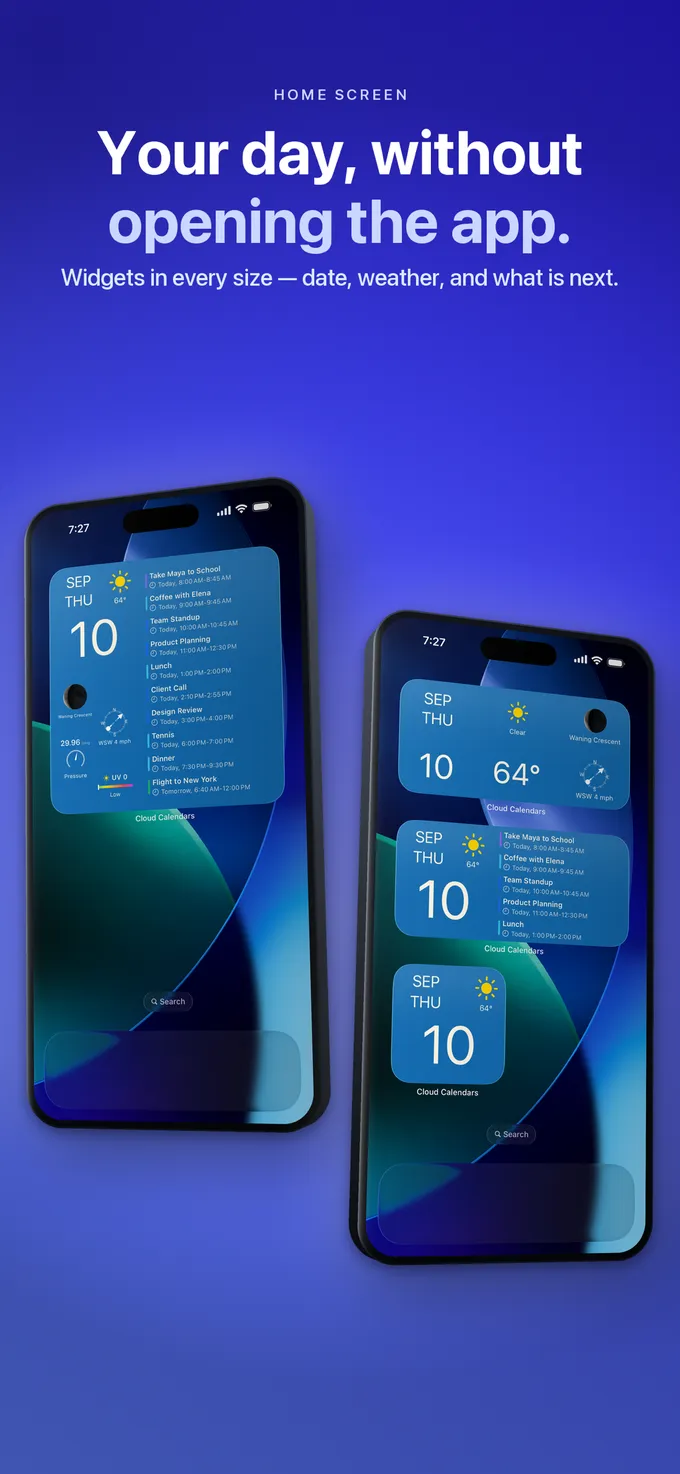
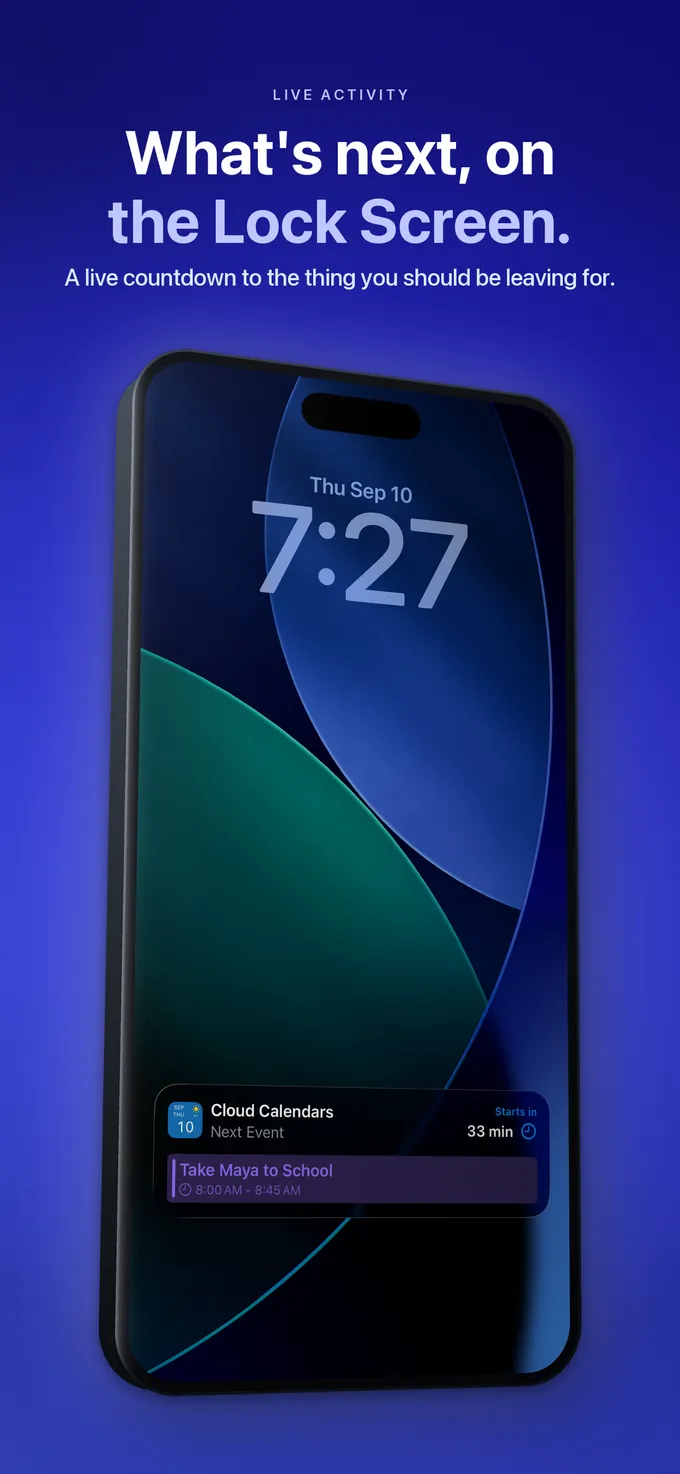
What to do
- Decide whether the item is a scheduled commitment or an action to complete.
- Check iCloud Reminders availability for every participant.
- Share the intended list before assigning its item.
- Verify the assignment and each person’s notification choices.
- Check completion on both devices and communicate urgent changes directly.
Questions
- Does sharing a calendar also share my Reminders list?
- No. Treat calendar access and list collaboration as separate operations. Use the sharing controls for the system that owns the item.
- Why can I not assign a reminder to someone?
- Apple documents assignment within a shared list. Check list sharing, participant acceptance and iCloud Reminders setup before assuming an app malfunction.
- Will my reminder alert be copied to every participant?
- Apple says your reminder notification settings are not shared with others. Review each person’s alerts and the separate shared-list activity settings.