
24/48, 48/96, Kelly & DuPont Shift Calendar Setup on iPhone (Firefighter, EMS & Nursing)
Firefighters, paramedics, dispatchers, and 12-hour plant or ICU crews rarely work Monday-to-Friday weeks: a 24/48 rotation repeats every 3 days, a 48/96 repeats every 6 days, a 24/48 with a Kelly day shifts on a 9- or 21-day cycle, and a 12-hour DuPont schedule repeats every 28 days. Printable wall PDFs cannot warn your spouse about overtime trades or show hourly storm forecasts before a 07:00 station change. Here is the exact cycle math to put any platoon schedule onto your iPhone and Web calendar.
Fire, EMS & 12-Hour Shift Cycles — Exact Repeat Math
| Shift Pattern | Total Cycle Length | On / Off Sequence | How to Set Repeat Interval |
|---|---|---|---|
| 24/48 (A / B / C Platoon) | 3 days | 24 hours ON, 48 hours OFF | Custom Repeat → Frequency: Daily → Every 3 days (1 rule per platoon color) |
| 48/96 (Two-Tour Platoon) | 6 days | 48 hours ON (Day 1 + Day 2), 96 hours OFF (Days 3–6) | 2 events (Tour Day 1 & Tour Day 2) or 1 two-day banner → Custom Repeat: Daily, Every 6 days |
| California / Modified Kelly (on-off-on-off-on-4 off) | 9 days | 24 on, 24 off, 24 on, 24 off, 24 on, 96 (4 days) off | Create the three 24h shift days in Cycle Week 1 (Days 1, 3, 5) → each set to Repeat Daily, Every 9 days |
| 12-Hour DuPont Schedule | 28 days (4 weeks) | 4 nights → 3 off → 3 days → 1 off → 3 nights → 3 off → 4 days → 7 consecutive days off | Build one 28-day template once → set each block to Custom Repeat: Weekly, Every 4 weeks |
| Pitman (2-2-3 / Panama 12-Hour) | 14 days (2 weeks) | 2 on, 2 off, 3 on · 2 off, 2 on, 3 off | Set Day/Night blocks in a 14-day template → Repeat Weekly, Every 2 weeks |
Standalone Fire Shift Apps vs Unified Family + Weather Calendar on iPhone
Dedicated shift generators like FireShift or Supershift make it quick to stamp A/B/C colors onto a month grid, but your partner, childcare schedule, doctor appointments, and station-trade notes usually live in shared iCloud or Google Calendars. Checking two apps leads to scheduling family trips on Day 2 of a 48/96 tour.
By placing your 3-day, 6-day, 9-day, or 28-day shift rules onto a dedicated "Station Shifts" Google or iCloud calendar and opening Cloud Calendars on iPhone, you get readable Month event titles (not tiny dots), a 12-month Year overview for picking vacation/Kelly trades, a shared link for your family, and built-in hourly + 14-day Apple WeatherKit forecasts right beside every shift and outdoor day off.
Handling Shift Trades, Overtime, and Kelly Days Cleanly
Keep your base platoon rotation on its own color-coded calendar (for example, Red for A-Shift) and record Kelly days, trades ("Working for Miller"), and callback overtime either by editing "This Event Only" on that date or placing overtime on a separate Green "Trades & OT" calendar so you can audit overtime hours at the end of the quarter in List view.
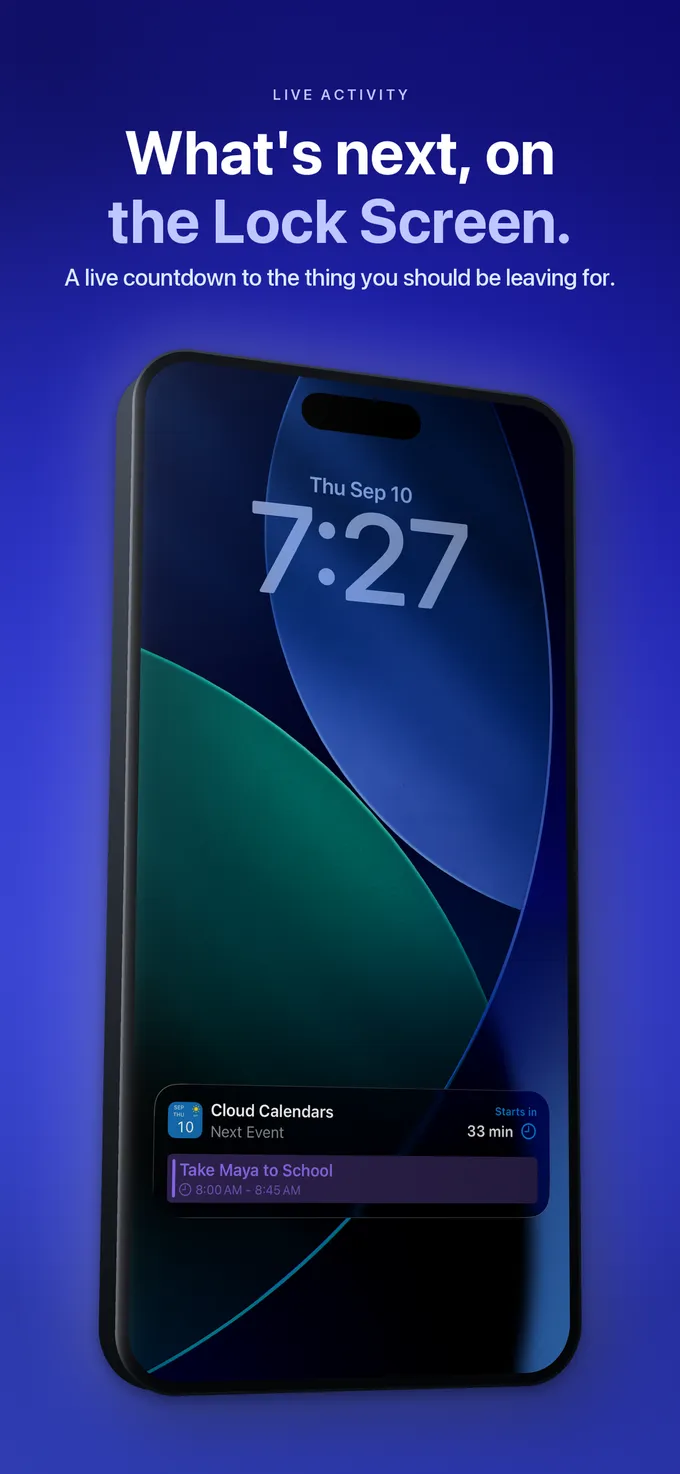
What it looks like
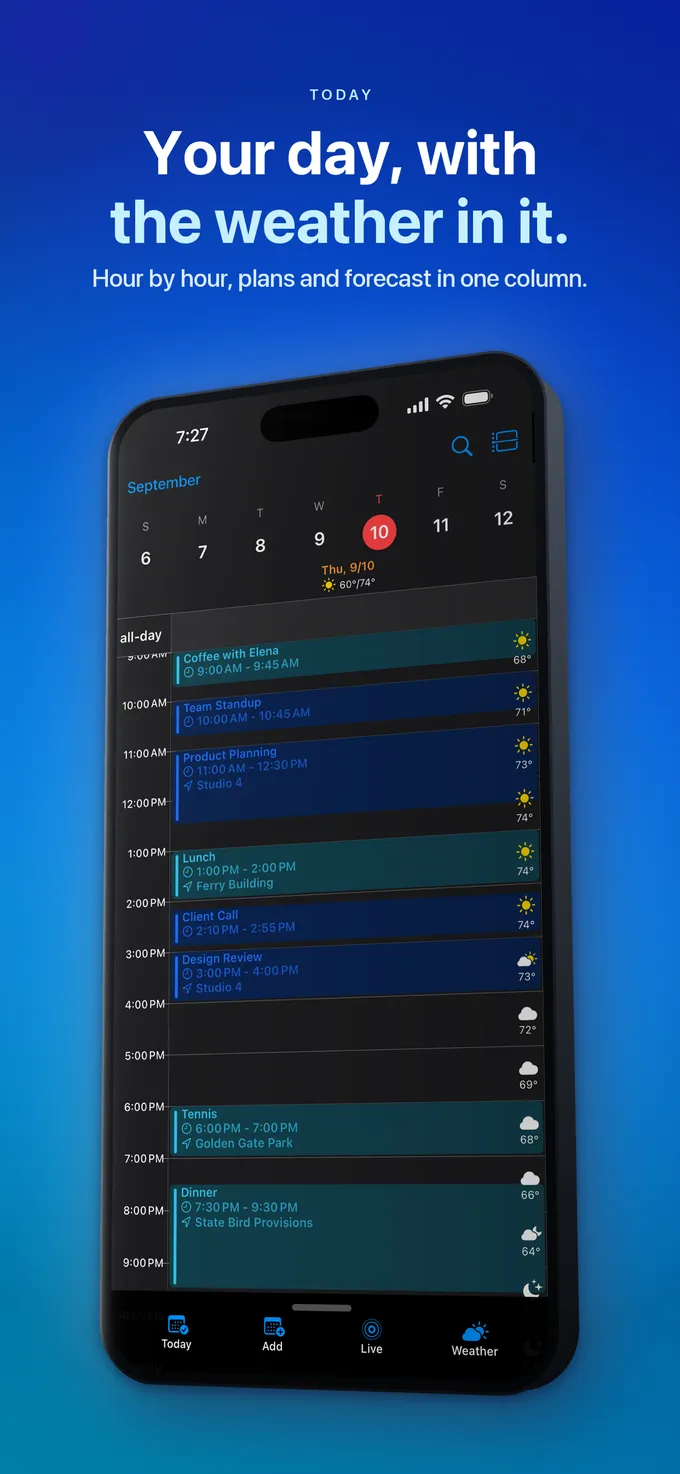
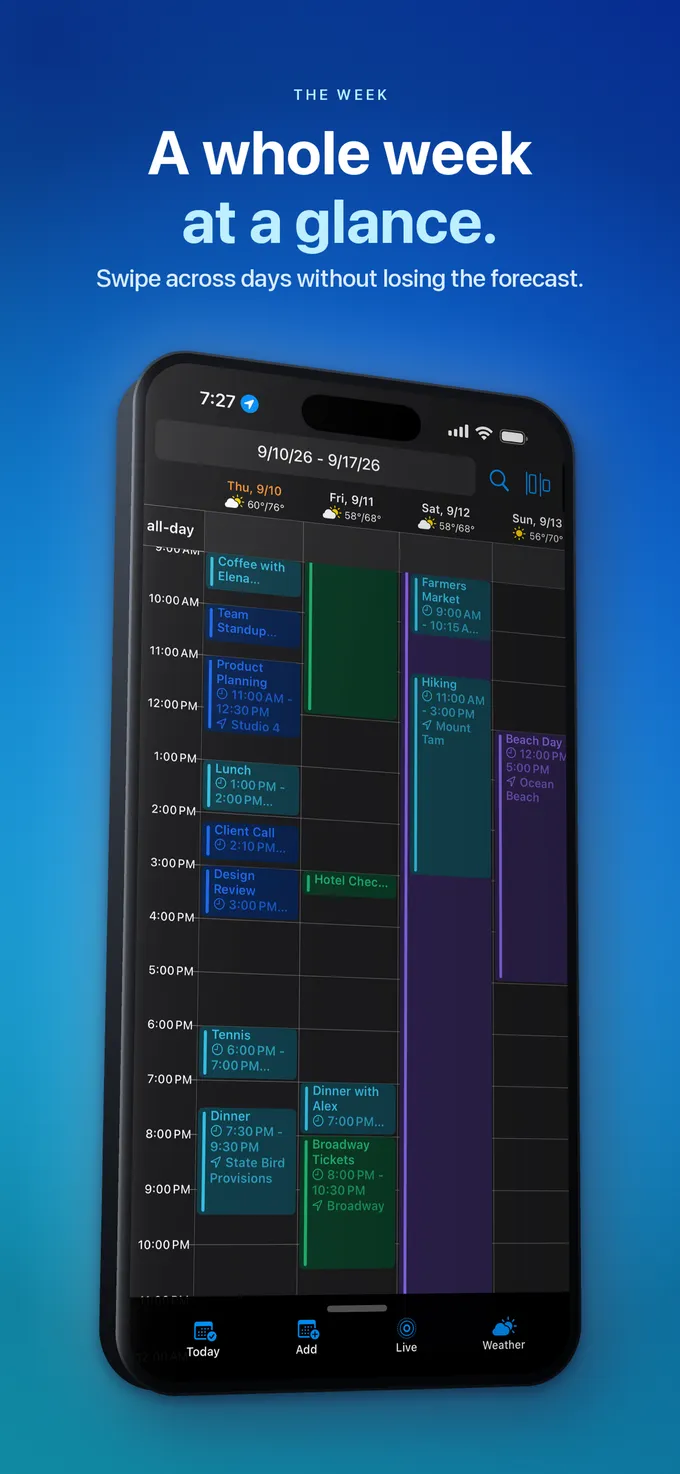
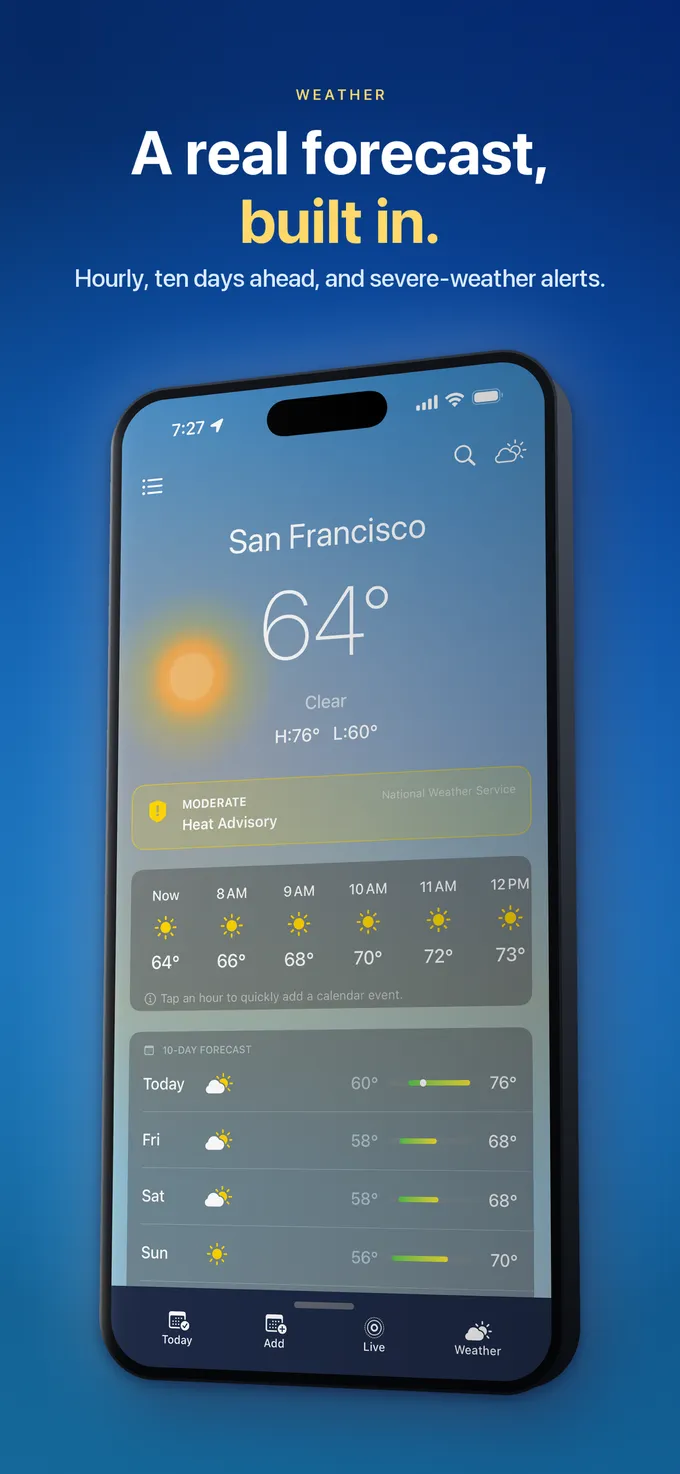
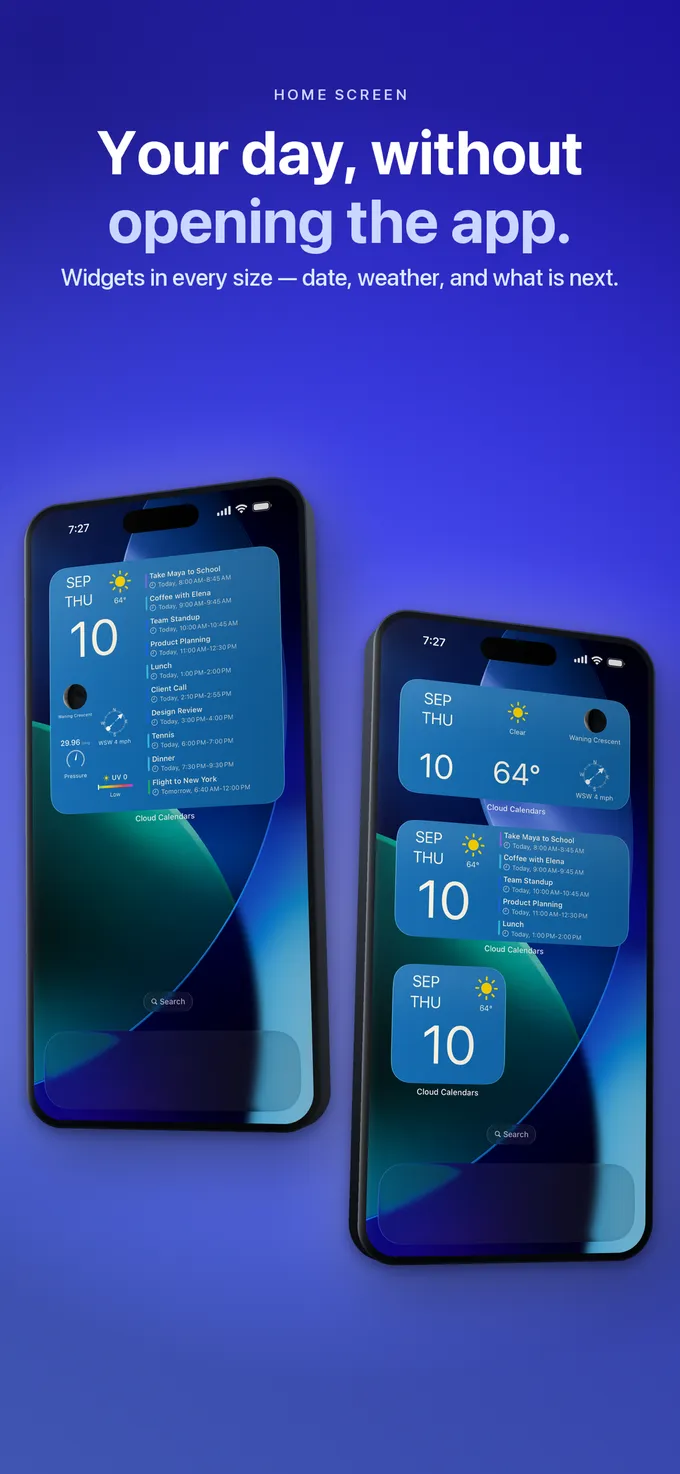
What to do
- Use Custom Repeat → Daily → Every 3 days (24/48), Every 6 days (48/96), or Every 9 days (California pattern) in Google Calendar, iCloud, or Cloud Calendars.
- Share that dedicated "Shifts" calendar read-only with your spouse or family so everyone sees 2026–2027 tours automatically.
- Open Year view and Month view in Cloud Calendars on iPhone to plan vacation picks around natural 4-day or 7-day off stretches.
Questions
- Can Google Calendar or iPhone Calendar repeat an event every 6 or 9 days?
- Yes. Standard iCalendar RRULE (FREQ=DAILY;INTERVAL=6 or INTERVAL=9) is supported natively in iOS Calendar, Google Calendar, and Cloud Calendars without third-party scripts.
- How do I share my 24/48 or 48/96 schedule with a spouse on Android while I use an iPhone?
- Create the 3-day or 6-day recurring rule inside a shared Google Calendar or Cloud Calendars Web Studio (/calendar/) so both iPhone and Android stay in instant two-way sync.