
Calendly vs Cal.com vs SavvyCal vs Cloud Calendars: Solo & Multi-Calendar Booking Compared
Most solo professionals hit the same wall with scheduling tools: Calendly’s Free plan restricts you to 1 event type and 1 connected calendar (missing conflicts on your second Google or Outlook account unless you pay ~$10–$12/month), SavvyCal has no permanent free plan (~$12+/month), and Cal.com’s richest routing targets developer teams. Here is how Calendly, Cal.com, SavvyCal, and Cloud Calendars compare when you simply want reliable multi-calendar conflict checking, unlimited event types, and a real daily calendar.
4-Way Scheduling Link & Calendar Comparison
| Feature | Cloud Calendars | Calendly | Cal.com (Cloud) | SavvyCal |
|---|---|---|---|---|
| Free tier event types & branding | Multiple /book/ pages + /event/ QR RSVPs ($0 forever when paired with iOS app; zero guest ads) | 1 active Event Type only on Free tier + Calendly badge | Generous Individual free tier + Cal.com badge | 7-day trial only; ~$12/mo Basic required to send live links |
| Conflict check across Google + Outlook simultaneously | Included ($0 via iOS QR or $1.99/mo web-only) | Requires Standard plan (~$10–$12/seat/mo); Free checks 1 calendar connection | Supported on Individual free cloud tier | Supported on paid Basic (~$12/mo) |
| Single-use & expiring invite tokens | Built into Web Studio (/calendar/) | Single-use links available | Private / single-use links supported | Single-use & personalized links supported |
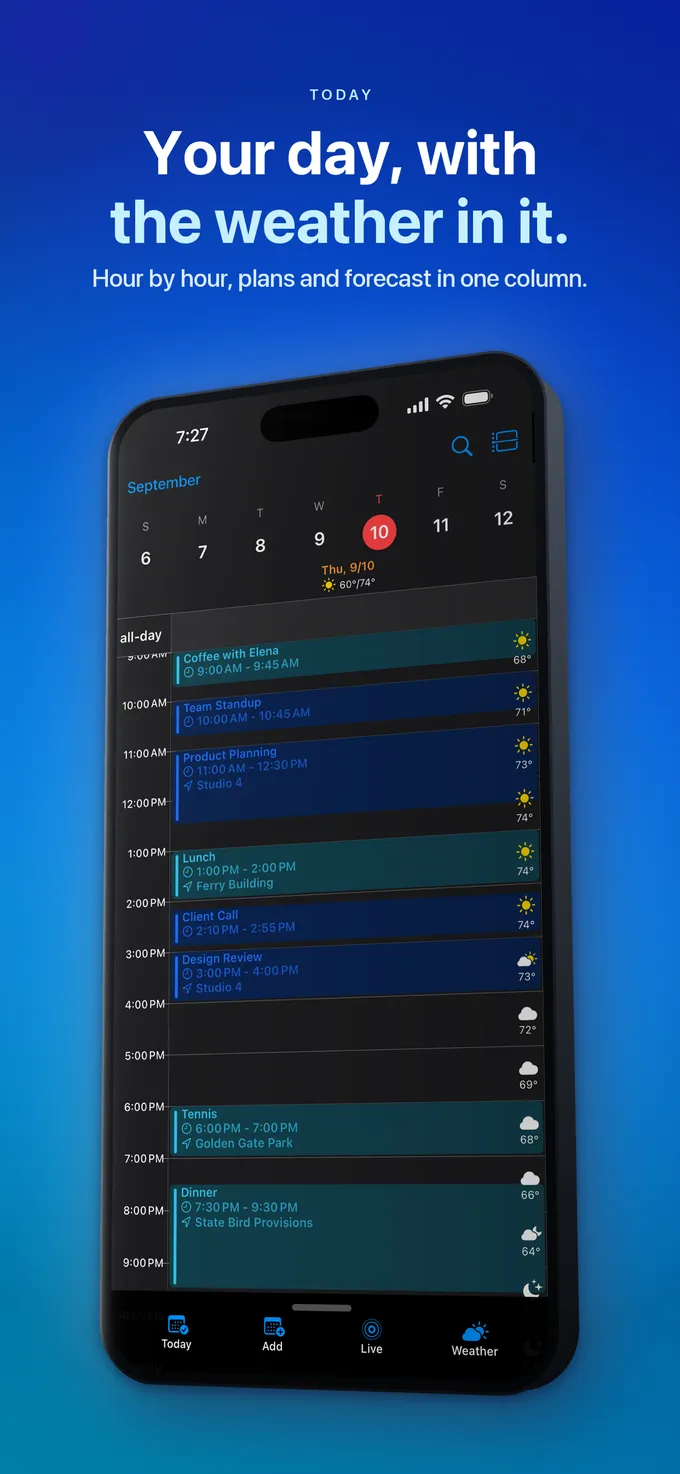
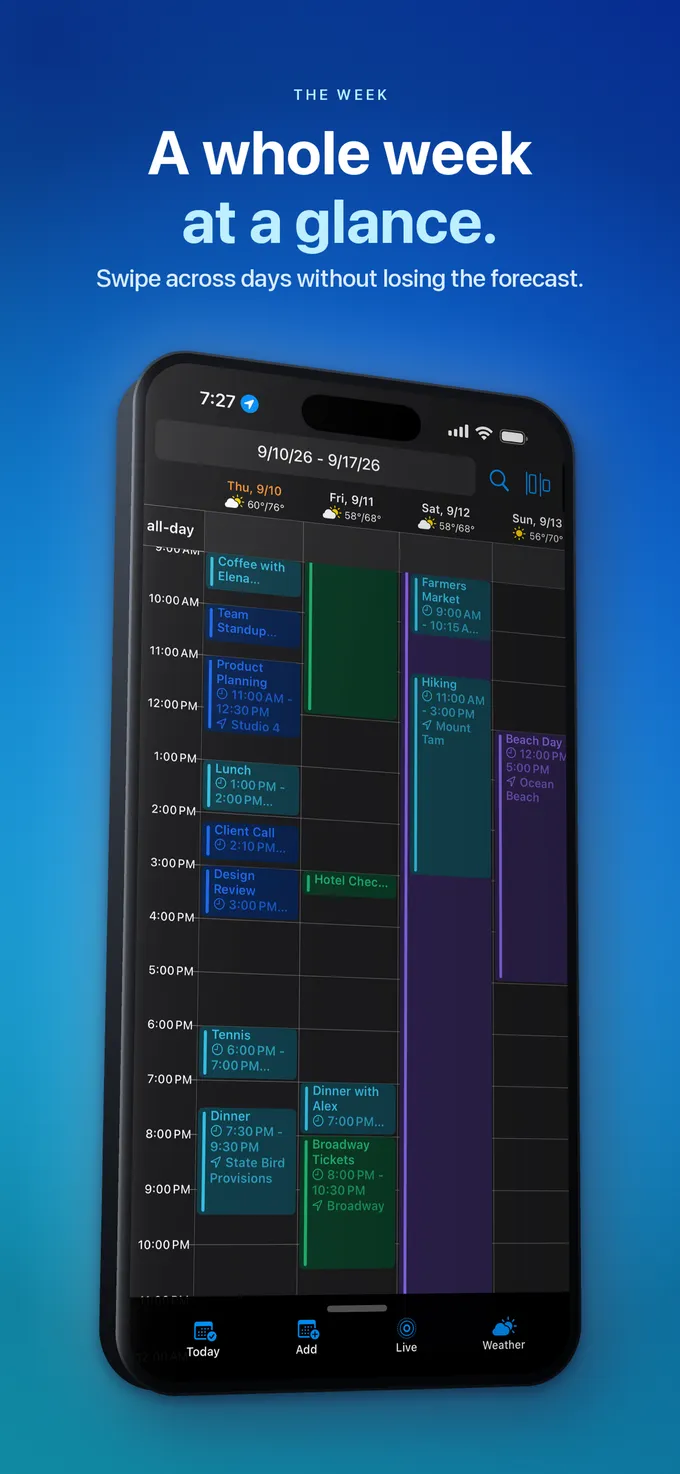
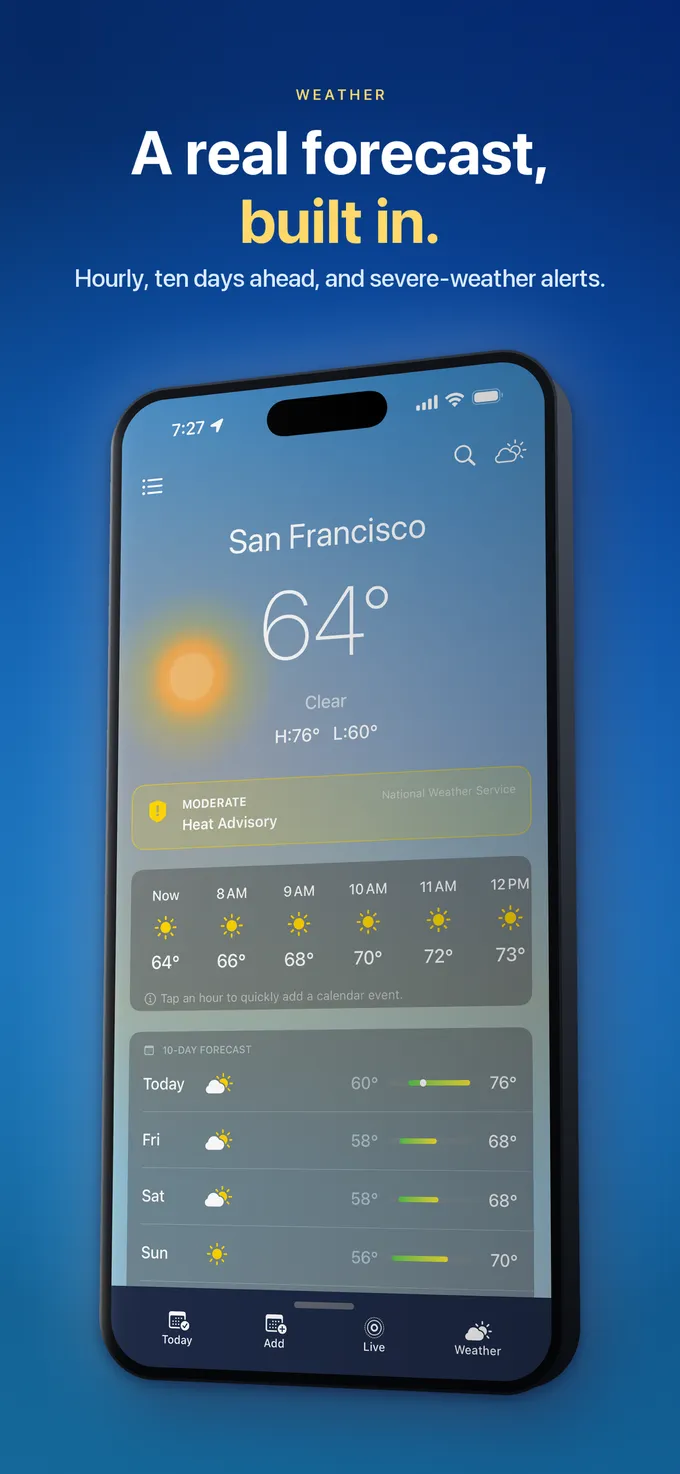
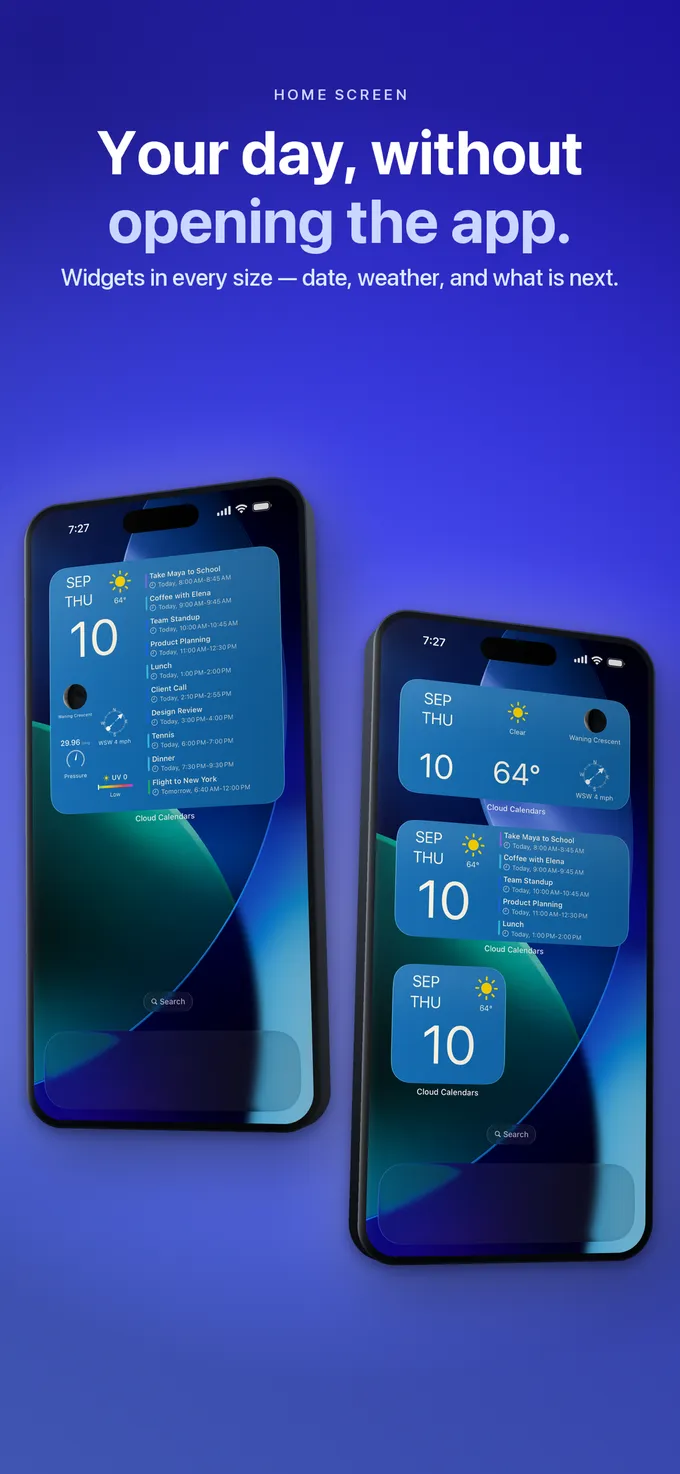
| Includes a full daily Web + iPhone/iPad Calendar app | Yes — 5-view iOS app (with WeatherKit) + full drag-and-drop Web Calendar | No — scheduling-link layer only | No — scheduling infrastructure only | No — overlay picker only, not a daily calendar app |
Which Scheduling Tool Fits Which Workflow?
Choose Calendly or Cal.com Team when you need Salesforce/HubSpot CRM round-robin routing across a 15-person sales floor or Stripe payment collection at the moment of booking. Choose SavvyCal when letting VIP guests overlay their own calendar onto your availability grid justifies $144/year.
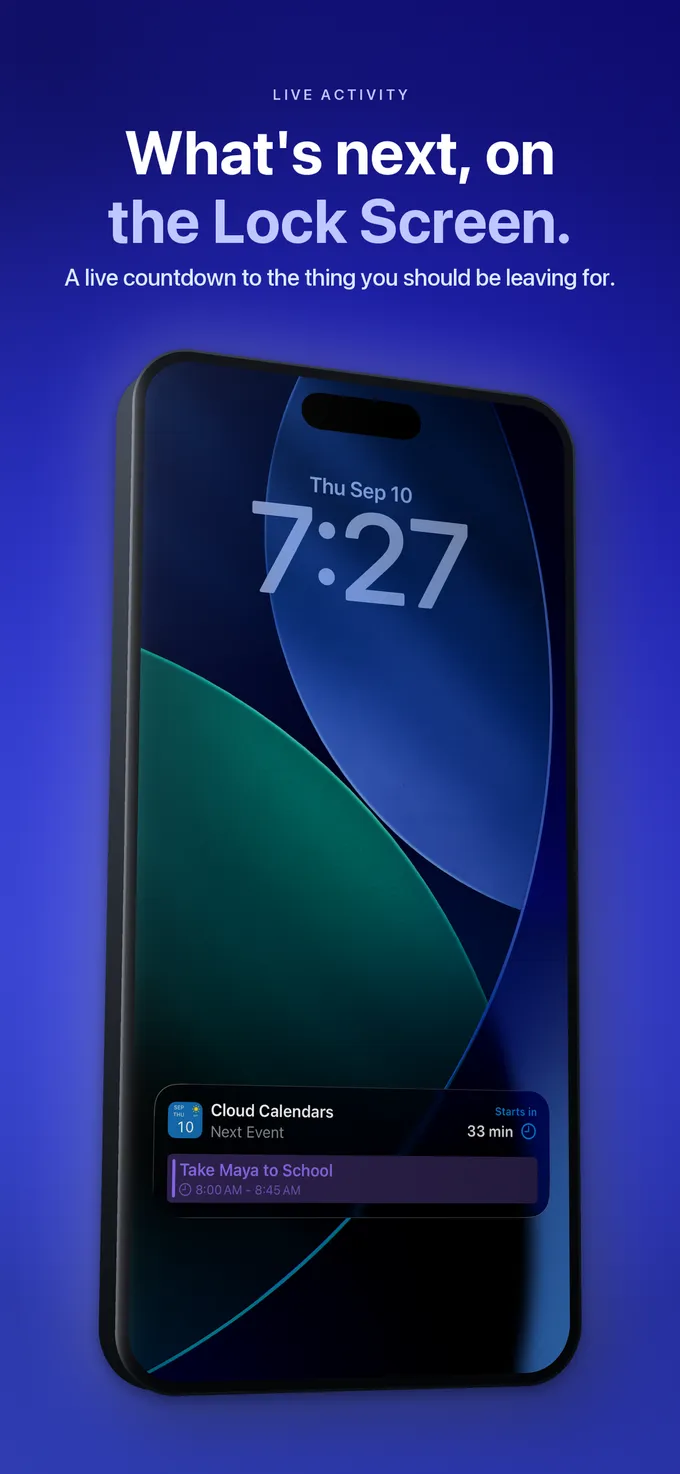
Choose Cloud Calendars when you want your daily calendar and your booking links in one unified place without paying $120–$240/year: check conflicts across Google Calendar, Microsoft Outlook, and your Personal Cloud Calendar simultaneously, share clean /book/ pages (15, 30, 45, or 60 minutes with before/after buffers and daily caps) or fixed-date /event/ QR RSVP pages, and see every confirmed booking immediately on your iPhone.
What it looks like
What to do
- Use Cloud Calendars (/calendar/) if you want unlimited ad-free /book/ types + Google/Outlook conflict checks + a daily iPhone/Web calendar for $0 (with iOS QR).
- Use Cal.com if you want developer webhooks, self-hosted Docker deployment, or custom routing forms.
- Use Calendly Standard/Teams if your company already mandates native Salesforce or Marketo lead routing.
Questions
- Can Cloud Calendars check both my work Microsoft Outlook and personal Gmail before showing open slots?
- Yes. Connect both Google Calendar and Microsoft Outlook in Cloud Calendars Web Studio (/calendar/) so any busy block on either account automatically hides overlapping booking slots.
- Do invitees have to create an account to book a slot on Cloud Calendars?
- No. Invitees pick a time in their local time zone, enter their name and email (plus optional notes), and receive instant confirmation and .ics calendar details with zero signup or ads.