
Calendar replies: separate attendance from sharing access
A person can open a link, add an event or accept calendar access without promising to attend. Decide which answer you need before interpreting a recipient list. This guide is written by Arte Soft, the developer of Cloud Calendars.
What most people assume
Everyone recorded as a recipient or accepted share is a confirmed attendee, and silence can be converted into a reliable estimate.
Identify the kind of invitation
A provider meeting invitation asks a guest for an attendance response. A Cloud Calendars share gives someone access to event details or a calendar, possibly with editing rights. An ICS subscription follows information. These actions can concern the same meeting without recording the same decision.
For example, a volunteer may accept Writer access to update an event but not attend it. A guest may read the details in a web preview and then reply by message. Neither case should be counted solely from an access-management screen.
Read sharing recipients as access information
Cloud Calendars recipient information distinguishes pending email invitations, identified recipients, anonymous recipients and access roles. A pending invitation may offer a resend action. Reader, Writer and Owner describe what the recipient can do with shared information.
The sharing system records acceptance or receipt during its add/access flows. That record is useful for understanding the sharing relationship, but it is not a Yes/Maybe/No attendance answer. Anonymous reception also does not identify a named guest for your headcount.
Check attendance in the organizer’s invitation workflow
For a Google meeting invitation, Google documents explicit Yes, No and Maybe responses. Apple Calendar likewise distinguishes Accept, Maybe and Decline for supported invitations. Use the organizer’s corresponding event and account when checking those replies.
If a reply looks wrong or missing, confirm the invited email and the event version with the person. An imported copy, a forwarded link or an event in another account may not represent the original invitation. Do not assume that every third-party display has the latest response.
Propose another time without treating it as agreed
If you cannot attend, first identify the original invitation and the account that was invited. Moving a personal copy changes your own planning record; it does not ask the organiser to reschedule. A time proposal is also different from editing the original event with permission. Choose the action that matches your responsibility for the meeting.
In the Google Calendar app on iPhone or iPad, open the invitation, use the additional action beside Maybe and choose Propose a new time. Select the alternative and send the proposal. Google excludes all-day events and events with more than 200 guests from this workflow. In its computer guidance, the organiser reviews a suggested time and saves the event to accept the change; sending a proposal alone does not establish that the meeting moved.
Apple Calendar on iPhone has its own Propose New Time action for received meetings. Apple explains that the calendar server determines whether the organiser receives a counter-proposal or an email suggestion. Follow the application and account you actually use. These Apple and Google controls are not a claim that Cloud Calendars exposes the same proposal actions.
For example, you cannot attend Tuesday at 15:00 and suggest Wednesday at 10:00. Treat Wednesday as proposed until the organiser confirms and the original event reflects the intended arrangement. Recheck the date, time zone and relevant attendance responses. If the proposal control is unavailable, contact the organiser rather than moving a lookalike event or requesting broader editing rights just to suggest a time.
Keep the explanation appropriate for its audience. Google says a note added with an attendance response is visible to all guests; do not put a confidential reason there. Apple describes different visibility for response comments, subject to calendar support. Do not carry one application’s privacy expectation into another, or assume a proposal message and an attendance note have identical visibility.
Keep unknown attendance unknown
A pending share, no response or an unread message is not a reliable acceptance or refusal. Record the people who explicitly confirmed, those who declined and those whose answer is still unknown. Do not add a fixed fraction of silent recipients to the confirmed total.
For a meal with a booking deadline, state the date by which you need a reply and ask the remaining people directly. The appropriate follow-up depends on the event; there is no universal rule that one reminder two days before is enough.
Treat meeting links as joining details
A Google Meet or Microsoft Teams URL tells someone where to join, not whether they accepted or will attend. Cloud Calendars lists Google Meet with Base features and Microsoft Teams with Premium, subject to the relevant account and provider flow. A higher plan is not a more reliable attendance count.
Check that the intended link exists on the event and works for the intended audience. File imports and other conversions can lose conference information. If you change the meeting arrangement, tell participants which event and link to use instead of interpreting their old access record as confirmation.
Close the loop after an important change
When an event moves substantially, update it through its owning calendar or sharing flow. Then tell the people whose attendance matters and ask for renewed confirmation where needed. A previous response to Tuesday is not necessarily an answer to Thursday.
Keep the final attendance list separate from the access list. Removing editing rights does not cancel a guest’s attendance, and declining shared access does not necessarily decline the underlying gathering. Use clear messages so people know which decision you are asking them to make.
What it looks like
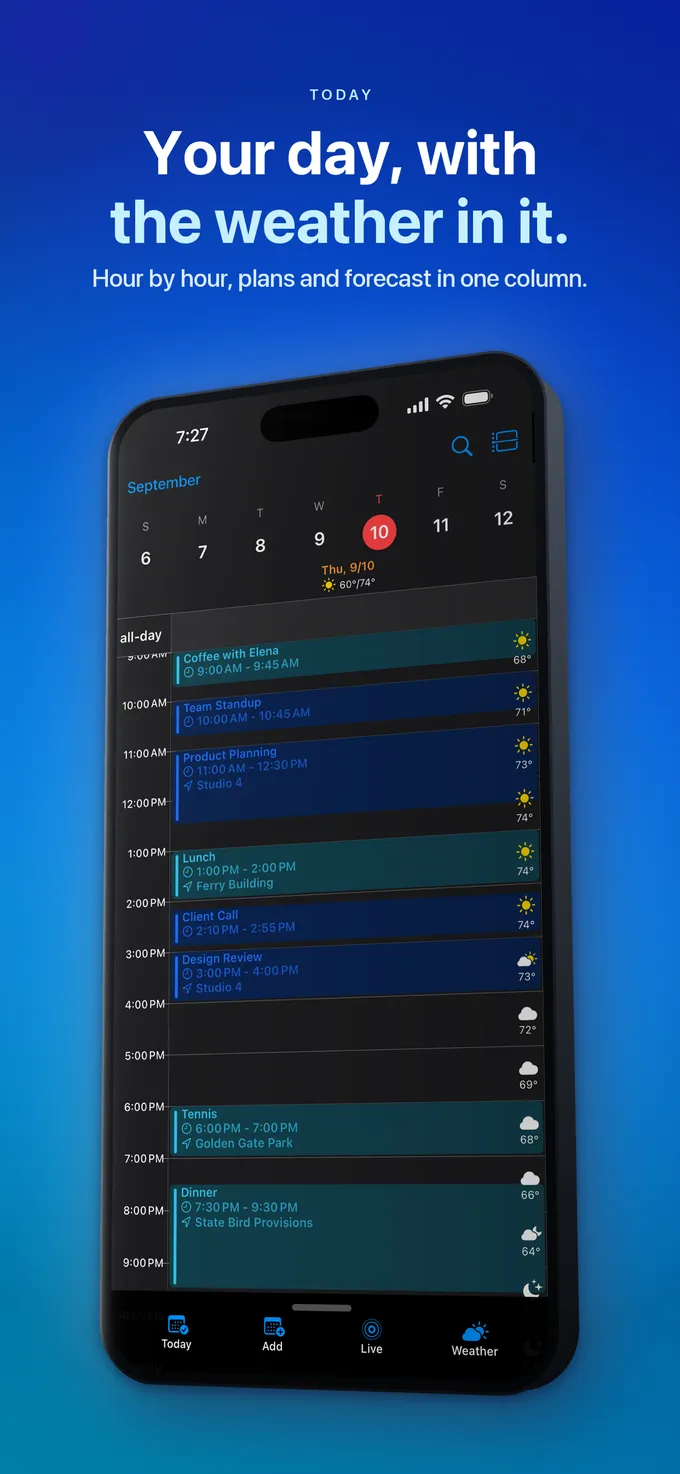
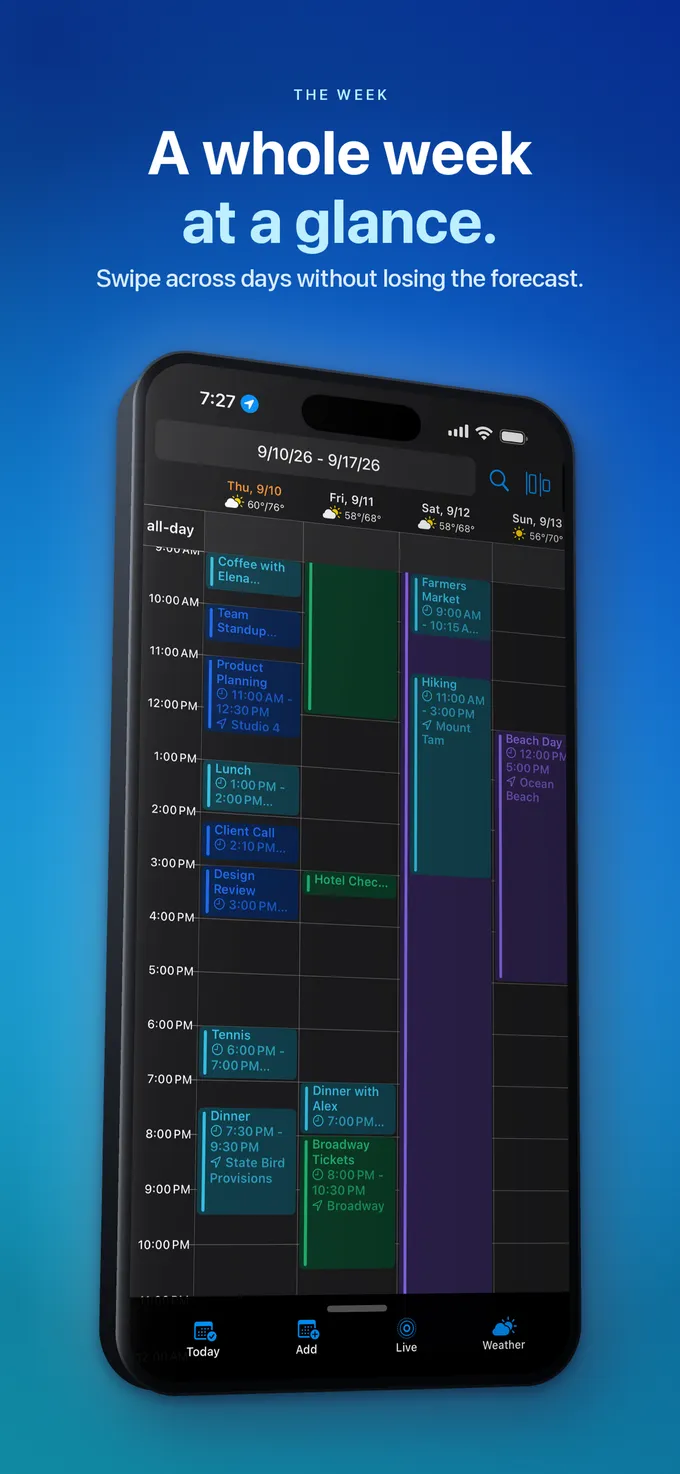
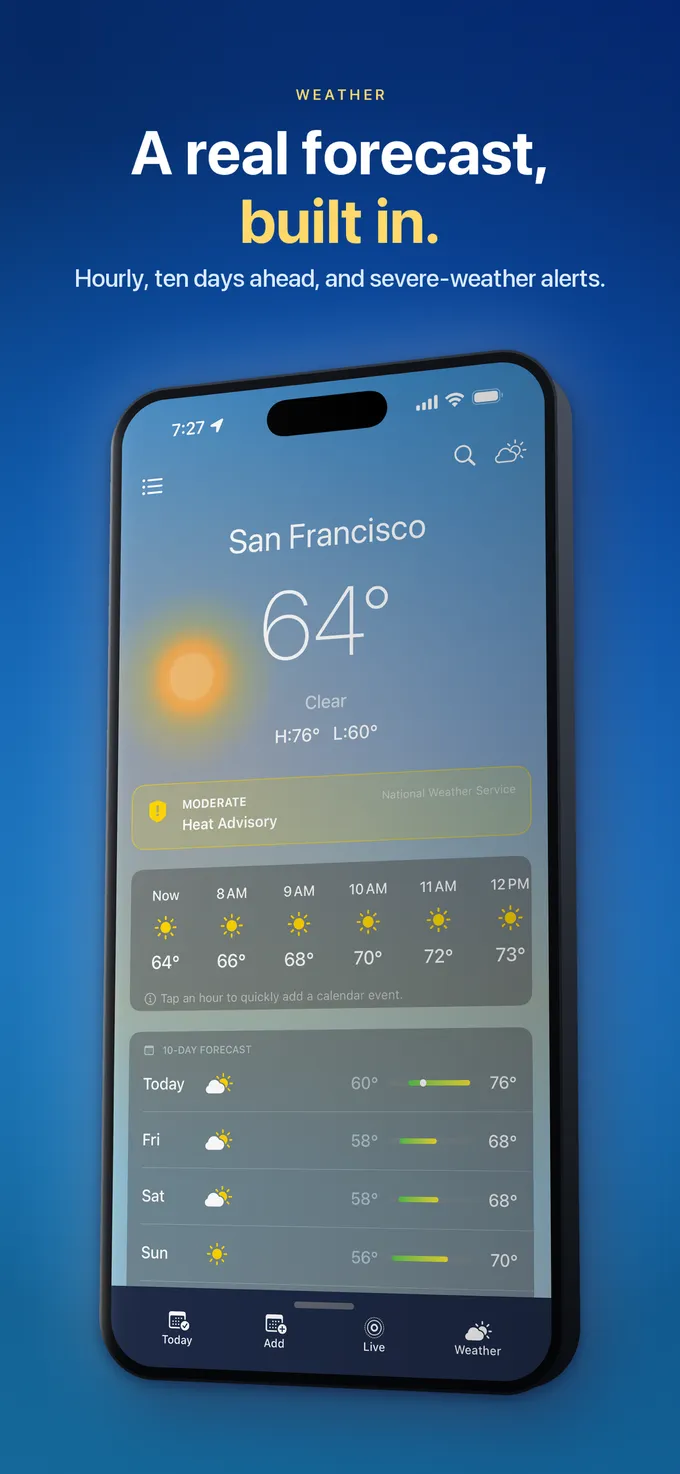

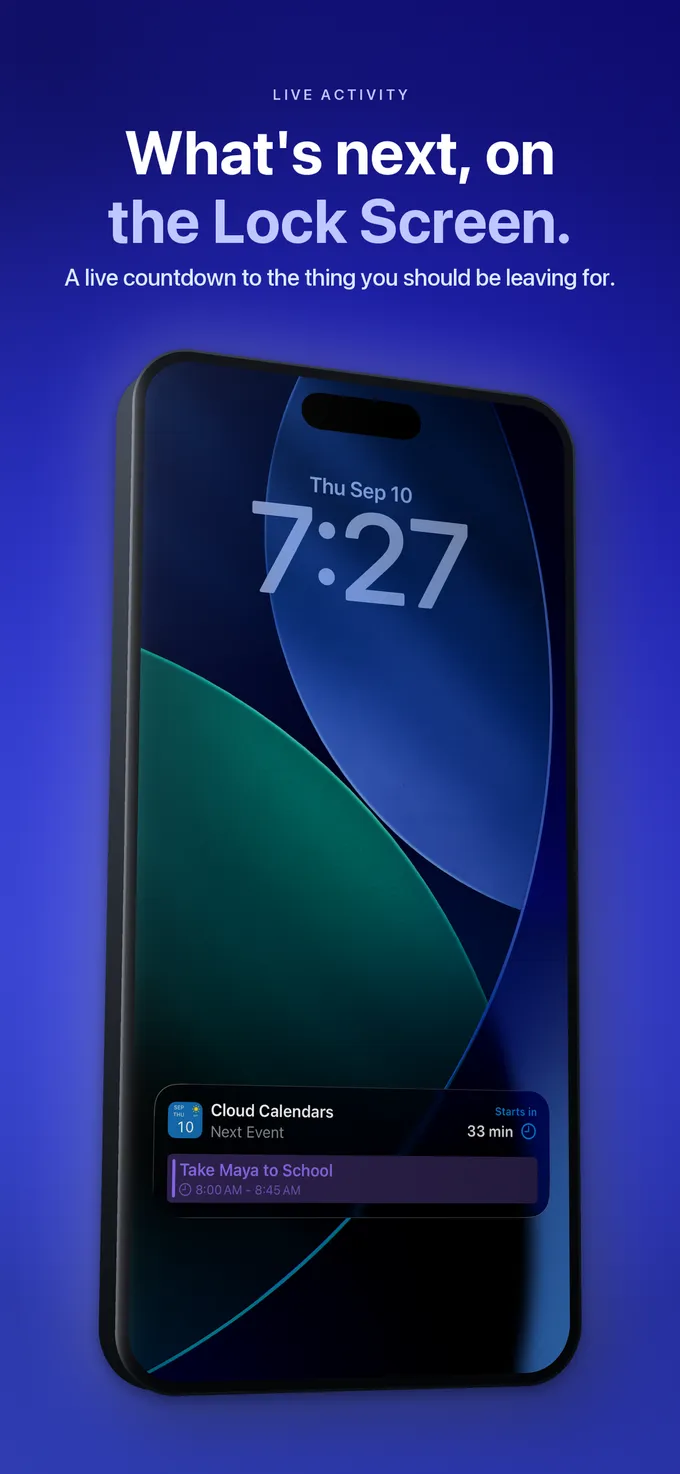
What to do
- Identify whether you sent a provider meeting invitation, an app share or a feed.
- Use the sharing list to check access and pending invitations, not attendance totals.
- Check provider RSVP status on the organizer’s actual event where applicable.
- When suggesting another time, use the original provider invitation and distinguish sending a proposal from the organiser accepting and saving it. Check who can see any response note.
- Keep unknown replies separate from confirmed and declined guests.
- Ask for a direct answer by a deadline appropriate to your event.
- After a major change, confirm the new arrangement and joining link with affected guests.
Questions
- Does accepted calendar access mean the person is coming?
- No. It means a sharing relationship was accepted through that flow. Attendance needs a provider RSVP or an explicit answer from the person.
- Can I count anonymous recipients as confirmed guests?
- No. Anonymous reception is not an identified attendance commitment. It may help describe use of a shared event, but it cannot supply a reliable named guest list.
- Do I need Premium to know who replied?
- Do not equate an app tier with RSVP reliability. Premium adds Microsoft Calendar and Teams features; access receipts and provider attendance responses remain different kinds of information. Check the original invitation and organizer account.
- Does proposing a new time move the meeting for everyone?
- Not by itself. Google describes an organiser review and save step; Apple says server capabilities determine whether the suggestion arrives as a counter-proposal or email. Verify the original event and the organiser’s confirmation rather than treating your suggested time as agreed.