
Plan travel around calendar events: route time, weather and arrival
A meeting time and the time you need to leave are different parts of the plan. Check the journey you actually intend to make instead of assuming that the day’s weather icon or a familiar travel duration covers it. This guide is published by Arte Soft, the developer of Cloud Calendars.
What most people assume
Moving departure by twenty minutes usually avoids the rain, and a saved meeting already accounts for the whole journey.
Keep departure, arrival and the event start distinct
Write down the actual venue and the time you need to be there. An appointment starting at 09:00 may require arrival earlier for access or preparation. Keep the meeting at its agreed time rather than moving it earlier to represent your departure.
For example, an organiser may ask you to arrive before a workshop opens. Record the real arrival requirement and estimate the journey separately. If you add a departure entry, label it clearly and choose who needs to see it; it is not a second workshop invitation.
Estimate the route for the intended time
Use a navigation or transport service appropriate to the route and travel mode. Apple Maps documents future driving estimates through its Leave at or Arrive by choices and notes that the estimate can change with predicted traffic. Those are Maps controls, not proof that every calendar calculates the same journey.
Check the start and destination rather than assuming your current location or a similarly named venue is correct. Include the real access, walking or preparation requirements that matter to your arrangement. A route estimate is not a guarantee of arrival at a particular minute.
Compare forecast locations and periods
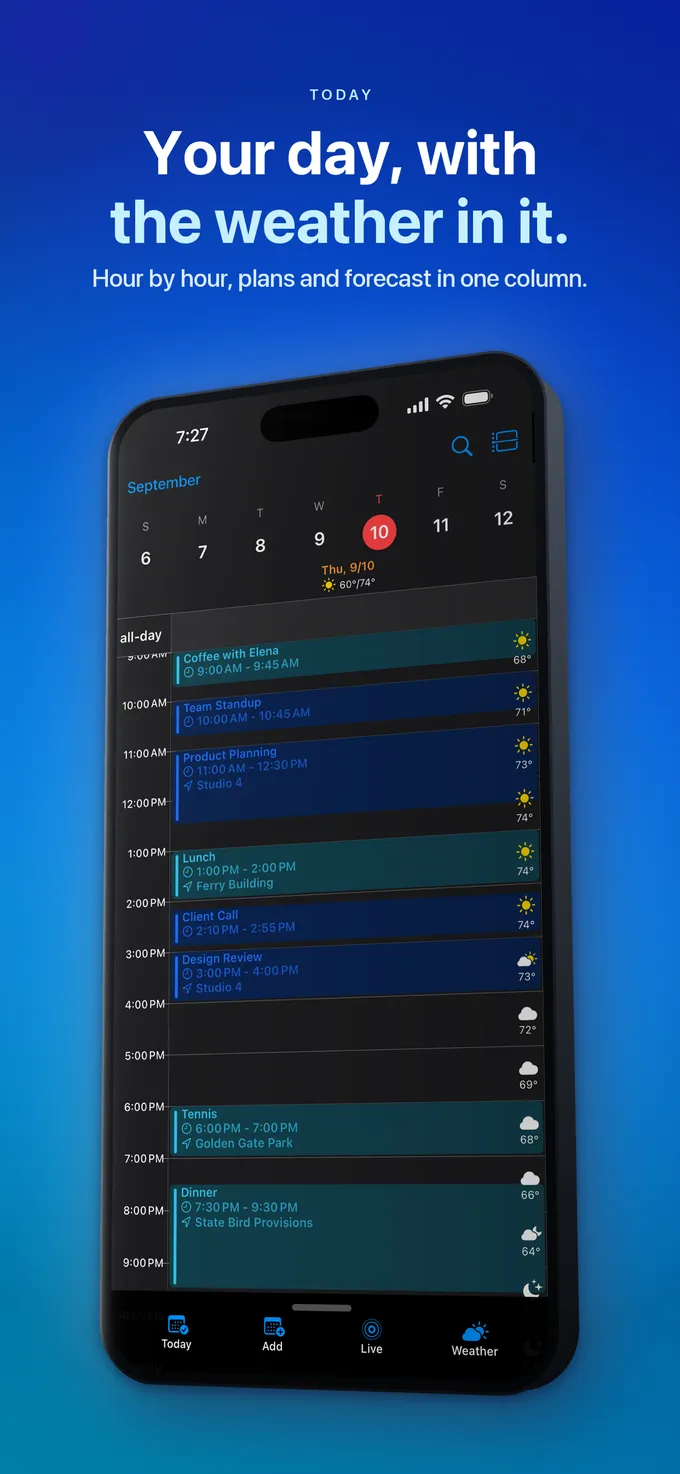
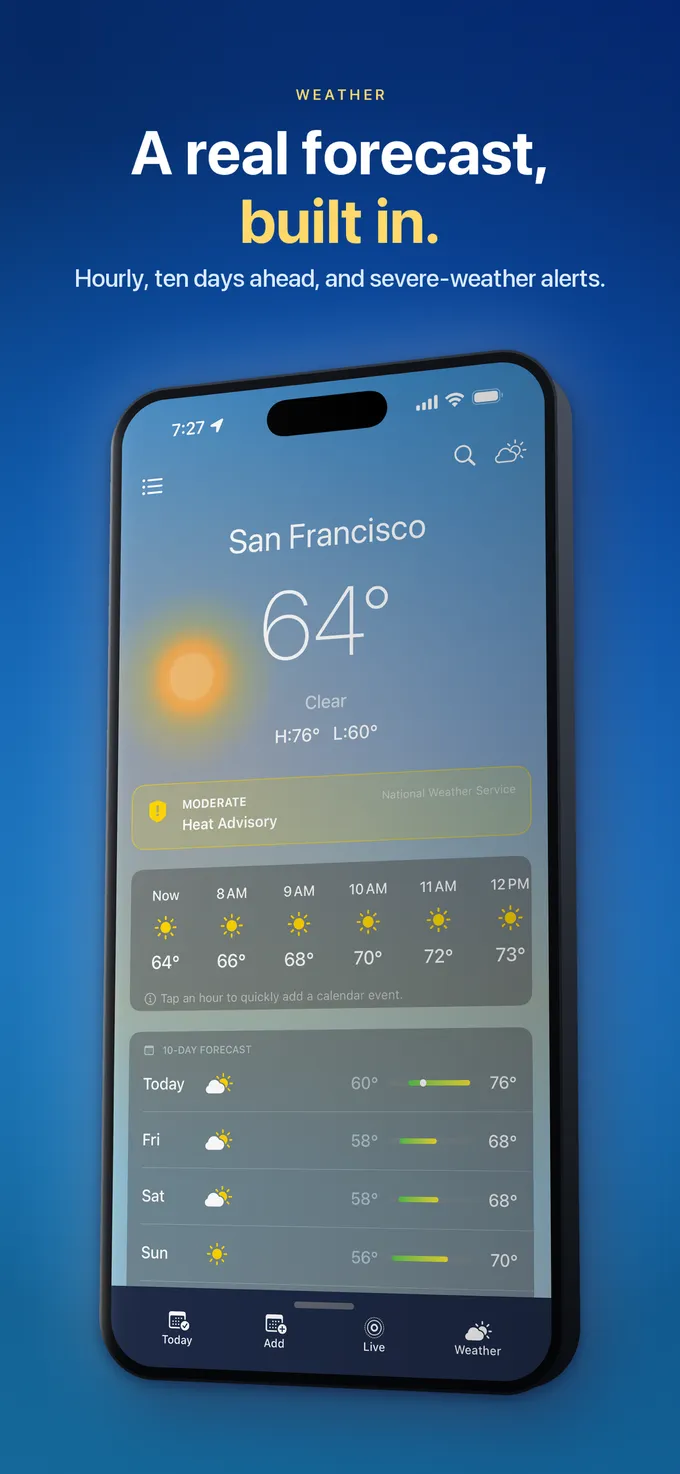
Inspect the forecast place and the hours covering departure, arrival and a relevant return journey. A destination forecast is not a measurement at every point along a route, and weather near home can differ from conditions where the event takes place.
The Met Office explains that some forecast fields describe an instant while precipitation chance and gusts describe a period. Use the definitions of the provider you are viewing. A change between two displayed hours does not identify an exact rain-free twenty-minute interval.
Use available alternatives without inventing a weather rule
If the appointment allows a different departure or a remote alternative, compare the practical choices and confirm one with the organiser. Do not change a booked arrival or another person’s meeting solely because one forecast number looks smaller.
Check relevant local warnings and transport or venue information when conditions may affect the journey. The calendar does not certify route conditions. This guide does not supply a universal rain, wind or visibility threshold for deciding whether to travel.
Inspect the saved calendar and any departure reminder
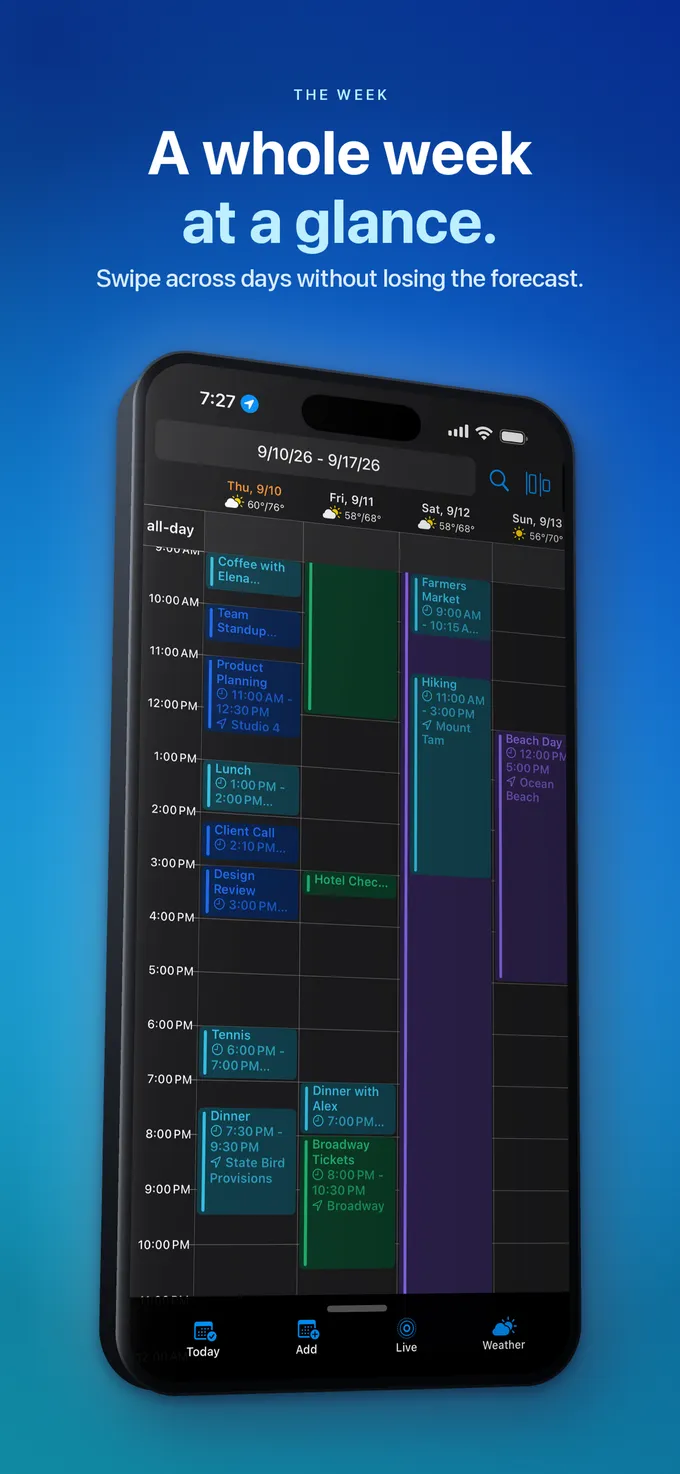
In Cloud Calendars, check the event’s destination calendar, exact date and time zone before saving. If creating an event from a forecast hour, inspect the resulting draft: the chosen weather hour is not automatically your travel time, a suitable duration or confirmation of the venue.
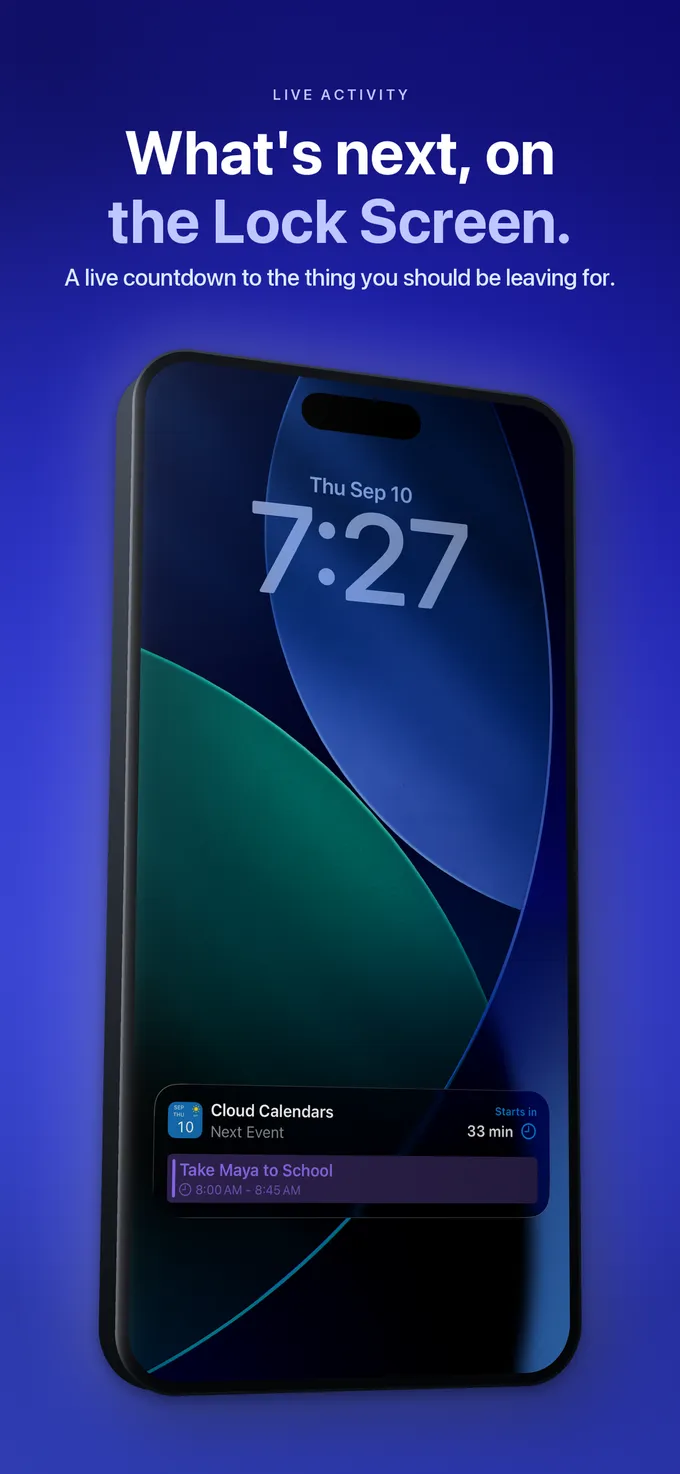
If your installed editor offers Travel Time or a departure reminder, review that control separately from the ordinary event alert. Check the saved settings and notification permission rather than assuming a location or time block guarantees a delivered warning. A personal departure entry need not be shared with everyone attending the meeting.
Recheck before leaving and communicate a changed arrangement
Review current route and weather information before the journey, particularly if you planned it earlier in the week. An appointment may be within the calendar’s range but outside the forecast data available when you first created it.
If the arrival arrangement changes, tell the relevant person and get the confirmation you need. Updating your personal departure block does not notify every participant or change their invitation. Keep the original event clear while recording a new agreed start or location.
What it looks like

What to do
- Identify the actual venue and required arrival time.
- Check a route estimate for the intended date, time and travel mode.
- Compare relevant forecast places and available hours.
- Consult current transport, venue and official warning information where relevant.
- Verify calendar destination, local time, duration and any reminder separately.
- Recheck before departure and confirm changes with the organiser.
Questions
- Will leaving twenty minutes later avoid a shower?
- There is no general guarantee. Forecast fields describe particular places and periods; compare current information and the constraints of the journey.
- Should the calendar meeting start at my departure time?
- Keep the meeting’s real start. Use a clearly labelled personal departure block or an available reminder control when that helps your plan.
- Does weather for the destination describe the whole route?
- No. Check the relevant locations and current transport information. One selected-place forecast is not route-wide observation.