
How to Set Up 2-2-3, 2-2-5-5 & Alternating-Week Co-Parenting Schedules on iPhone & Web
A 50/50 co-parenting rotation such as 2-2-3 or 2-2-5-5 sounds complicated until you notice that every common custody pattern is an exact 14-day (2-week) cycle. Instead of entering nights by hand for twelve months—or forcing both parents onto the same phone brand—you can build the entire year in four clean biweekly recurring rules, color-code each parent’s nights alongside work meetings and hourly school-run weather in Cloud Calendars on iPhone, and share live updates across iPhone, Android, and Windows.
50/50 Custody Schedules & Exact Recurrence Rules
| Schedule Pattern | Parent A Days (14-Day Cycle) | Parent B Days (14-Day Cycle) | Exact Calendar Recurrence Setup |
|---|---|---|---|
| 2-2-5-5 (Fixed weekday anchor — easiest for school routines) | Every Mon–Tue (2 nights) + alternating Fri–Sun (3 nights) | Every Wed–Thu (2 nights) + alternating Fri–Sun (3 nights) | 1 weekly rule for Mon–Tue, 1 weekly rule for Wed–Thu, and 2 biweekly ("Every 2 weeks") Fri–Sun weekend blocks |
| 2-2-3 (Shorter gaps for younger children) | Week 1: Mon–Tue & Fri–Sun · Week 2: Wed–Thu | Week 1: Wed–Thu · Week 2: Mon–Tue & Fri–Sun | Create 4 all-day blocks set to Repeat: Every 2 Weeks (Week 1 Mon–Tue, Week 1 Fri–Sun, Week 2 Wed–Thu, etc.) |
| 3-4-4-3 | Week 1: Sun–Tue (3) · Week 2: Sun–Wed (4) | Week 1: Wed–Sat (4) · Week 2: Thu–Sat (3) | 2 biweekly multi-day all-day banners per parent ("Repeat every 2 weeks") |
| 7/7 Alternating Weeks (Week-on / Week-off) | Week 1: Fri after school → next Fri drop-off | Week 2: Fri after school → next Fri drop-off | 1 multi-day banner per parent set to Repeat: Every 2 Weeks + timed Friday handoff alert |
Shared Google/Cloud Calendar vs Court-Ordered Co-Parenting Suites
Dedicated legal co-parenting platforms such as OurFamilyWizard or AppClose (~$0–$150+/year per parent) are designed for high-conflict cases where tamper-evident message logs, expense reimbursement ledgers, and court-admissible exports are mandated by a parenting order. Their downside is daily friction: custody blocks sit trapped in a separate app away from your Microsoft 365 work calendar, personal appointments, and weather forecast.
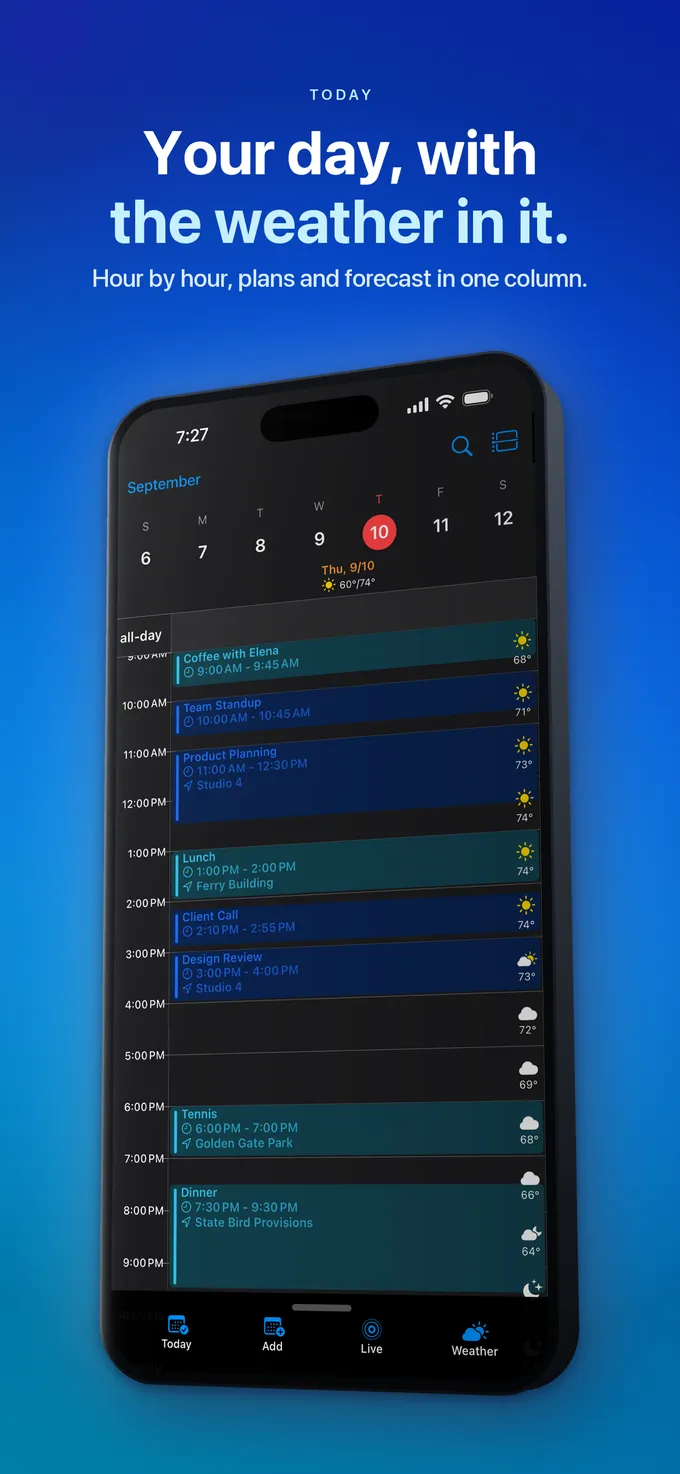
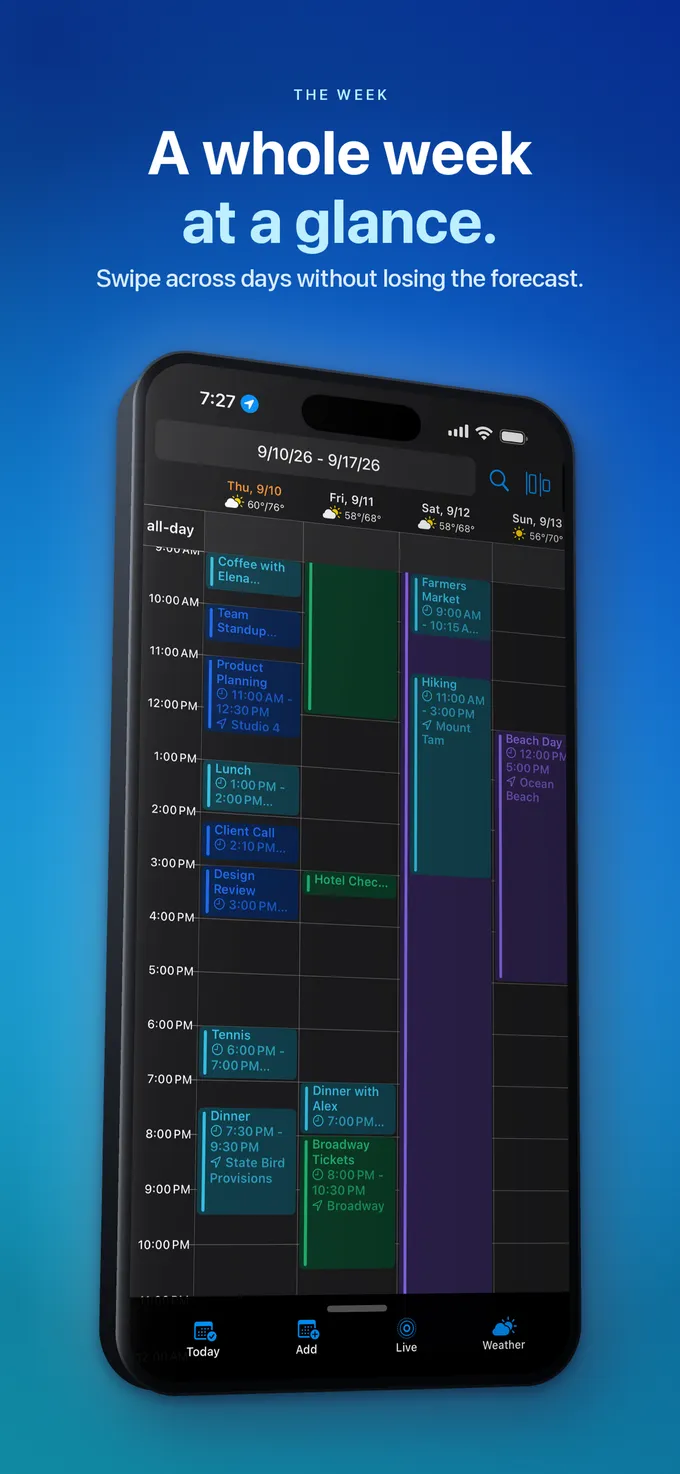
For cooperative or low-friction scheduling—and even alongside a court app—putting the 14-day rotation on a dedicated shared Google Calendar (works across iPhone + Android) or Personal Cloud Calendar lets you see Parent A nights, Parent B nights, soccer games, and work travel side by side in Cloud Calendars’ Multi-Column Day view and readable Month chips on iPhone.
Pro Tip: Separate All-Day Custody Banners From Timed Handoff Alerts
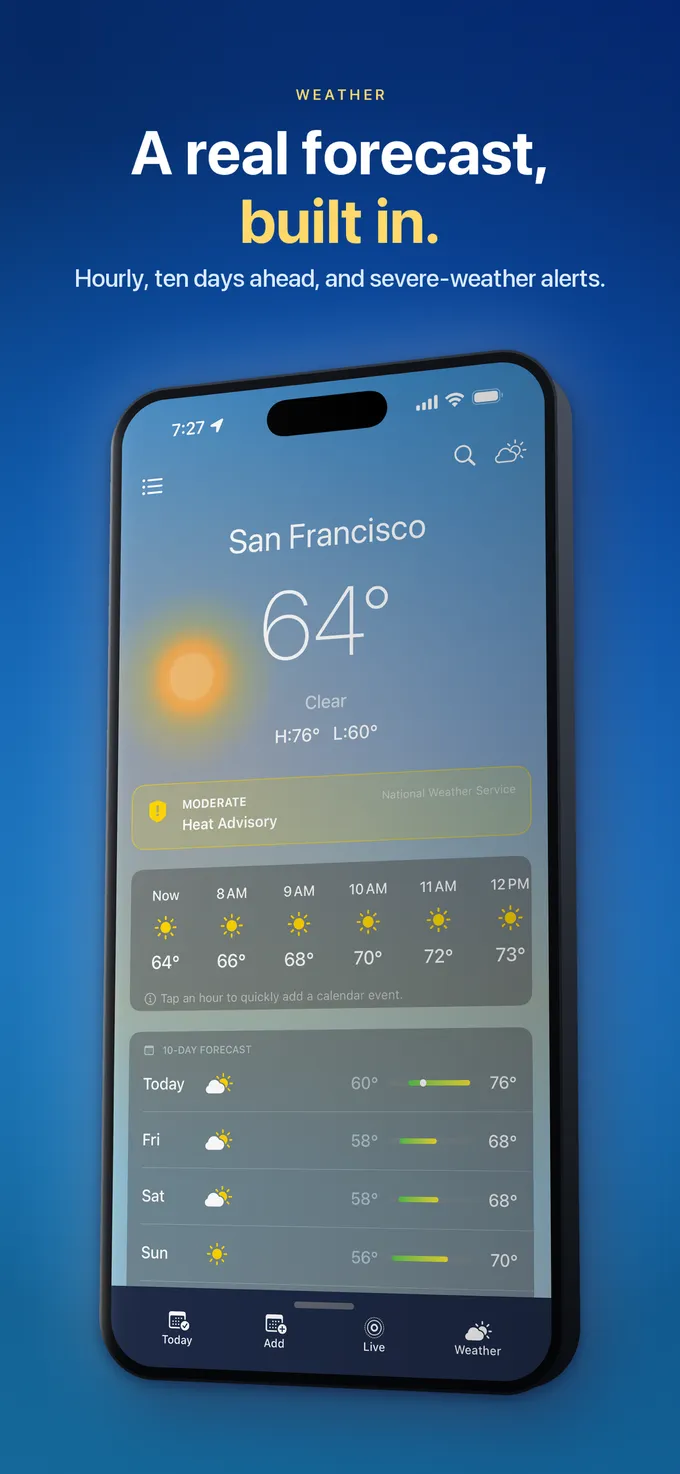
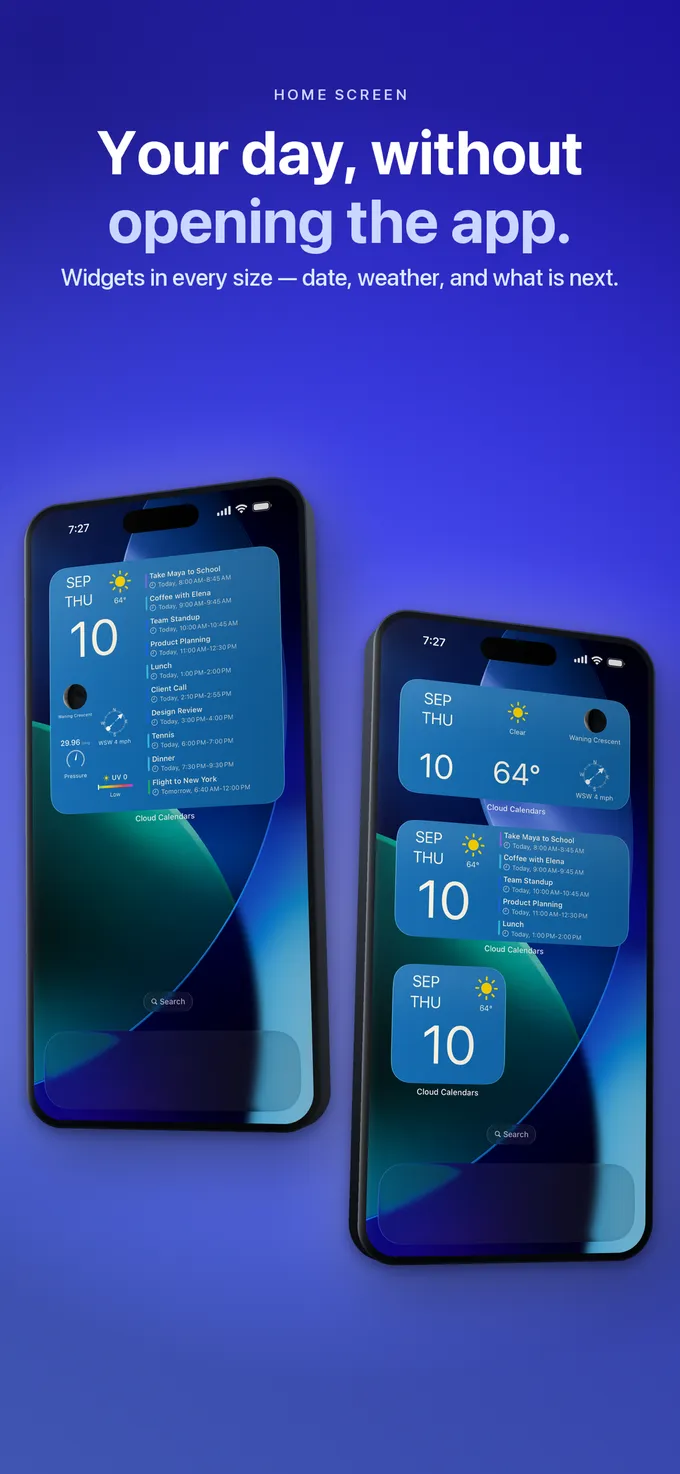
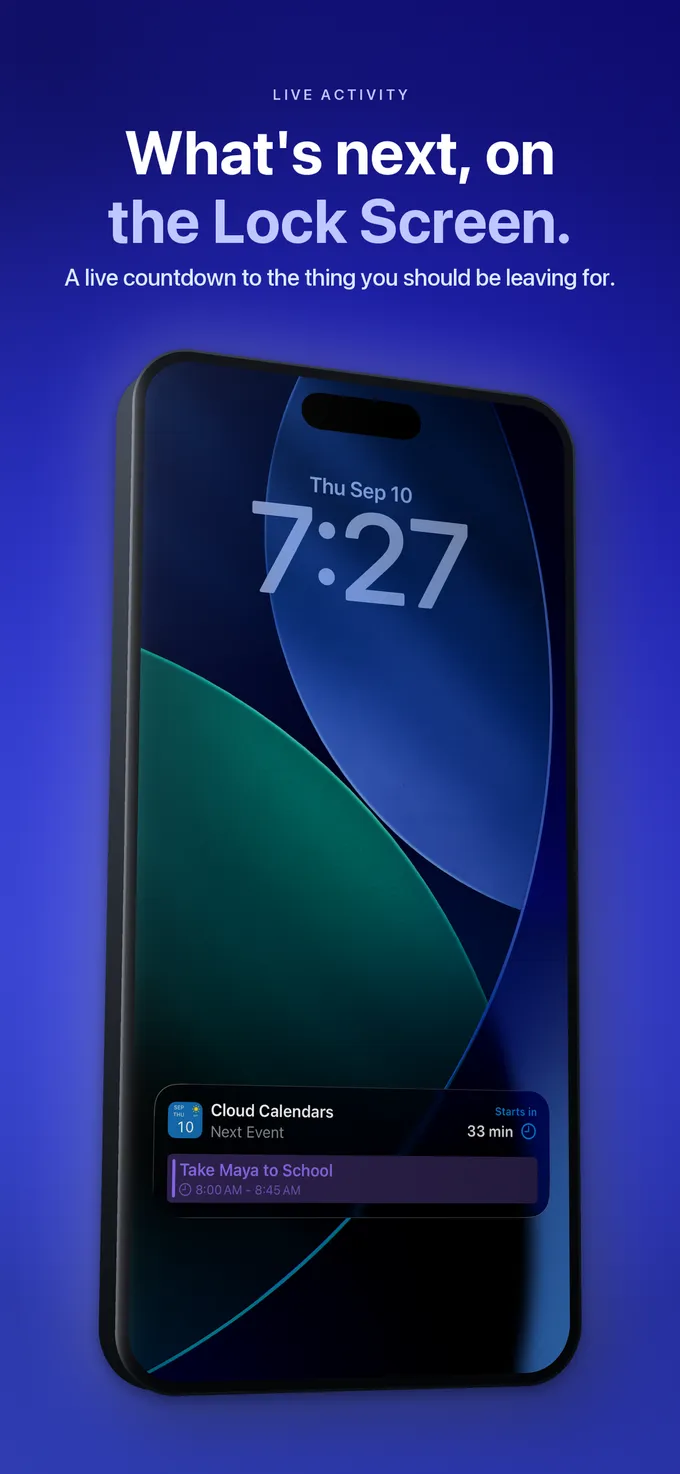
Model custody nights as clean multi-day All-Day banners (for example, distinct Emerald for your nights and Amber for co-parent nights) with Show As: Free so they never block work meeting slots, and add separate 15-minute timed events only for Friday 17:00 pickups, school half-days, and holiday swaps where you want Lock Screen alerts and hourly WeatherKit rain checks.
What it looks like
What to do
- Create a dedicated shared Google Calendar when one parent uses iPhone and the other uses Android or Windows.
- Build 2-2-3 or 2-2-5-5 using four "Repeat Every 2 Weeks" all-day banners rather than hundreds of manual single entries.
- Mark custody night banners as Free (transparent) so work booking links do not treat entire weeks as unavailable.
- Use Cloud Calendars on iPhone to view custody banners, work Outlook/Google meetings, and pickup-hour weather on one screen.
Questions
- How do I swap a single weekend in a 2-2-3 calendar without breaking future weeks?
- Tap the specific weekend banner, edit or delete "This Event Only" (creating an RFC 5545 RECURRENCE-ID exception), and add the one-off swap—all future biweekly cycles stay untouched.
- Which is better if one parent has an iPhone and the other has Samsung/Android?
- Use a shared Google Calendar (synced into Cloud Calendars on the iPhone parent’s side) or share a live Cloud Calendars /event/ ICS feed so neither parent hits Apple-only iCloud sharing barriers.