
A calendar was shared with you and it is not there
This guide is written by Arte Soft, the developer of Cloud Calendars. Start by separating an access problem from a calendar that is simply hidden.
What most people assume
That accepting a shared calendar puts it on your phone.
Check the account and the group
Compare the invitation’s recipient with the Google account signed in on your phone and in your browser. Open the calendar link in the invitation with the intended account. Google supports sharing with people and Google Groups. If access comes through a group, ask its manager to confirm your membership and ask the calendar owner to check that the correct group has access. A forwarded email alone does not establish that permission.
Hidden, missing or restricted?
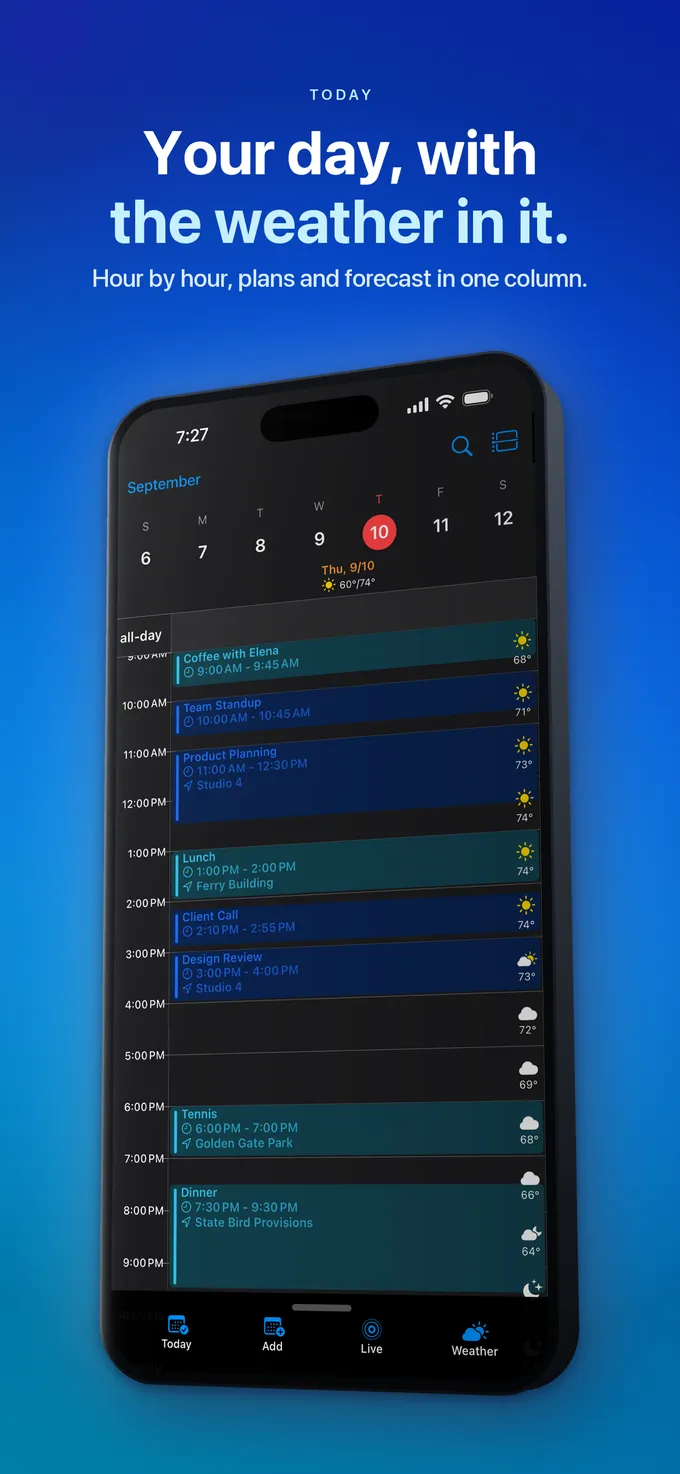
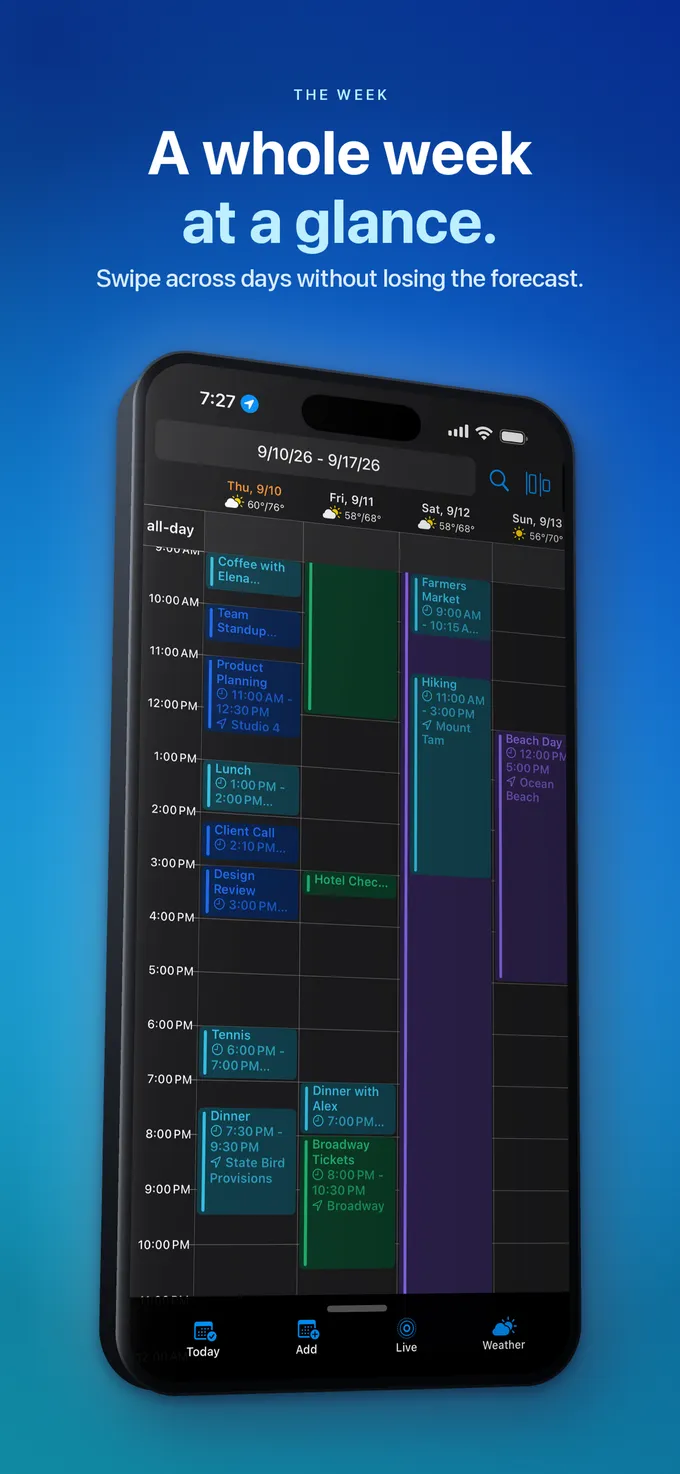
In Google Calendar on iPhone or iPad, open the menu and look for the calendar. If it is listed but unchecked, select it. If it is absent, ask the owner to verify access; requesting access is not the same as receiving it. Work or school policies may restrict sharing. Compare the same account in Google Calendar on the web. If it works there but not in another app, check that app’s connected account and calendar selection. Read-only access does not allow editing.
Identify the link before waiting
An emailed sharing invitation also contains a link, so a link is not automatically an ICS subscription. Ask the sender whether it grants access to a Google calendar or publishes a read-only feed. Google says a new calendar subscription requires a computer browser; opening a calendar already shared by email is a separate action. A feed’s updates depend on the receiving service’s refresh behavior. There is no universal arrival time; confirm urgent changes with the organiser.
What it looks like
What to do
- Confirm the invited account and any group membership.
- Select the calendar if it is listed but hidden.
- Ask the owner to verify access before changing connections.
Questions
- Can a Google Group receive calendar access?
- Yes. Check the group selected by the owner, your membership and any organisation restrictions. Do not assume a forwarded group email grants access.
- Should I delete and reconnect the account?
- First check identity, permissions and visibility, then compare the web calendar. Reconnecting cannot grant missing permission and should not be the first diagnostic step.